Tile Image
Tile an image: repeat a photo or video in a grid of copies, edge to edge, mirrored, turned or offset, and scroll it for a moving pattern. Save PNG, GIF or MP4.
How to tile an image
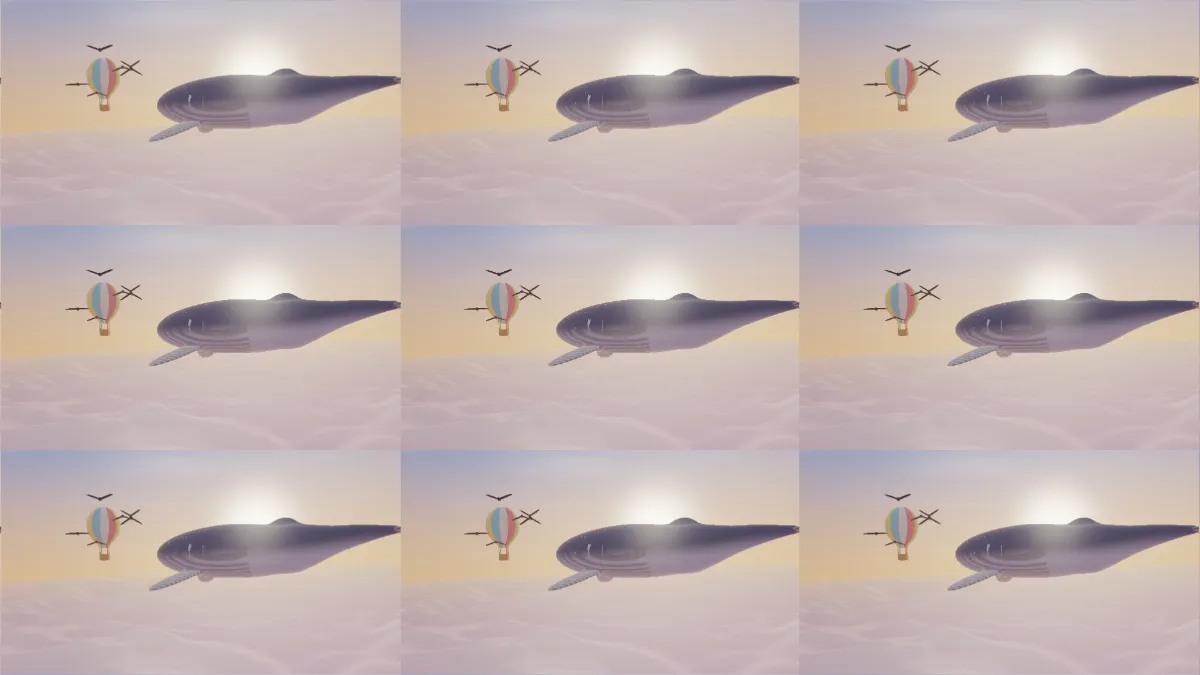
Load a picture and it opens as a 3 by 3 grid of copies, edge to edge. Size sets how many copies fit down the frame, from 1 to 10, and the same number fit across. Angle turns the whole grid, and Speed scrolls the rows sideways, which gives you a moving pattern for a background video.
Offset sets the spacing. At 0 the copies overlap heavily, around 0.88 they sit edge to edge, and at 1 a thin gap opens between them. Amount blends between the tiles and the original picture.
Why mirror the tiles?
Most pictures don't repeat seamlessly, so a plain grid shows a hard line where the right edge of one copy meets the left edge of the next. Mirror flips every other copy, so neighbors meet at the same edge and the seam disappears. It's the quickest way to make a seamless pattern from any photo.
The Tiles preset turns Mirror on, with Size 2 and copies that overlap. Grid and Brick use 4 and 3 copies down the frame, at different spacings. Scrolling sets the rows moving, and Plain repeat turns Mirror off.
Is this the same as splitting an image into tiles?
No. This tool repeats one picture into a pattern. Cutting one picture into separate pieces, to post as a grid or print across several pages, is a job for the split tool in the Image Tools hub.
For patterns with rotations and glide reflections rather than a simple grid, Wallpaper Pattern Maker has all 17 symmetry groups. Kaleidoscope Maker mirrors the picture around the center instead.