Liquid Glass Effect
Liquid glass effect: lay a lens of thick glass over a photo or video, as a rounded button, disc or pill that bends the picture at its edge and catches a sheen.
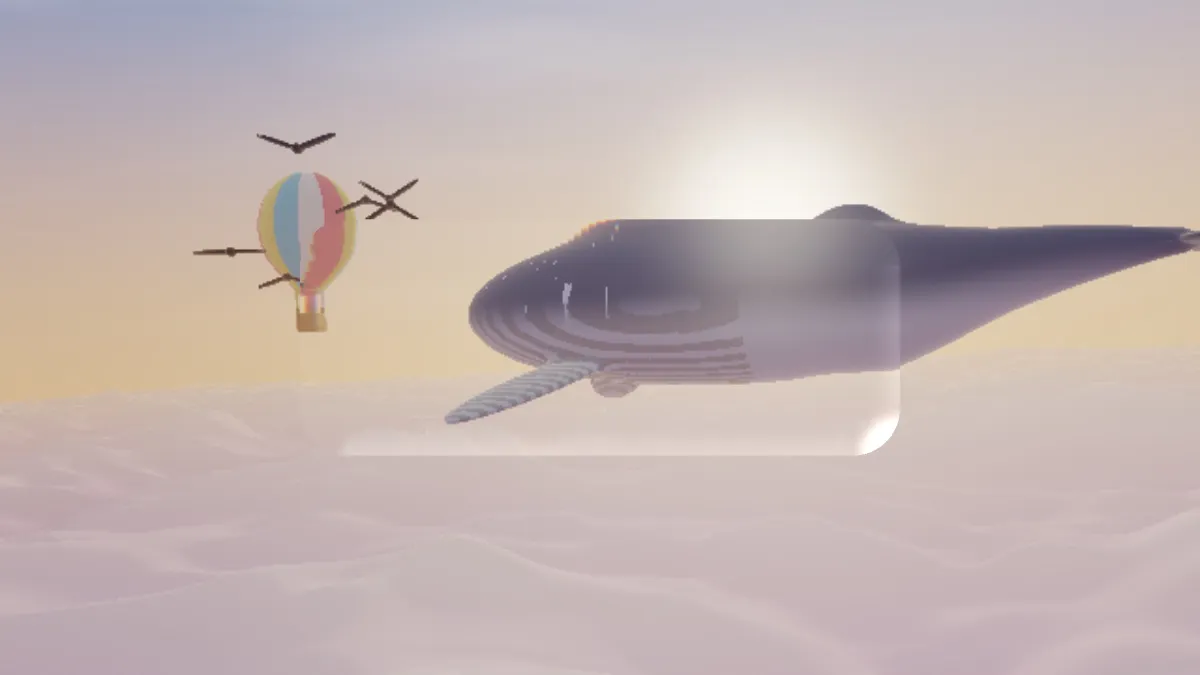
What is the liquid glass look?
Apple introduced Liquid Glass in June 2025 as the design language for its operating systems: buttons, bars and panels that look like thick, clear glass. They bend what's behind them toward their edges, split the colors a little where the glass curves, and catch light along the rim.
This effect draws one such piece of glass over your picture. It's useful for mockups of that interface style, for a title card, or for a product shot with a glossy badge on top.
Shaping the glass
Shape picks a rounded rectangle, a circle or a pill. Width and Height are shares of the frame, Corners rounds the rectangle, and Centre X and Centre Y place it. Depth is how thick the glass is, so how hard it bends the picture at the edge, and Edge band is how far in from the rim the bending reaches. A small Edge band keeps the middle flat and clear.
Dispersion splits red from blue where the glass bends. Sheen is a highlight along one side of the rim, and Light from sets which side, in degrees. Haze adds a milky wash.
Which preset matches which use?
Button, the default, is a rounded rectangle in the middle of the frame. Lens is a thick disc that bends hard, like a magnifier. Pill is a wide, short capsule with a strong sheen, the shape of a tab bar or a search field. Thin plate is a flat pane with a little haze.
Heavy prism turns Depth and Dispersion to 1 for rainbow edges. Corner chip is a small square tucked into the top right, which works as a badge over a photo.
Liquid glass, fluted glass or frosted glass?
This is one clear shape with a curved rim. Fluted Glass Effect and Frosted Glass Effect cover the whole frame in a textured pane, ribbed or etched, the way a shower door or an office partition looks. For a blurred, frosted button, save the picture from one of those first, then load it here and add the glass.