Symmetrical Photo Maker
Symmetrical photo maker: mirror one half of a photo or video onto the other, left to right, right to left or top down, for a symmetrical face. Free, no upload.
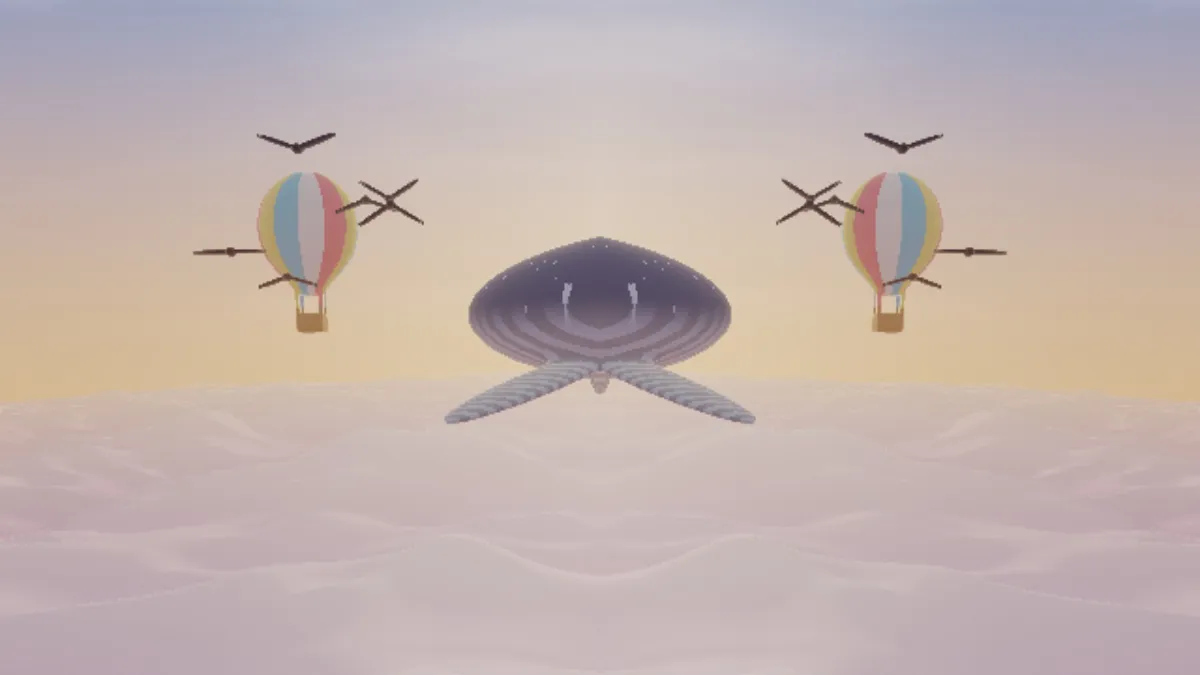
What is a symmetrical photo?
A symmetrical photo matches on both sides of a line, with one half the mirror image of the other. Reflections in still water and buildings shot straight on get close naturally, and a mirror effect makes the match exact.
This tool keeps one side of the frame and flips it across a straight mirror line onto the other, and it works on a photo or a video.
How to mirror half of a face
Load a portrait taken straight on, with the head level. The page opens on Left to right, which keeps the left half of the picture and mirrors it onto the right; Right to left keeps the other half. Move Position until the mirror line runs down the middle of the nose.
Side picks the part that's kept: 0 left, 1 right, 2 top and 3 bottom, and Top down is the preset for 2. Amount blends the reflection with the original, so anything below 1 leaves a ghost of the real side.
Off centre puts the line at 0.35. When the kept side is the narrower one, the reflection runs out of picture and bounces back, so the far edge ends up repeating the kept side.
Settings for a symmetrical face, a lake reflection and a facade
Symmetrical face: Left to right with Position on the line through the nose, close to 0.5 for a centered portrait. Then switch to Right to left on the same photo and compare the two faces you get.
Lake reflection: Top down with Position on the horizon line and Amount 0.9, so a trace of the real foreground shows through like ripples on the water.
Perfect facade: Left to right or Right to left with Position on the middle of the door or the central window. For symmetry around a point rather than a line, with 2 to 12 mirrored wedges, use the Kaleidoscope Maker.
Is a symmetrical face more attractive?
Not reliably. Symmetry studies often build a full face out of one mirrored half, and in 2009 Science News reported that viewers preferred the version made from the half on their own left in about two thirds of cases.
In his 2014 series Both Sides Of, the photographer Alex John Beck made two versions of each sitter's face, one from each half. Some barely changed, and others looked strikingly different.
Why does my mirrored face look too wide or too narrow?
The result shows the kept half twice, so the new face is twice as wide as the distance from the mirror line to the kept cheek. On Left to right, a line sitting left of the nose makes the face narrower, and one sitting right of it makes it wider.
Nudge Position in steps of 0.01 and watch the nose. Once it looks as wide as in the original, you've got the line right. A head turned even slightly away can't be fixed like this, because the mirror line is always straight up and down.
Saving both halves to compare
Save Left to right and Right to left as two files and put them side by side; the pair shows how much the two halves of one face differ. A JPG at the full 2048 px works well for a portrait, a lake or a facade.
A mirrored video keeps its sound in MP4 or WebM, which is handy for a dancer or a skateboarder mirrored into a duet with themselves.