Image to Particles
Turn an image into particles: thousands of dots that fly apart and gather back into your picture on a loop. Export the animation as MP4, WebM or GIF for free.
What is a particle effect?
A particle system draws an effect from lots of small points that each move on their own, instead of from solid shapes. William Reeves described the technique in 1983 after using it for the Genesis effect in Star Trek II: The Wrath of Khan, and films and games have drawn fire, smoke and sparks with it ever since.
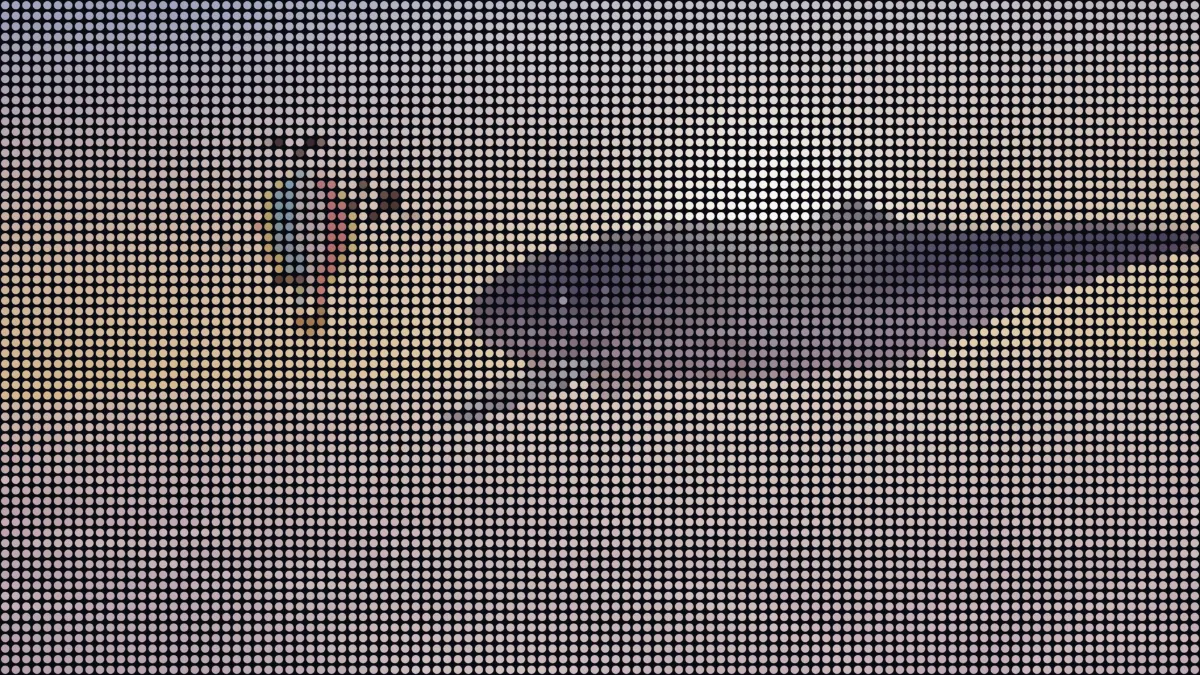
This tool rebuilds your image as one. There's a particle for each cell of a grid, a soft round dot in that cell's color, and on a loop the dots drift apart and gather back into the picture.
How to turn an image into particles
Rows sets how many rows of particles make up your picture or clip, up to 120. Dot size is how big each one is as a share of its cell. Columns follow the frame's shape, so 64 rows on a 16:9 frame works out to about 7,300 dots, and 120 rows to over 25,000.
Scatter sets how far the dots fly when the picture breaks up, and Speed sets how fast the loop runs. Leave out dark skips cells darker than its value, so white type or a logo on black ends up made of its own dots and nothing else. Background picks the color behind the particles.
The presets cover the usual looks: Gather, Fine, Coarse, Burst, On paper and Still. If you want a grid of dots that stays put and glows like a screen, open LED Matrix Effect instead.
Settings for a logo reveal, a slow portrait loop and a dot-portrait poster
Logo reveal: set Background to pure black (#000000), Leave out dark to 0.15 and Rows to about 90, so only the logo's own cells turn into dots. With Speed 2 the whole loop runs four seconds.
Slow portrait loop: Rows 64, Dot size 1.3 and Scatter 0.4. Dots bigger than their cells overlap into a soft picture, and a small scatter keeps the face readable while it breathes apart. Speed 0.8 stretches the loop to ten seconds.
Dot-portrait poster: use the Still preset with Rows 120 and the On paper background. A saved still always shows the whole picture, because it's taken from the start of the loop, before anything scatters.
How does the particle loop work?
Every loop opens with the picture formed. It holds for a moment, then the dots scatter and gather again. Each particle leaves at its own moment and drifts its own way, slightly outward from the center, so the image comes apart bit by bit.
At Speed 1 a loop takes eight seconds; at 0 the picture doesn't move. The Seed fixes where each dot goes, so the same settings give you the same motion in every export. If you want words made of dots, the Text Effects hub has a particle version built for type.
Why does my particle GIF jump at the end?
One loop lasts eight seconds divided by Speed, but the export stops wherever its Duration says. If those two don't agree, the file restarts mid-scatter. So pair them: Speed 1 with 8 seconds, Speed 2 with 4, Speed 1.6 with 5.
Keep Seamless loop off in the export settings for this one. It crossfades the end into the start, and on a loop that already closes by itself that only adds blur.
Saving a particle animation
MP4 or WebM is the better fit here. Thousands of dots move on every frame and GIF compresses that badly, so a GIF of the same loop comes out much bigger. Keep GIFs short and lower the Rows for them.
The background is always solid. For an overlay in a video editor, export on pure black and set that layer to screen or add blending, which drops the black and leaves the dots.