Hexagon Mosaic
Hexagon mosaic that pixelates a photo or video into a honeycomb of flat hexagons, with or without lines between them. Exports a still, MP4 or GIF for free.
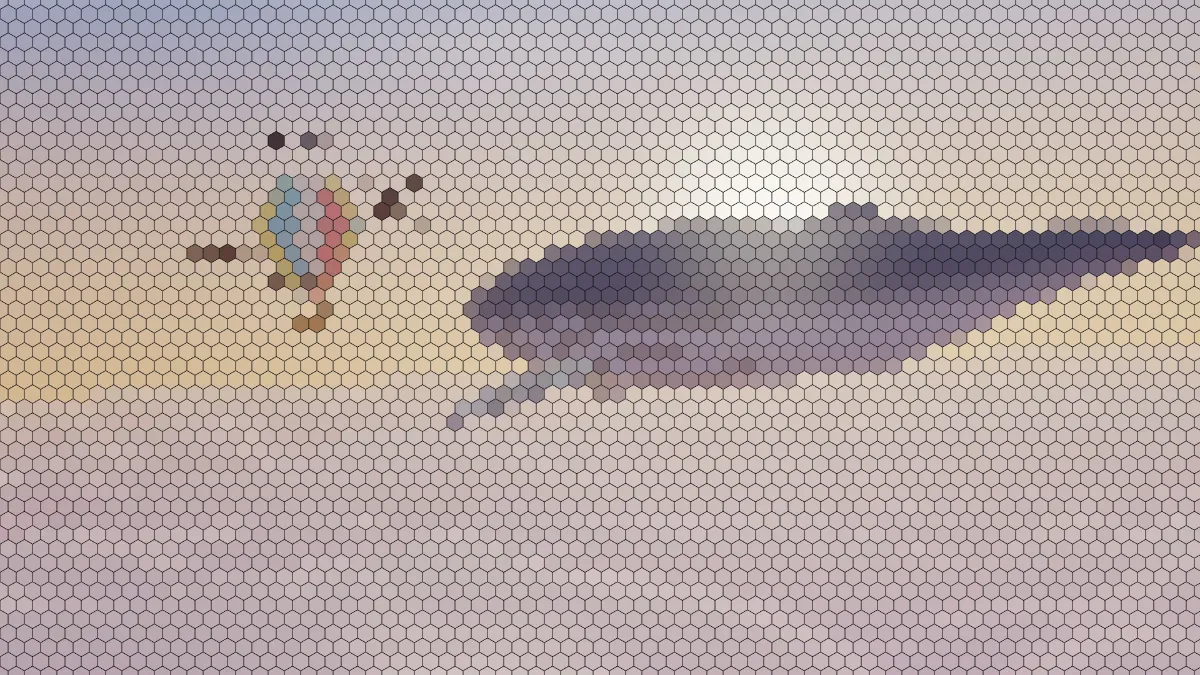
What is a hexagon mosaic?
A hexagon mosaic pixelates a picture into a honeycomb of flat hexagons, each one filled with a single color. It's built on the hexagonal tiling: three hexagons meet at every corner, and each cell shares a full edge with all six of its neighbors.
Square pixels only touch their diagonal neighbors at a point, and that's where ordinary pixelation gets its staircase edges. Hexagons don't have neighbors like that, so curves and diagonals break up into a softer zigzag.
There's even a proof behind the shape. In 1999 Thomas Hales showed that a hexagonal grid splits a plane into equal areas using the least total perimeter.
How to turn a photo into hexagons
Load an image or a video and set Size, which is the distance between hexagon centers in pixels of a 1080p frame. The hexagons stand point up in rows that are offset by half a cell and spaced 0.87 of a Size apart, so the default of 26 works out to about 48 rows.
Border is the line between hexagons as a share of their size, and Border colour sets its color. Colour from either reads each hexagon's middle pixel (Centre) or blends its whole area (Average).
Presets include Honeycomb, Seamless (no lines), Large cells, Fine and Light lines. Voxel Art Maker puts cubes on this same grid and shades three faces on each, and Pixelate Image does the same job with square blocks.
Settings for a game map, a gold honeycomb and a low-poly backdrop
Board-game map: Large cells (Size 64, Border 0.06) gives you about 19 rows of big hexes in flat colors. They're ready to print and draw routes on.
Gold honeycomb: set Border to 0.12, pick a Border colour like #c8961e and switch Colour from to Average.
Low-poly backdrop: Seamless at Size 40 with Average softens a photo into facets that work well as a website header or a slide background.
Where are hexagon grids used?
Board wargames and strategy games like hex maps, because every neighboring cell's center sits the same distance away. You'll also see the grid in floor tiles and in charts that bin data into hexagons.
Should I take each hexagon's color from the Centre or the Average?
Centre reads a single pixel in the middle of each hexagon. That keeps colors pure, but a cell can pick up a stray highlight or a speck of noise and stick out from its neighbors. On video it flickers as details move past its center.
Average blends a square that covers most of the hexagon. Tones come out calmer and the honeycomb follows the broad shapes of the picture, which is why the Light lines preset uses it.
Saving a hexagon mosaic
At Fine, Border 0.02 on 12-pixel cells draws a line a quarter of a pixel wide. JPG and MP4 tend to erase a mesh that faint, so raise Border to about 0.08 if you need the lines to survive.
The grid stays put while the picture moves underneath it, so each hexagon changes color in place. If your subject is cut out, PNG keeps the transparency around it.