LED Matrix Effect
LED matrix effect for images and video: one glowing dot per cell on a dark panel, like a stadium screen. Set the pitch and glow, then save a still or a video.
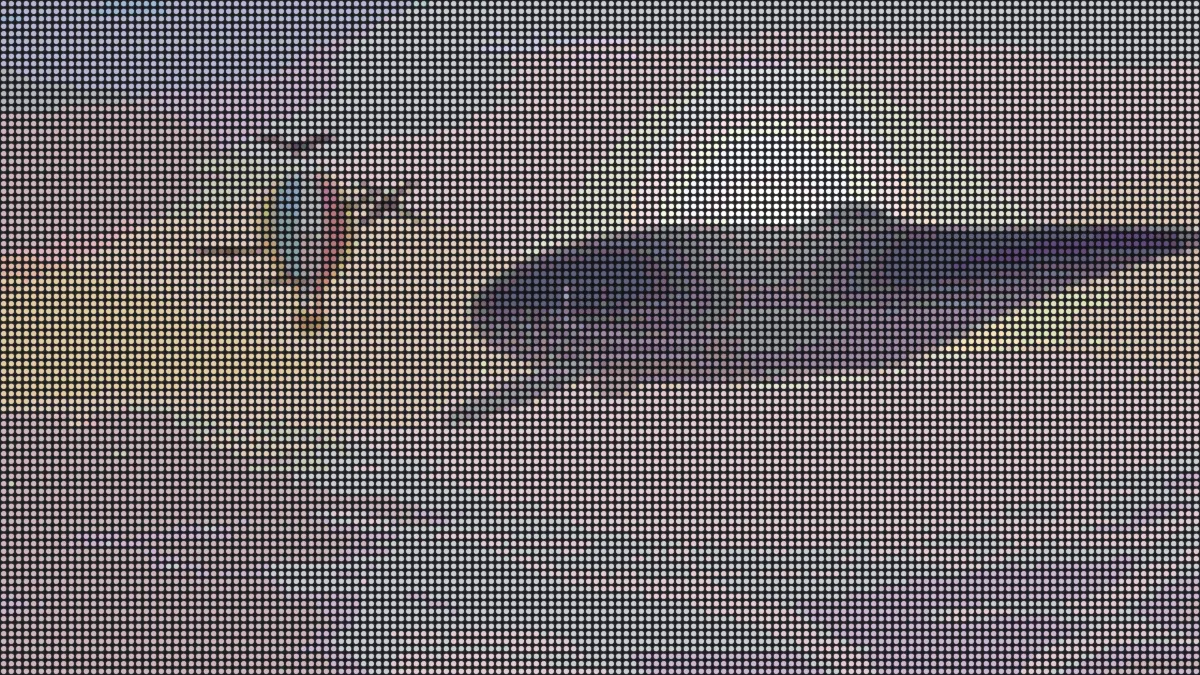
What is an LED matrix?
An LED matrix is a grid of lights that makes up a picture, one glowing dot per cell on a dark panel. Think of a stadium screen or a scrolling sign. The gap from one dot to the next is called the pixel pitch, and the closer the pitch, the sharper the picture gets.
This effect turns your image or video into that wall of LEDs and lets a little glow spill out around each one.
How to make an LED screen effect
Pitch is the distance between LEDs, counted in pixels of a 1080p frame, so the default of 12 gives you 90 LEDs from top to bottom. Dot size is each LED's diameter as a share of the pitch. Shape switches between round LEDs and square pixels.
Glow controls how much light leaks around each LED, and Brightness steps sets how many levels it can show. Panel is the color between and behind them. There are presets for Stadium, Dense, Big bulbs, Square pixels and Retro sign.
Settings for a shop sign, a stadium screen and a giant bulb board
Shop or bus sign: use Retro sign (Pitch 18, Brightness steps 3, Glow 0.8) and set Panel to #000000. With three steps each channel gets four levels, so you're down to 64 colors in total, which is exactly the banded look of a cheap sign.
Stadium screen seen from the stands: Dense runs at Pitch 6 and Glow 0.25 and fits 180 LEDs down the frame. That's fine enough that you see the picture first and the dots second.
Giant bulb board: Big bulbs goes to Pitch 28, Dot size 0.85 and Glow 0.7. That's about 39 bulbs tall, and each one bleeds light into its neighbor. If you'd rather show a close-up of a monitor, Square pixels draws squares that touch, with no glow at all.
How does the LED matrix effect light each dot?
Every cell averages the color behind it and turns into one LED. Brightness steps then rounds red, green and blue to that many steps above off. So 3 steps give four levels a channel, and the default 12 gives thirteen.
Since the panel covers the whole frame, the output never has transparency. For a similar grid of round dots that flies apart, try Image to Particles. Pixelate Image is the version without gaps: square blocks with nothing between them.
Why do the blacks look gray?
The Panel color fills the gaps and is also added to every LED's light, so a dark gray panel lifts every black in your picture. Set it to #000000 if you want true blacks.
Glow piles more light around each dot on top of that. Put a high Glow on a small Pitch and the dark gaps wash out completely.
Saving an LED screen picture
Fine pitches take the biggest hit from compression. JPG blurs the dark gaps and leaves rings around each dot. MP4 stores color at half the resolution of brightness, so at Pitch 6 the grid can smear into a haze. PNG keeps every dot, and for video a Pitch of 10 or more holds up fine.
When a dot grid is shown scaled down, it can produce moiré: rippling bands where the grid beats against your screen's pixels. Check the file at 100 percent before you judge it. GIF works well for a sign, since with Glow at 0 and 3 Brightness steps the colors stay well inside its 256.