Brick Mosaic Maker
Brick mosaic maker: rebuild a photo from toy bricks seen from above, one stud per cell, in sixteen real brick colors. Works on video too, all in your browser.
What is a brick mosaic?
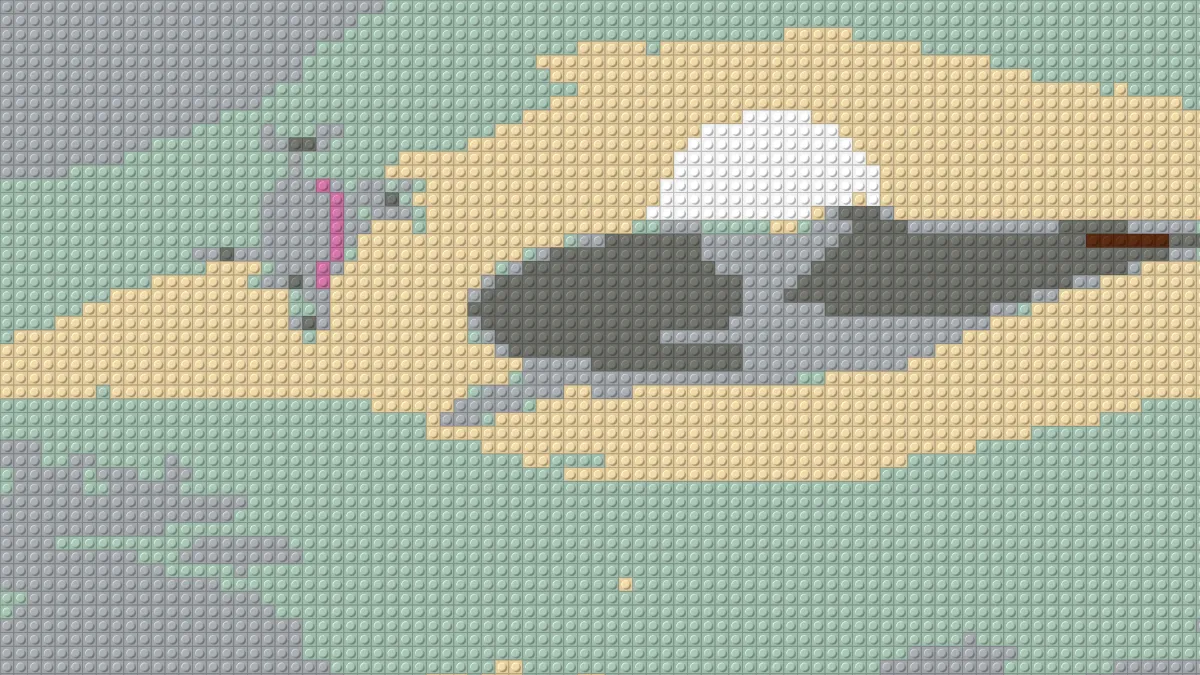
A brick mosaic is a picture made of plastic building bricks laid flat and seen from above, so every brick shows up as a square with a round stud on top. Bricks only come in a limited range of colors, so the picture has to be translated into that range first.
This tool handles both parts. It splits the picture into cells, gives each one the average color of its area and draws it as a single studded brick.
How to make a brick mosaic from a photo
Load an image and set Brick size, the width of one stud's square in pixels of a 1080p frame. Bigger bricks mean fewer studs across the picture, and a blockier result.
Stud sets the stud's diameter as a share of the brick. At 0 the studs vanish and you're left with flat tiles. Shine controls the highlight on each stud's lit rim, and Light angle sets where the light comes from in degrees, with 135 at the top left.
The presets cover the main looks: Brick colours, True colour, Big bricks, Tiles and Glossy.
Settings for a 48-stud baseplate, a poster seen from afar and a flat tile finish
48-stud baseplate: crop the picture square and leave Brick size at 22. The grid is counted against a frame 1080 pixels tall, which works out to 48 or 49 studs down, the size of LEGO's large 48 by 48 baseplate. At 8 mm a stud, that square is 38.4 cm on a side.
Poster seen from afar: Big bricks sets Brick size 48, about 22 studs tall, so a few large blocks of color carry the subject.
Flat tile finish: Tiles sets Stud to 0, so every cell is a smooth square. Glossy goes the other direction, with Shine at 1 and the light moved to 60 degrees for harder highlights on the plastic.
How does the brick mosaic maker pick colors?
With Brick colours on, each cell snaps to the closest of sixteen common colors from the classic brick range. Closeness is judged in OKLab, a color space built around how people see color, so skin and sky end up on the brick a person would choose.
Switch Brick colours off and the bricks keep the picture's own colors. Mosaic Maker is the ceramic cousin, with grout lines and every color of the photo, while Voxel Art Maker stacks shaded cubes seen from a corner.
How many bricks would the build take?
One stud is one 1×1 piece, so the count is just rows times columns. A square picture at Brick size 22 needs somewhere between 2,300 and 2,400 of them.
The page draws the mosaic and that's it: no parts list, no color count. To count by color, save a PNG and zoom in. PNG keeps each brick's flat color exact, so a color picker reads the true palette value.
Saving a brick mosaic
JPG shifts the brick colors a little and blurs the stud rims. That's fine for sharing but no good for counting, so use PNG for any picture you plan to build from.
On video, a cell whose average sits between two brick colors can flip from one to the other as the footage moves. True colour flickers less.