Mosaic Maker
Turn an image into a mosaic of square tiles set in grout, each a slightly different shade with lit edges. Works on photos and video, and seeded exports match.
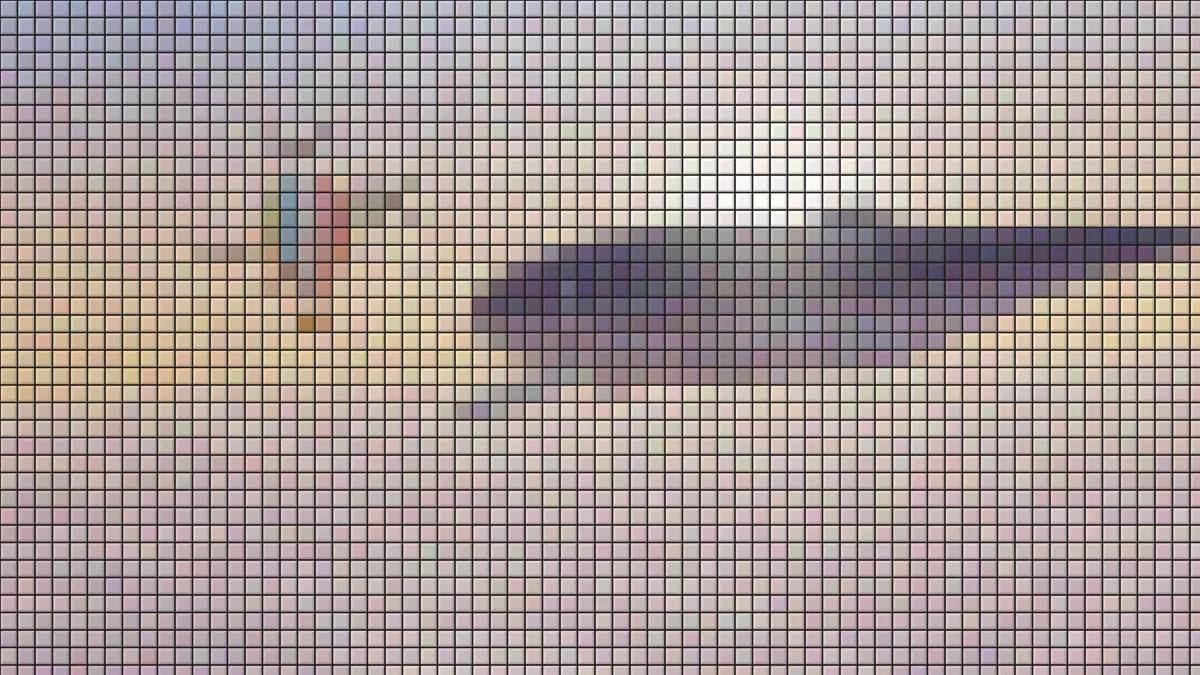
What is a mosaic?
A mosaic is a picture made of small pieces of stone, glass or ceramic set in mortar. Each piece is a tessera, and grout fills the gaps between them. In ancient Rome the usual technique, opus tessellatum, set fairly large tesserae right on site.
This mosaic maker lays square tiles in a grid over your picture. Every tile takes the average color of the area under it and sits in a line of grout.
How do you turn a picture into a mosaic?
Load an image or a video and set Tile size, the tile width in pixels of a 1080p frame. Grout is the gap between tiles as a share of the tile, and Grout colour fills it: dark by default, light with the White grout preset.
Variation nudges each tile's red, green and blue separately, so neighbors differ a little in hue as well as shade, the way glazed pieces from different batches do. Bevel lights the top-left rim of every tile and shades the bottom-right one, which makes the tiles look raised.
Seed picks a different set of variations, and a given seed gives the same tiles in every export. The presets are Bathroom, Small tiles, Big slabs, White grout, Handmade and Flat.
Settings for a Roman floor, a shower wall and a wall of big slabs
Roman floor: Tile size 12, Grout 0.12, a warm off-white Grout colour like #d8ccb8, Variation 0.15 and Bevel 0.3. Small tiles in uneven colors read as hand-cut stone, and the low bevel keeps them flat, like a floor that's been worn smooth.
Shower wall: start from Bathroom, then pick White grout. It widens the joints to 0.16 of a tile and turns them pale.
Feature wall: Big slabs sets Tile size 72 with thin grout and a deeper bevel, about 15 tiles down the frame, each one carrying a single broad patch of color. For a flat graphic grid, Flat drops bevel and variation; give it a Grout colour that matches your page's background and the tiles seem to float.
Is this the same as a photomosaic?
No. A photomosaic builds a picture out of many small photographs. Here every tile is one color, like a piece of glazed ceramic or glass, so the result looks like a tiled wall or floor.
Two neighbors in this group change the piece itself. Hexagon Mosaic cuts a honeycomb of flat cells, and Brick Mosaic Maker puts a round stud on every square.
How many tiles does the mosaic have?
Tile size is counted against a frame 1080 pixels tall, so you get about 1080 divided by it in rows: 39 at the default 28, and 90 with Small tiles at 12. Columns follow the picture's shape, so a square photo at the default holds around 1,500 tiles.
The colors come straight from the photo, so no tile catalog will match them one for one. Treat the result as a design picture; it won't work as a shopping list.
Saving a mosaic
Transparent areas stay transparent, grout included, so a logo on a clear background keeps its outline as tiles when you save it as PNG. JPG has no transparency and fills those parts in.
On video the tiles stay put while the footage moves under them. Each tile also keeps its Variation for the whole clip, so the wall never shimmers.