Cross Stitch Effect
Cross stitch effect: turn a photo or video into X stitches on aida cloth, in 16 floss colors or the picture's own. Runs in your browser, so nothing is uploaded.
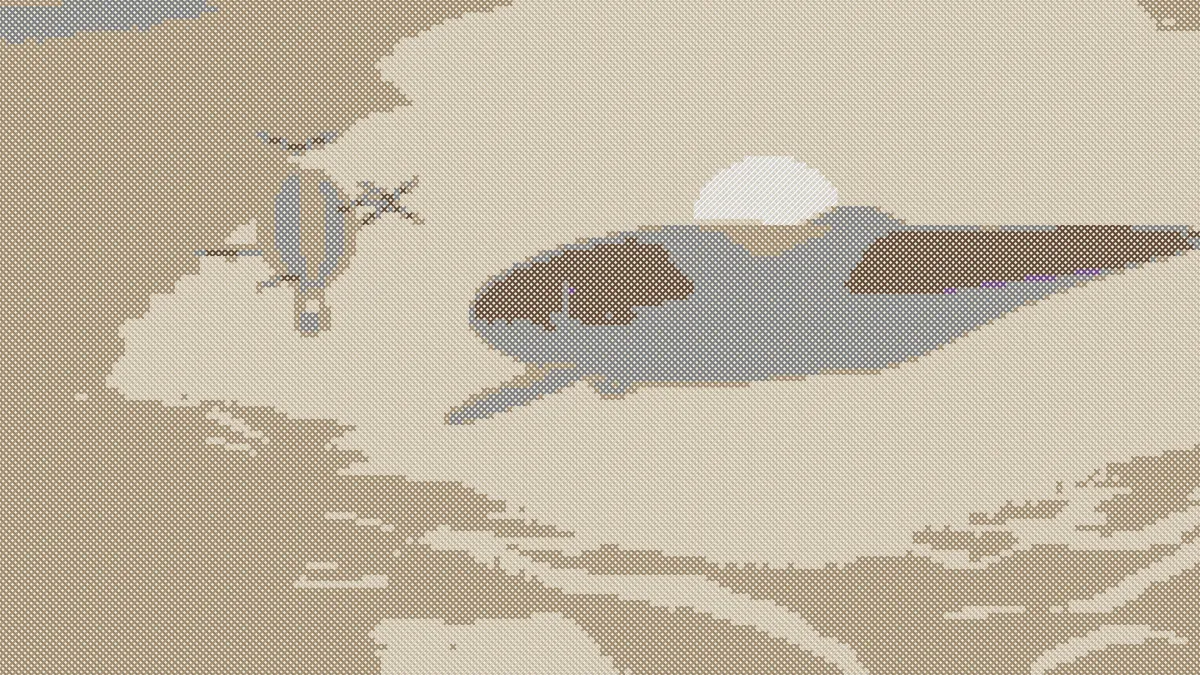
What is cross-stitch?
Cross-stitch is counted-thread embroidery. Every stitch is an X over one square of evenweave fabric, and rows of them build up a picture a lot like pixels do. Most stitchers use aida cloth, whose weave makes a visible grid with a hole for the needle at each corner.
One square holds one color of floss, so a stitched picture always has a coarse grid and a limited set of thread colors.
How to make a cross stitch effect from a photo
Load an image or video. Stitch size is the width of one stitch, Thread sets how thick the floss is inside it, and Shading controls how round the threads look.
Floss colours snaps every stitch to the closest color in the Floss palette. By default that's sixteen common thread colors, which you can edit, or you can swap in a retro set like Game Boy or PICO-8. Untick it to keep the picture's own colors, and use Cloth to pick the fabric color.
The presets are Sampler, True colour, Coarse, Fine and Black cloth. For satin fills that follow shapes instead of a counted grid, Embroidery Effect runs its stitches along the edges in the picture.
Settings for 14-count and 18-count aida and a bold beginner piece
Aida is sold by count, meaning squares per inch, and each X covers one square. So the finished size in inches is the stitch count divided by the fabric count, and the number of stitches down the picture is about 1080 divided by Stitch size.
For seven inches tall on 14-count you need 98 stitches, which is Stitch size 11. For ten inches tall on 18-count it's 180 stitches, so Stitch size 6.
A bold beginner piece on 11-count: Coarse (Stitch size 22) gives about 49 stitches, which comes in under four and a half inches. Cut the Floss swatches down to eight colors as well, and the thread list stays short.
How does it choose the thread colors?
Each stitch averages the color of its square and then picks the closest floss in OKLab, a color space designed to match how people see color differences. That puts skin and sky on sensible threads instead of whatever happens to be nearest in raw RGB.
The bottom leg of each X is a shade darker than the top, and the cloth darkens at every hole, just like real fabric. Anything transparent stays bare cloth.
How can I count the stitches?
Counting drawn X's is slow work. Photo to Pixel Art draws the same grid as flat squares instead. Give it the same Size, set Colour from to Average and type the same floss colors into its Palette, and every square there lines up with a stitch here, color for color.
Neither page prints symbols or a floss key, so you'll be doing the counting yourself. Zoom into a PNG and go row by row.
Saving a cross stitch picture
Cloth covers the whole frame, so what you save is always a full rectangle of fabric. A PNG at 2048 pixels gives every stitch enough room that you can see both its legs when you zoom in.
If you want to show the piece framed on a wall, the Mockup Generator hub has framed-art and poster mockups you can drop it into.