Vaporwave Effect
Vaporwave effect for photos and video: violet shadows, hot pink midtones, mint highlights and the odd glitch band. Free in your browser; saves MP4, GIF or PNG.
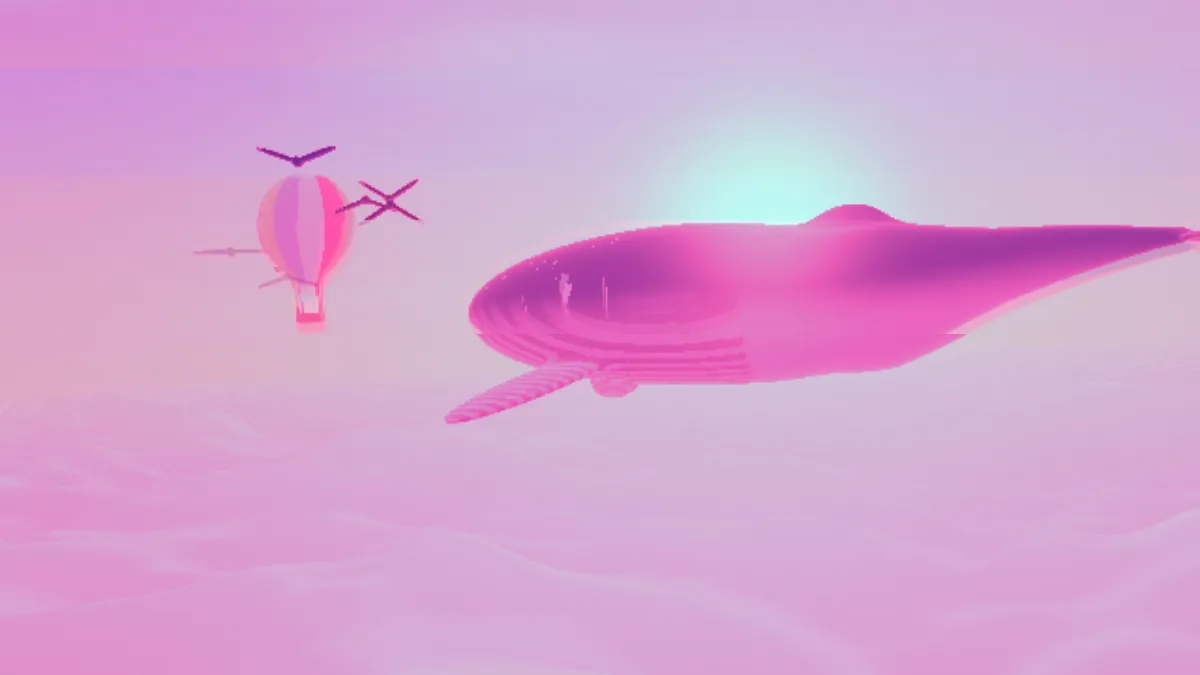
What is the vaporwave aesthetic?
Vaporwave began as music, around 2010. Producers slowed down and looped samples of 1980s soft rock, smooth jazz and muzak, then put them out under pseudonyms on Bandcamp. Two records set the template: Daniel Lopatin's Chuck Person's Eccojams Vol. 1 (2010), made from slowed Toto and Heart, and Floral Shoppe (2011), which Ramona Xavier released as Macintosh Plus.
The visuals pulled from the same era. Think Greek busts, early web graphics and Windows 95 screens, tinted pink, purple and teal and roughed up with VHS noise and digital glitches.
In vaporwave, the glitches are a light layer over the colors. Glitchcore came later and louder, picked up steam on TikTok, and is mostly glitches.
How the vaporwave filter gets its colors
The Vaporwave grade in Insta Color takes each pixel's brightness and maps it to a ramp of three colors: deep violet for shadows, hot pink for midtones, pale mint for highlights. That ramp goes 60 percent over the original, saturation gets a 30 percent boost, and black is raised to a dark purple (about #140524), so nothing in the frame stays neutral.
Glitch brings the bands. There are six, each running on its own clock and firing every so often. When one fires, it copies rows from elsewhere, slides sideways with its hue rotated, repeats as stripes, jumps up or down, or doubles like a ghost. You get long calm stretches broken up by bursts, and in a burst the entire frame can tear or flip to negative.
How to make a vaporwave edit
Open a photo or a video. Insta Color's Filter list has 29 grades, with Vaporwave sitting next to Cyberpunk, Acid and Infrared, and Amount controls how hard the grade hits.
Glitch Amount goes from 0 to 50 and defaults to 5. That's the Subtle preset, and it keeps things to the occasional flicker. Speed is how often the glitches change, and Seed swaps in a different sequence. If glitchcore art is what you're after, the Heavy preset (Amount 40, Speed 4) gets you most of the way, and Mosh rolls a random new look.
For the tape noise so much vaporwave art carries, add VHS Effect. CRT Filter puts the image on an old screen. And if you want different color grades, head to the Color Effects hub for duotones and gradient maps.
Settings for an album cover, a pastel feed post and a glitchcore clip
Album cover: leave Vaporwave at Amount 1 and Glitch on Subtle, set the output to PNG, and flip through Seeds until a band lands where you want it (or until none does). A saved picture shows the effect at its starting instant, so every Seed gives you one fixed frame.
Pastel feed post: set Insta Color Amount to 0.5. The grade drops by half, so pink and mint tint the photo and its own colors still come through.
Glitchcore clip: Heavy. Bursts rip through the frame and every so often flash it to negative. For neon city colors, change Filter to Cyberpunk for blue-violet shadows and pink highlights.
How do I get the colors without any glitches?
Use the switch on the Glitch effect to turn it off. Setting Amount to 0 won't do it, because the bands that copy rows and rotate hues keep firing now and then. During a burst the frame can still go negative or flip its hue too, since none of those events depend on Amount.
Saving a vaporwave edit
This grade is all smooth violet-to-pink gradients, and a GIF's 256 colors per frame will break those into stripes. Leave Dither on for GIFs, or use MP4 for anything longer than a few seconds.
For a cover or print, save PNG at 2048 pixels and the gradients stay clean.