Databending Effect
Databending effect for images and video: blocks shift, smear and change color as if the file's bytes were corrupt, with no hex editor. Free, nothing uploaded.
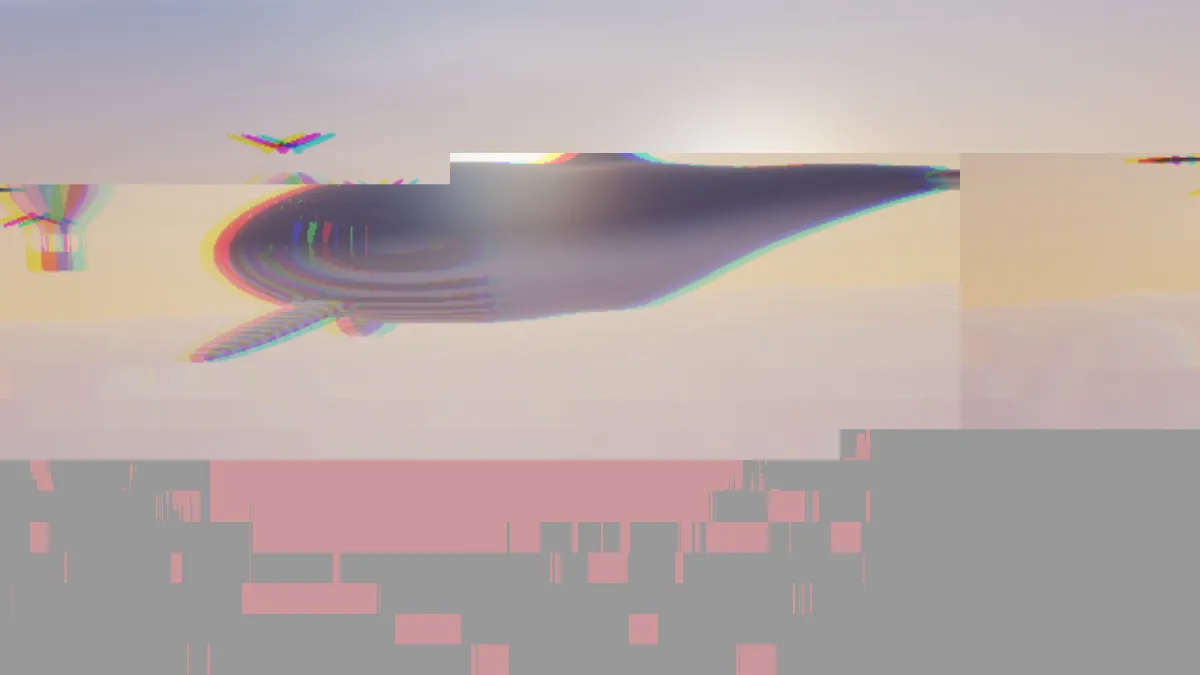
What is databending?
Databending (or data bending) means opening a file in a program made for a different kind of data, editing it there, and then opening the result as its original type again. You drop an image into a text editor, a hex editor or an audio editor like Audacity, type over it, cut bits out or add an echo, and it comes back as a corrupted image with that damage baked in. The name is borrowed from circuit bending, where people rewire toys and cheap electronics to get new sounds out of them.
Glitch artists turned it into a method. In A Vernacular of File Formats (2010), Rosa Menkman ran one self-portrait through many formats with a similar error in each, so you could see how differently every format falls apart.
In a hex editor, a file is just raw bytes from 00 to FF. Every JPEG opens with FF D8, the start-of-image marker, and then headers and tables follow. Break those and the file usually refuses to open. That's why databenders edit a copy and go after the compressed picture data deeper in.
How to use the Databending effect
Nothing happens to your actual file. The effect slices the frame into a grid 40 blocks across, reads it in the order a JPEG would, and wrecks runs of blocks along the way. Some runs copy blocks from somewhere else, some drag their top row downward like a JPEG streak, and some go to coarse color with the hue rotated.
Corruption is how many runs get damaged at once: 2 at a setting of 0, up to 12 at 1. Intensity controls how long each run is and how far the blocks after it get pushed. Keep it low for short, scattered runs; from about 15 upward, more than half of them run all the way to the bottom of the frame. Channel shift slides green and blue sideways away from red over the entire frame, and blue goes twice as far.
Speed re-rolls the damage 0.8 times a second for every step, so the default of 4 works out to a bit more than three times a second. You've got Corrupt, Light damage and Wrecked as presets, and Mosh gives you a fresh random look.
Settings for a clean face, a slow lyric video and a pure channel slip
Clean face: put the face in the top third of the frame, then use Intensity around 4 and Corruption 0.2. The runs stay short, most of the image survives, and damage that begins further down never travels back up.
Slow lyric video: Speed 1, which re-rolls every 1.25 seconds. That's enough time to read a line before the next break.
Pure channel slip: Intensity 0 and Channel shift 0.6. You'll always get two damaged runs, but here they shrink to slivers and nothing behind them moves. For the opposite extreme, Wrecked (Corruption 0.8, Intensity 80) smashes nearly every block.
Why does a corrupted JPEG shift and change color?
A JPEG keeps its picture as small blocks in reading order, left to right and top to bottom, packed tight with codes that aren't all the same length. Get one byte wrong and the decoder can lose track of where a block stops. From then on, every block lands in the wrong spot, shoved along the row.
There's a second problem. Each block's average color is saved as a difference from the one before it, so one bad value tints everything after it too.
Why is the bottom of the picture more broken than the top?
The effect reads its blocks the way a JPEG does, row by row from the top left. A damaged run begins at some random block and keeps going for a long way, and every block after it gets shifted. So the damage stacks up toward the end of the reading order, and the end of the reading order is the bottom of the frame.
Actual broken files behave the same. Once a decoder loses its place, it stays lost until the image ends or it hits the next restart marker. If you'd rather have breaks anywhere in the frame, Glitch Effect doesn't use a reading order at all. Datamosh Effect breaks a clip over time instead.
Saving a databent picture
A still is taken from the effect's very first instant, so the Seed alone decides where the damage lands. Click through Seeds, or hit Mosh, until a break sits where you like it, and then save.
PNG holds the sharp block edges and the six-level color of the garbled blocks exactly as they are. Clips record as MP4, WebM or GIF, and a low Speed gives people time to take in each break.