RGB Split
RGB split for images and video: pull the red, green and blue channels apart at any angle, out from the center or in a drifting prism. Export a PNG, GIF or MP4.
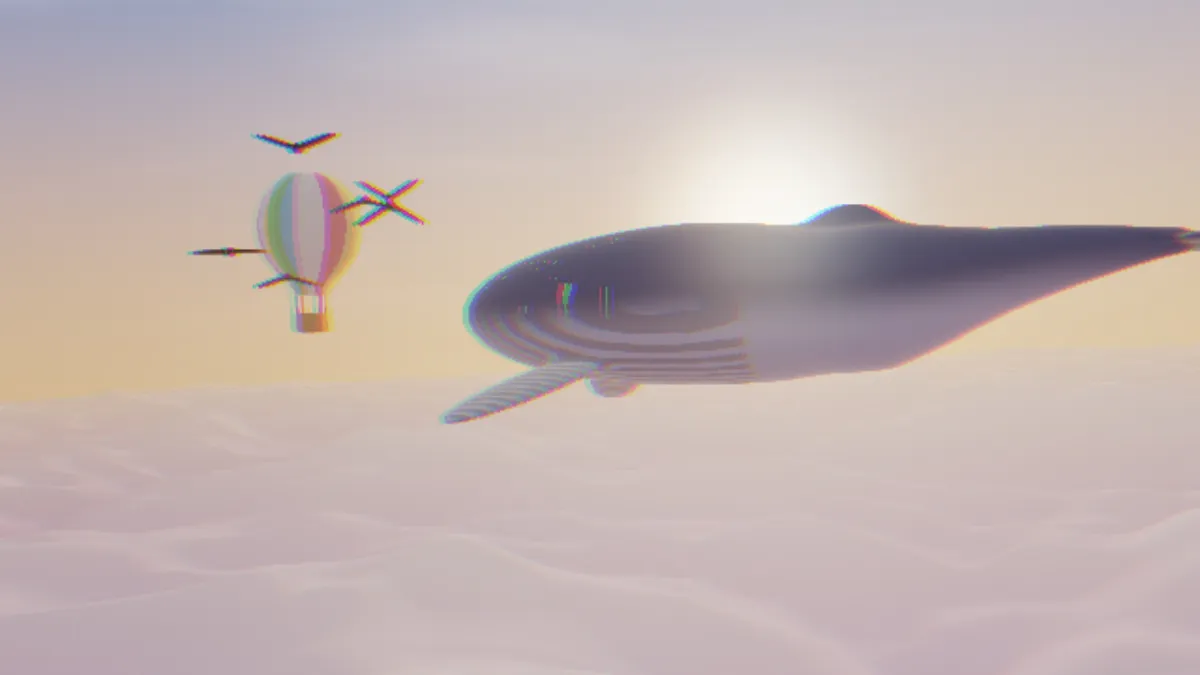
What is an RGB split?
Every digital color image is really three channels stacked up: red, green and blue. Each one is a grayscale map of how much of that primary a pixel carries. Pull those channels apart and you get an RGB split, with red creeping out on one side of every edge and blue on the other, while green stays put.
You'll also hear it called RGB shift or channel offset. It turns up constantly in glitch edits and motion graphics.
How to split the RGB channels of a photo or video
Start with a Mode. Linear pushes red one way and blue the other along whatever Angle you give it. Radial throws them outward from the center, and Prismatic fans them across the frame and lets them wander.
Amount is the distance. In Linear, red and blue each travel Amount pixels on a 1080p frame, which puts them twice that far apart from each other. Radial gets an extra Falloff slider, and raising it keeps the center cleaner. Prismatic adds Speed for the drift, plus Hue shift, which rotates the colors by an amount that varies across the frame.
Split is the plain default, and Radial, Prism and Wide load the other looks. If you want a lens fringe that starts at zero in the middle, that's Chromatic Aberration. Glitch Effect is the one to use when red and blue should only split inside broken blocks.
Settings for a title offset, a bass-hit punch and a psychedelic drift
Title offset: Linear, Angle 0, Amount 6. That leaves red and blue 12 pixels apart on a 1080p frame, which reads like a print that's slightly off register, and the letters stay crisp. Switch to Angle 90 for the same split running vertically.
Bass-hit punch: Radial, Amount 30, Falloff 0.8. Your subject in the middle holds steady while the edges of the frame rip apart around it.
Psychedelic drift: Prismatic, Amount 20, Speed 2, Hue shift 1. The split rocks back and forth and the colors cycle as it goes. Drop Hue shift to 0 if you'd like the sway without losing the picture's own colors.
Does the RGB split move on its own?
Just in Prismatic mode. There, Speed controls how quickly the split rocks back and forth. Linear and Radial don't move at all, so any motion you see on a video is the footage's own.
At Speed 1, one full sway takes about 21 seconds to come back to its starting point. The hue is slower: a bit over 31 seconds for a full trip around the color wheel.
Why do the fringes vanish on my transparent logo?
Linear and Radial stick to the original outline. Anywhere the logo was transparent stays transparent, so whatever red and blue slides past the edge gets clipped off. Prismatic grows the outline to fit every channel it moves, and Chromatic Aberration does the same, so switch to one of those.
Saving an RGB split
For a logo or type on a clear background, save it as PNG and the transparency comes through.
Video formats store color at a lower resolution than brightness. A split of only a pixel or two ends up as a soft colored smear in an MP4, so set Amount to 4 or more when the channels need to read as separate.