Glitch Effect
Glitch effect for images and video: glitch an image so blocks jump sideways, split into red and blue and turn negative. Seeded, so exports match the preview.
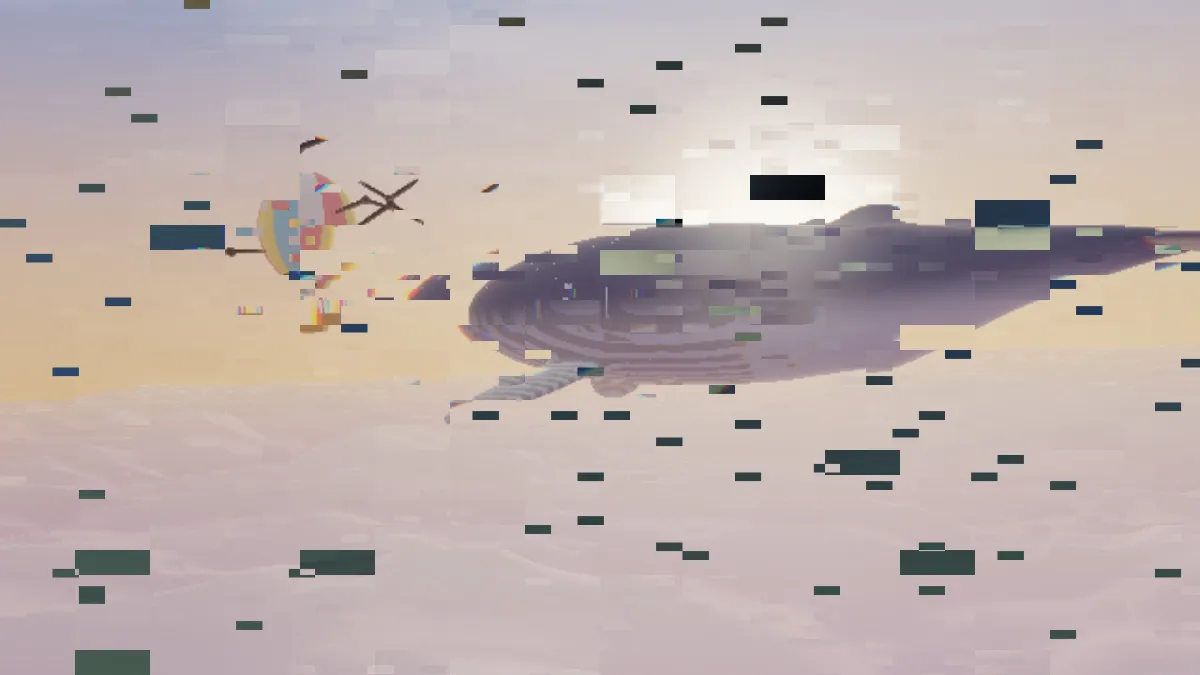
What is a glitch effect?
A glitch effect fakes a digital error. It's what you get when a frame is damaged in decoding or transmission and parts of the picture end up in the wrong place, or the wrong color. Glitch art turned that accident into a style, from the net.art collective JODI in the 1990s to the first GLI.TC/H festival in Chicago in 2010.
This image glitcher does the block kind. Rectangles of your image or video slide sideways, their red and blue channels drift apart, and every so often one flips to its negative.
How to glitch an image or video
Amount is the share of blocks that break on each tick. Block size sets how tall they are, and Block width sets their width as a multiple of that, so low values give you tall slices and high ones give thin strips. Shift is how far a broken block jumps, measured as a share of the frame width. Colour split pulls red and blue apart inside the block, and Invert is the chance it turns negative.
Rate is how many new glitches show up per second; at 0 a single pattern holds still. Two grids cut the frame at the same time, one of full-size blocks and one of smaller blocks about a third their size, which is why a torn block often has smaller breaks inside it. The presets Hard glitch, Slices, Strips, Frozen and Negative take these controls further.
If you want the channels pulled apart over the whole frame without anything breaking, use RGB Split. Databending Effect breaks the picture in reading order instead, the way a damaged file does.
Settings for a beat-synced music video, a stream overlay and an album cover
Music video on the beat: since Rate counts new glitches per second, Rate 2 breaks once a beat at 120 BPM and Rate 4 breaks on every eighth note. Rate moves in half steps, which lines up with tempos in steps of 30 BPM. The breaks only land on the beat if the song's first beat is right at the start of the clip.
Stream overlay: set Amount 0.1, Rate 3, Colour split 4 and Invert 0. A block breaks now and then and the picture stays easy to read.
Album cover: choose PNG as the output and click through a few Seeds. A still is drawn at the very first moment of the sequence, so Rate does nothing there and the Seed alone decides which blocks break. Frozen gives you the same thing on video: Rate 0 holds one pattern while the footage plays underneath it.
How do I make the glitch hit only now and then?
Turning down Amount on its own won't get you there. It's the share of blocks that break per tick, and at the default sizes a 1080p frame has about 430 large blocks and 3,600 small ones. We ran the effect's own block test over 2,000 ticks, and at Amount 0.01 roughly 26 blocks still broke on every tick. Not a single tick came out clean.
For bursts in a clip, keyframe Amount. The diamond next to its name sets a key at the playhead. Put a key at 0 where the footage should stay clean and one at 0.3 where you want it to break, a few frames apart, and the damage snaps on and off.
Without keys, go for few, wide blocks. Block size 200 with Block width 8 cuts a 1080p frame into 12 large strips and 64 small ones, and in the same test Amount 0.01 left 60 percent of ticks alone. At Rate 1 that's a break in about four seconds out of ten, although one that hits flat sky is hard to spot. To keep the damage in one area, like the background behind a speaker, open Mix under the effect, set Mask to Rectangle or Ellipse, and tick Invert if you want the outside affected instead of the inside.
How do you make a glitch effect in Photoshop?
You build it by hand in layers. Duplicate the photo, untick two of the R, G and B channels in the copy's Blending Options and nudge the copy sideways to split the color. Then select thin strips with the Rectangular Marquee and move them around. On video you'd have to repeat all of that for every frame.
Here, Colour split and Shift do those moves on every broken block at once. Rate draws fresh breaks several times a second, so a clip glitches by itself.
How do I make a glitch GIF loop without a jump?
Each tick is a new pattern drawn from the Seed. That means the cut from the last frame back to the first just looks like one more glitch, as long as the clip ends on a tick. So make Rate times the clip length a whole number: Rate 8 over 3 seconds gives you exactly 24 patterns.
You can leave Seamless loop off. A crossfade would just blend two broken frames into a third, muddier one.
Saving a glitch: GIF, MP4 or PNG?
For a short loop, GIF is the one. Every frame gets its own 256-color palette, which suits hard-edged blocks, and it plays anywhere without anyone clicking. GIF frames top out at 960 pixels anyway, so keep the loop to a few seconds.
Anything longer should be MP4. It stores color at half the resolution of brightness, so a small Colour split shrinks to a faint fringe in the video; if the split needs to read, push it past about 8. And if you want type that breaks apart, the Text Effects hub has a glitch version made for titles.