Pixel Sorting
Pixel sorting that really sorts: runs of pixels in an image or video ordered by brightness, hue or saturation into long glitch streaks. Free, with no upload.
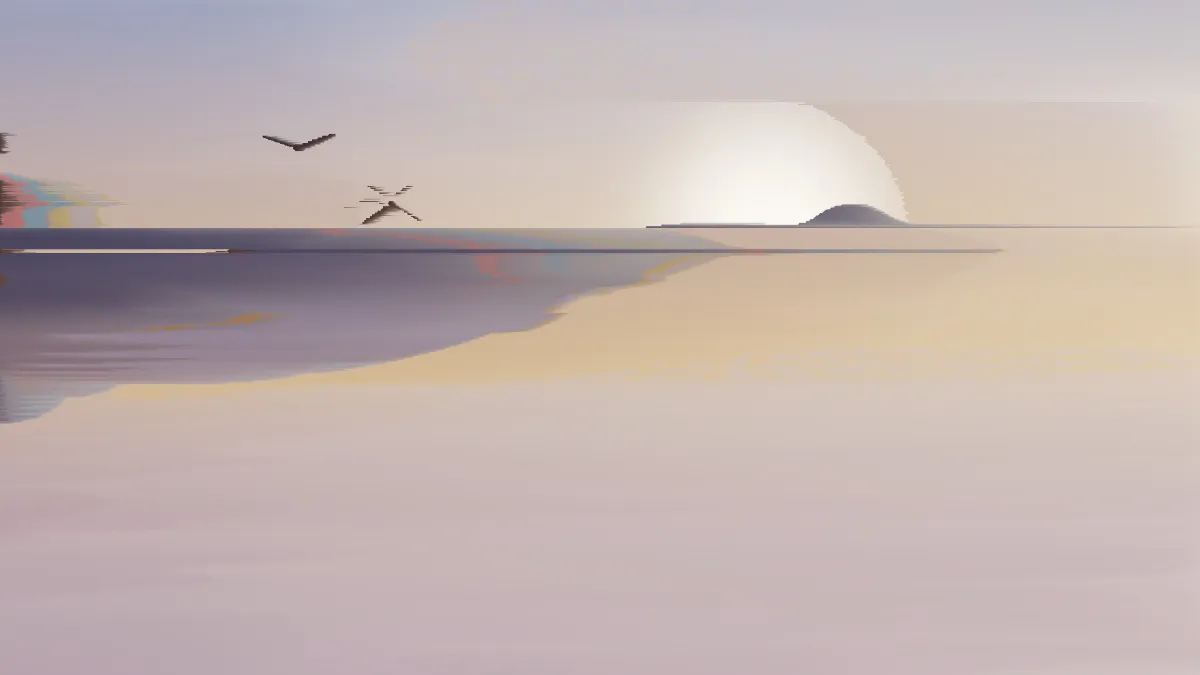
What is pixel sorting?
Pixel sorting is a glitch art technique that rearranges the pixels in each row or column by some value, usually brightness. The German artist Kim Asendorf made it popular around 2010 with a Processing sketch that sorted runs of pixels between two thresholds and left everything else where it was.
Within a run the colors line up from dark to light. Skies and skin melt into smooth streaks, and edges that fall outside the threshold hold their shape.
How to pixel sort an image
From and To set the brightness window. Any pixel darker than From or brighter than To ends a run and stays put. Direction sorts along Rows or down Columns. Without Reverse, each run goes from dark to light: left to right in a row, top to bottom in a column.
Sort by picks the order inside a run: Brightness, Hue or Saturation. Reverse flips it to high-to-low, and Longest run caps each run at a share of the row if you want shorter streaks.
Waterfall sorts down the columns, Hue bands sorts by hue, Short streaks caps the runs, and Bright only sorts just the highlights, in reverse. For displaced blocks, try Glitch Effect; Databending Effect gives you the shifted rows of a corrupt file.
Settings for a melting sky, a portrait that keeps its features and rainbow streaks
Melting sky: Direction Columns, From 0.55, To 1. Only pixels brighter than the midtones get sorted, so the sky streaks while the darker ground stays intact. The light collects at the bottom of each run, a bit like paint running down a wall.
Portrait that keeps its features: Rows, From 0.35, To 0.75 and Longest run 0.2. Treat that as a starting point and tweak it for each photo. Pupils, brows and catchlights sit in the deep shadows and bright highlights, which break the runs, and the cap keeps every streak short.
Rainbow streaks: Hue bands (Sort by Hue, From 0.1, To 0.95) on something colorful, like neon signs or a city at night. If you want a lighter touch, Bright only sorts just the top 40 percent of brightness, in reverse.
How this tool sorts pixels
It does a real sort on the CPU, one run at a time, so every pixel in a streak was already in the picture and has only been moved. Brightness uses the Rec. 709 weights for red, green and blue. Hue is measured in OKLab, so a hue sort follows the hues your eye sees instead of raw RGB.
When a run is longer than Longest run, it's cut into pieces of that length and each piece is sorted separately. You end up with a row of repeated gradients in place of one long one.
Why do grays and whites turn to noise in a hue sort?
Gray doesn't have a hue. Its OKLab color coordinates are at zero, so the angle a hue sort reads from them comes down to tiny differences. Pixels that are nearly gray land in a scattered order, and a run across a white wall or a gray sky turns into speckle.
Sort those areas by Brightness or Saturation instead, or lower To until the near-whites drop out of the runs.
Saving sorted images and video
Sorting produces long smooth gradients, and a GIF's 256 colors break those into steps, so keep its Dither on. PNG or JPG will keep the streaks smooth.
Video gets sorted again on every frame, on the processor, so a 30-second clip takes a while to export. Grain moving across From and To starts and ends runs in different places each frame, and that makes the streaks flicker. A narrower window or a shorter Longest run settles it down.