Bad TV Effect
Bad TV effect for images and video: the picture rolls, bends sideways and drowns in snow and hum bars, like a set losing vertical hold. Runs in your browser.
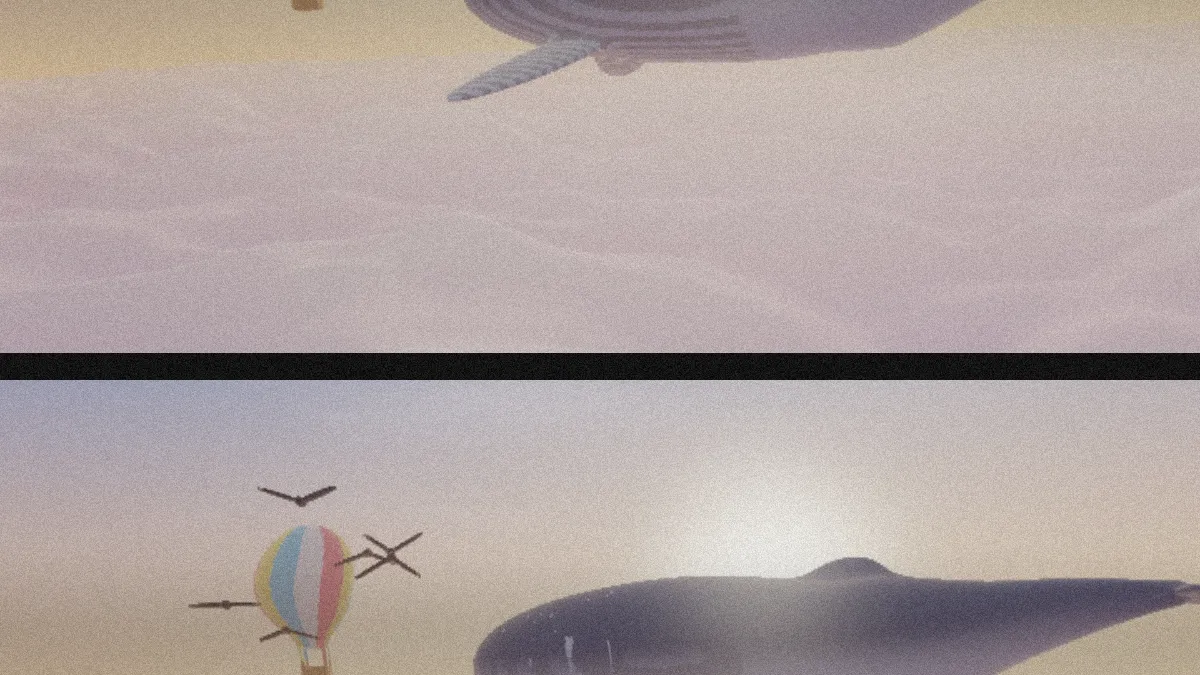
What causes bad TV reception?
An analog TV locks its picture to sync pulses that come with the signal. If the vertical oscillator runs close to the right rate but doesn't lock, which often happens with a weak signal, the picture slowly rolls up or down. That's what the vertical hold knob on older sets was there to fix.
A weak signal also shows up as snow: random dots of noise the antenna picks up along with the picture. Mains hum adds a hum bar, a band of slightly different brightness that moves through the frame.
How to make a picture look like a badly tuned TV
Roll is how fast the picture rolls through the frame, in frames per second. Negative values roll it the other way, and 0 holds it in place. While it's rolling you'll see the dark blanking bar between frames.
Under Wave, Wave sets how far rows bend sideways, Wave size the distance between bends, and Wave speed how quickly they travel down the picture. Under Signal, Static is how much snow covers the picture, up to 60 percent of each pixel so you can still see the image through it. Hum bar sets how dark the drifting band gets.
Bad signal mixes the lot. Rolling, Snow, Wavy and Hum each focus on one fault. CRT Filter puts the result behind curved glass, and Signal Loss Effect is the digital take, where bands drop out to snow or black instead of rolling.
Settings for a seamless GIF loop, a channel between stations and a wavy title card
For a seamless 4-second loop, set Roll 0.5, Wave speed 1.5 and a Duration of 4 seconds. The hum bar always needs 4 seconds to drift through the frame. In that time a roll at 0.5 comes round twice and the wave six times, and the snow is new on every frame anyway, so the last frame flows straight into the first.
For a channel between stations, use Snow (Static 0.8, Roll 0) with Hum bar at 0.6.
For a wavy title card, Wavy (Wave 40, Wave size 420, Roll 0) bends the picture into long, slow S-curves. Rolling, at 0.8, loses vertical hold every 1.25 seconds.
Is the static the same on every export?
It is. The snow changes 30 times a second, and every pattern comes from the Seed plus the moment in the clip, so the same settings give you the same static frame for frame. Change the Seed and you get a different pattern.
Why is there a black bar at the top of my still?
That's the blanking bar, 4 percent of the height, and it shows whenever Roll isn't 0. A still captures the clip's opening instant, before the roll has moved, so the bar sits along the top. Set Roll to 0 and the still comes out without it.
Saving a bad TV clip
For the loop above, a GIF of a few seconds does the job. Leave Seamless loop off: the loop already closes, and a crossfade would just blur the roll.
Snow is expensive in any format, so high Static means big files. In an MP4, High quality keeps it crisp; for a GIF, lower Static keeps the size down.