Chromatic Aberration
Chromatic aberration for images and video: the chromatic distortion of a cheap lens, red and blue fringes that widen toward the edges. Free, in your browser.
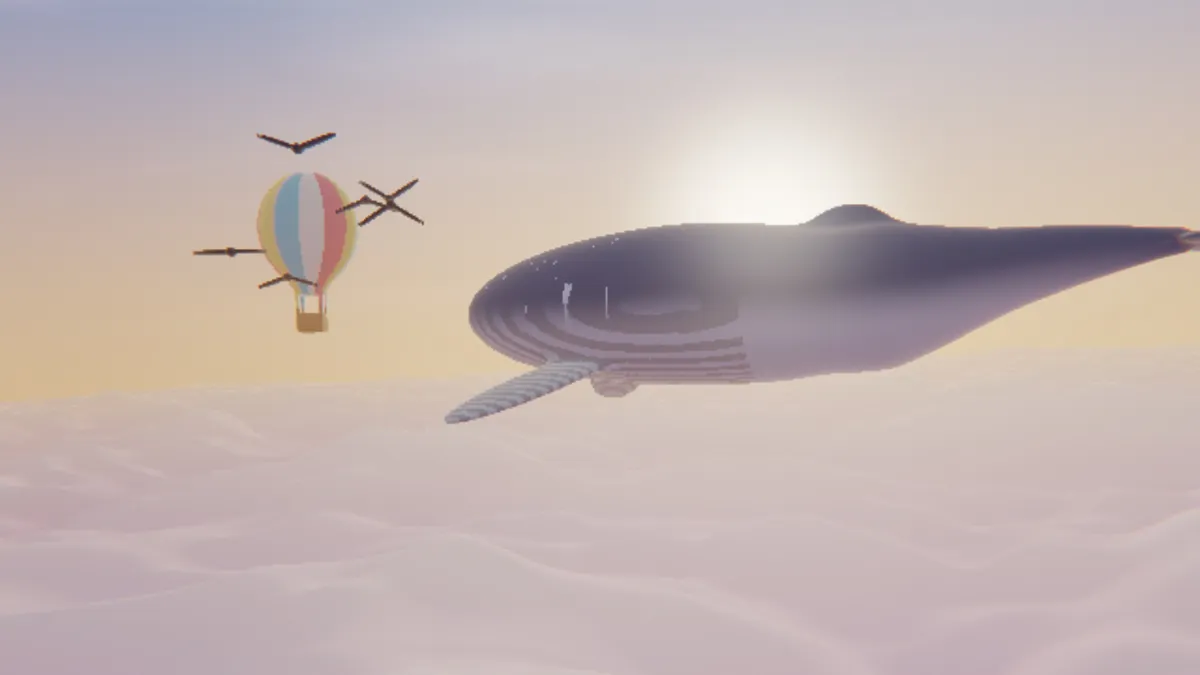
What is chromatic aberration?
Chromatic aberration (people sometimes say chromatic distortion) is a flaw in lenses. Glass bends each wavelength of light a little differently, which is called dispersion, and that means the colors coming from a single point don't all arrive at the same spot.
There are two kinds. Axial aberration brings the colors into focus at different depths. Transverse, or lateral, aberration magnifies them by different amounts, and that's what gives you red and blue lens fringing along edges, getting wider toward the corners. The lateral kind is what this tool draws.
How to add chromatic aberration to a photo
Amount is how wide the fringe gets at the corners of the frame. Falloff decides how quickly it builds toward the edges: 1 spreads it evenly, and 4 keeps it out on the rim.
Softness smears each fringe along its direction, so you don't get a crisp offset copy. If your frame was cropped off-center, use Centre X and Centre Y to move the lens axis back where it belongs.
Subtle is the light version and Broken lens the heavy one, while Edges only and Off-centre show off what Falloff and the Centre controls do. For a shift that's the same size everywhere, RGB Split is the better pick. CRT Filter's Convergence slider is another option: it knocks red and blue out of line evenly, the way a tube's beams drift.
Settings for a believable lens, a cheap toy camera and a glitch on the rim
Believable lens: Amount 1.5, Falloff 1, Softness 0.5. Lateral color comes from a magnification difference, so each point moves in proportion to how far it sits from the axis. That makes Falloff 1 the closest thing to a real lens, and at this Amount you'll only spot the fringe if you go looking in the corners.
Cheap toy camera: Amount 12, Falloff 1.5, Softness 0.8. You get broad, soft halos across most of the picture.
Glitch on the rim: Edges only (Amount 16, Falloff 3.5). By the halfway point to the corner the fringe is less than a tenth of its full width, so a face in the center stays clean. If you started from a cropped photo, put Centre X and Centre Y where the middle of the uncropped frame used to be.
How much chromatic aberration is too much?
Probably less than you'd guess. Imatest makes the software labs use to grade lenses, and it calls lateral aberration strong once it goes past 0.15 percent of the distance from the picture's center. On a 1080p frame the corner is about 1,100 pixels out, so anything over about 1.7 pixels there already counts as strong. Amount 2 with Falloff 1 crosses that line, and the default of 8 is about five times over it.
Going further is a style choice, and it comes at a price. We read 15 forum threads and articles about the effect: three said it blurs the image or tires the eyes (all three were about games), and two said it gets cranked too high. If your subject sits in the middle, a Falloff of 2 or more keeps that area clean.
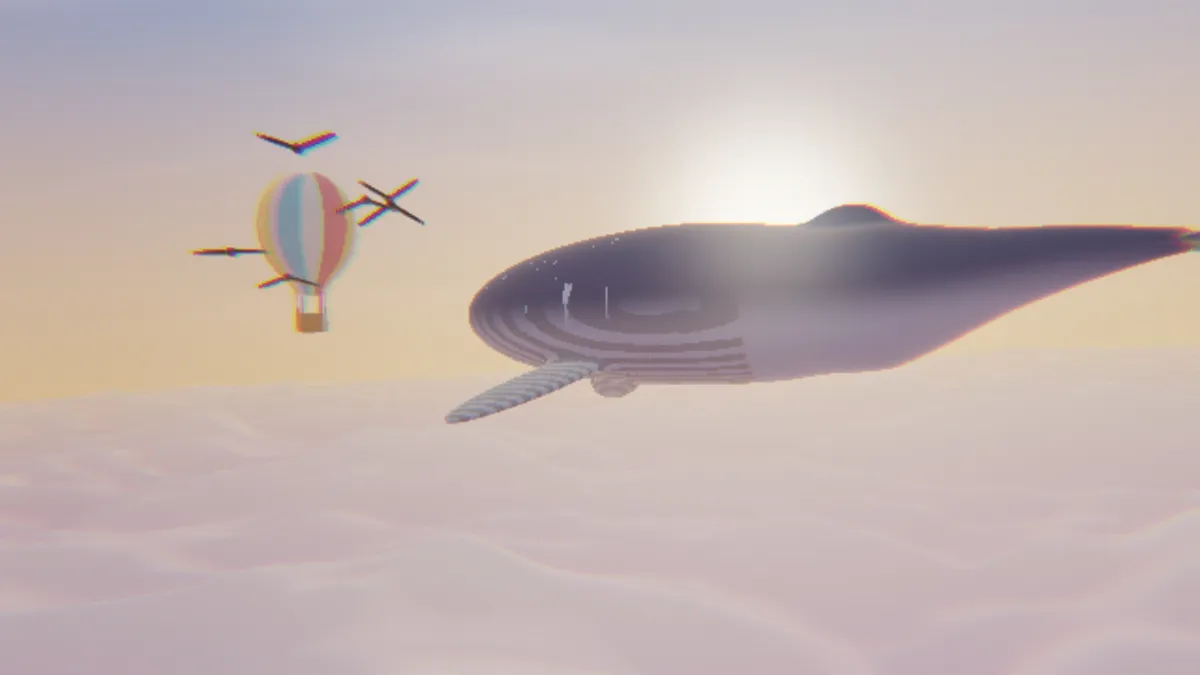
Why do the fringes grow toward the edges?
Because lateral aberration is a magnification difference. Each color gets scaled around the lens axis, so the colors line up perfectly at the center and drift furthest apart at the rim. The tool nudges red and blue in opposite directions along the line out from that axis, and green stays where it is.
Here's the math. At any point, the fringe is Amount multiplied by that point's distance from the axis, taken as a fraction of the distance to the corner and raised to the power of Falloff. Halfway out, Falloff 1 gives you half of Amount, 2 gives a quarter, and 4 gives about a sixteenth. Shift the Centre away from the middle and the far corner ends up beyond that fraction, so its fringe comes out wider than Amount.
Softness reads six samples along the line in place of one. That's what turns a hard double edge into a smooth gradient of color.
Can chromatic aberration be removed from a photo?
For the lateral kind, mostly yes. Raw developers and Photoshop's lens corrections scale the color channels back into line, often using a profile made for that lens. Axial aberration is harder. It usually shows as a purple halo around bright edges, and since every color is the right size but some are just out of focus, a defringe tool can only reduce it.
This page goes the other way and puts the lateral kind in deliberately.
Saving chromatic aberration
MP4 and WebM keep color at half the resolution of brightness, and thin fringes lose the most from that. To measure it, we took frames rendered at Falloff 1 and Softness 0 and averaged their color over 2 by 2 pixels, the way those files do. On a hard black and white checkerboard, the strongest fringe color dropped by 45 percent at Amount 1 and didn't drop at all at Amount 8. On this page's soft example photo, 87 percent of the fringe made it through even at Amount 1. So for sharp graphics or type in a video, go with Amount 3 or more.
Pictures with transparency hold on to their fringes, because the outline expands to fit the shifted red and blue. Save those as PNG.