Radial Zoom Blur
Radial blur for images and video: zoom streaks rush out from the center while the middle stays sharp, from a light pull to warp speed. Free, in your browser.
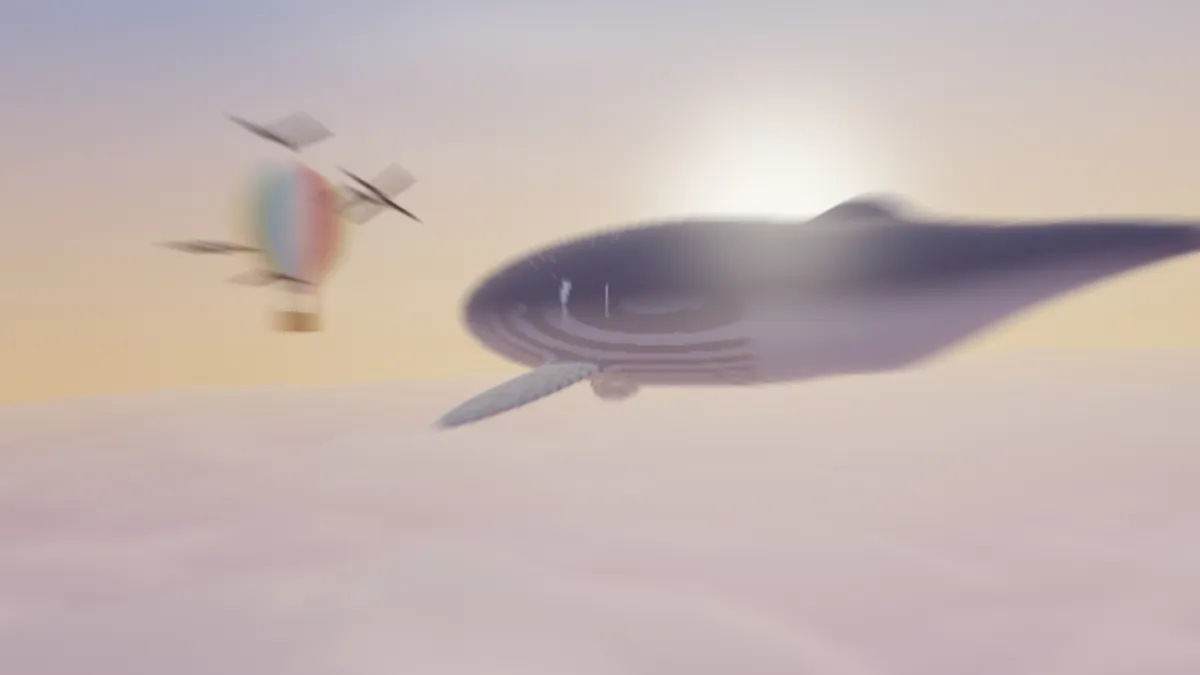
What is zoom blur?
Zoom blur is the look of a zoom burst, a photo technique where you turn the lens's zoom ring while the shutter is open. At a slow shutter speed, usually below 1/60 of a second, the picture smears into streaks running out from the center, and it feels like you're rushing toward the subject.
Radial blur is the broader name, and it covers two kinds: zoom, where streaks run out from a center, and spin, where the picture blurs in circles around it. This page does the zoom kind, so every streak points back at the middle of the frame.
How to add a zoom blur to a photo or video
Choose a preset: Zoom blur for the default Strength of 0.4, Light at 0.15 for a gentle pull, or Warp speed at 0.9 for long hyperspace streaks. Strength, from 0 to 1, is the only control there is.
The zoom is always centered on the middle of the frame, so crop the picture first to put your subject there, using the cropper on the Image Tools hub.
Settings for a sports shot, a warp jump and a thumbnail
Sports or action photo: Strength 0.3 with the athlete in the middle. The corners rush past while the subject stays readable.
Warp jump on a night sky or city lights: Warp speed at 0.9. Points of light stretch into long rays reaching for the edges of the frame.
Thumbnail with a face that's off to one side: Strength 0.25, then open Mix, put an Ellipse mask over the face and tick Invert, so the streaks leave the face alone.
How this zoom blur works
Every pixel averages 12 samples along the line toward the middle of the frame, with the nearer ones weighted more. The farthest sample sits Strength times a quarter of the way to the center, so streaks get longer the farther they are from the middle. At the default 0.4, a corner pixel blends over a tenth of its way in.
Motion Blur streaks every pixel the same way, while here the direction changes across the frame. God Rays Effect draws shafts out from a point you can put anywhere, and that one's for a light source rather than a camera move.
Why do I see stepped copies instead of smooth streaks?
With only 12 samples, the gaps between them open up as Strength rises. At 0.9 on a 1080p frame they're about 20 pixels apart in the corners, so sharp edges there repeat as faint stepped copies.
Busy, high-contrast corners show it most. Bring Strength down to around 0.5, or pick a picture whose edges are dark or already out of focus.
Saving a zoom blur
The streaks turn the corners into long gradients, so tick Dither on a GIF to avoid bands. For a thumbnail, a JPG at the full 2048 px keeps the sharp middle crisp, and the blurred corners add almost nothing to the file size.