Blur Image
Blur an image or video with a Gaussian blur, all over or only inside a box or oval you place, from a light softening to a heavy haze. Free, nothing to install.

What is a Gaussian blur?
A Gaussian blur swaps each pixel for a weighted average of its neighbors, with weights that follow the bell curve of the normal distribution. Nearby pixels count most and distant ones fade out, so edges soften evenly in every direction.
It's the standard blur in image editing. People reach for it to soften a background, take the edge off noise or calm down a busy photo that sits behind text.
How to blur an image or video
Drop in a photo or a clip and pick a preset: Light at Radius 2, Soft at 5 or Heavy at 15. Radius runs from 0 to 20. It's measured against a 1080p frame and then scaled to your picture, so a still saved at 2048 px looks just as soft as a 720p clip.
To blur only part of the frame, open Mix under the blur, set Mask to Ellipse or Rectangle and position it with Centre X, Centre Y, Width and Height. Feather softens the mask's edge. Tick Invert and it blurs everything outside the mask instead.
Settings for a portrait background, a soft-focus glow and a title backdrop
Portrait background: Radius 8 with an Ellipse mask over the face at Width 0.35 and Height 0.5, Feather 0.15 and Invert ticked. The face stays sharp, and the feathered edge hides where the blur starts. It's a lot like a phone's portrait mode, minus the depth map.
Soft-focus filter: Radius 6 with the Mix Opacity at 0.4. You see the sharp picture through a blurred copy of itself, which is the look of a diffusion filter in front of a portrait lens.
Backdrop behind a title: Heavy at 15. Shapes and colors survive but every edge is gone, so type on top reads cleanly.
How the blur is computed
The blur runs as two passes of 33 samples each, one across and one down. That gives the same result as a full square of samples for a fraction of the work. Video gets blurred frame by frame with the same settings.
Radius sets the width of the bell curve. The samples reach three times Radius in each direction, in pixels of a 1080p frame, and their weights come out to a standard deviation of about 0.85 times Radius. At 20, every pixel borrows from about 60 pixels on each side.
Can a blur hide text, a face or a number plate?
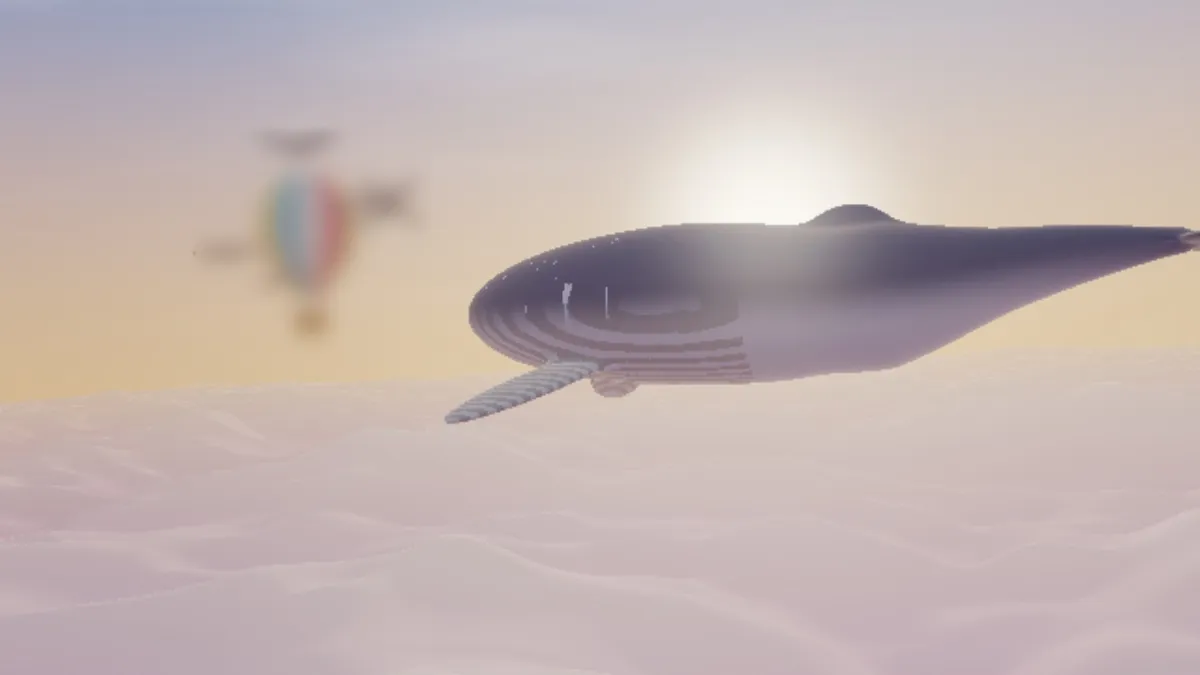
It hides fine detail, but the outline, colors and spacing that identify something are still there. In the picture below, at Radius 20, the strongest setting, the balloon is soft, yet you can still make out its shape and its blue, white and red stripes.
Text can be read back too. In 2016, Steven Hill and colleagues at UC San Diego recovered redacted text using hidden Markov models. On 24-pixel Verdana sentences, their recognizer stayed at the 70 percent accuracy they treat as the line between sense and nonsense through a Gaussian blur of radius 45 pixels, nearly twice the font size. Pixelated digits came back across a wide range of block sizes, and accuracy only dropped off as the blocks got close to the size of the type.
So a mosaic isn't any safer than a blur. Cover a name, an address or a plate with a solid shape before you share the file, or pixelate it so coarsely that one block covers the whole word. The Image Tools hub has a censor tool for the pixels.
Why does a blurred light look dull and gray?
Blur Image averages color values as they're stored in the file, and those values aren't proportional to light. A small bright lamp spreads into a patch that's dimmer and grayer than a real out-of-focus light would be, and bright edges darken where they meet shadow.
Where highlights need to stay luminous, use Bloom Effect, which adds light on top of the picture, or Motion Blur, which mixes its streaks in linear light.
Saving a blurred picture
A blurred image has almost no fine detail, so JPG and WebP store it small with no visible loss. PNG is only worth its bigger file when you need transparency. In a GIF, the wide gradients of a heavy blur can band, so keep Dither ticked or save the clip as MP4 or WebM.