God Rays Effect
God rays effect for photos and video: shafts of light fan out from a point you place, laid over the picture with a screen blend. Free, nothing is uploaded.
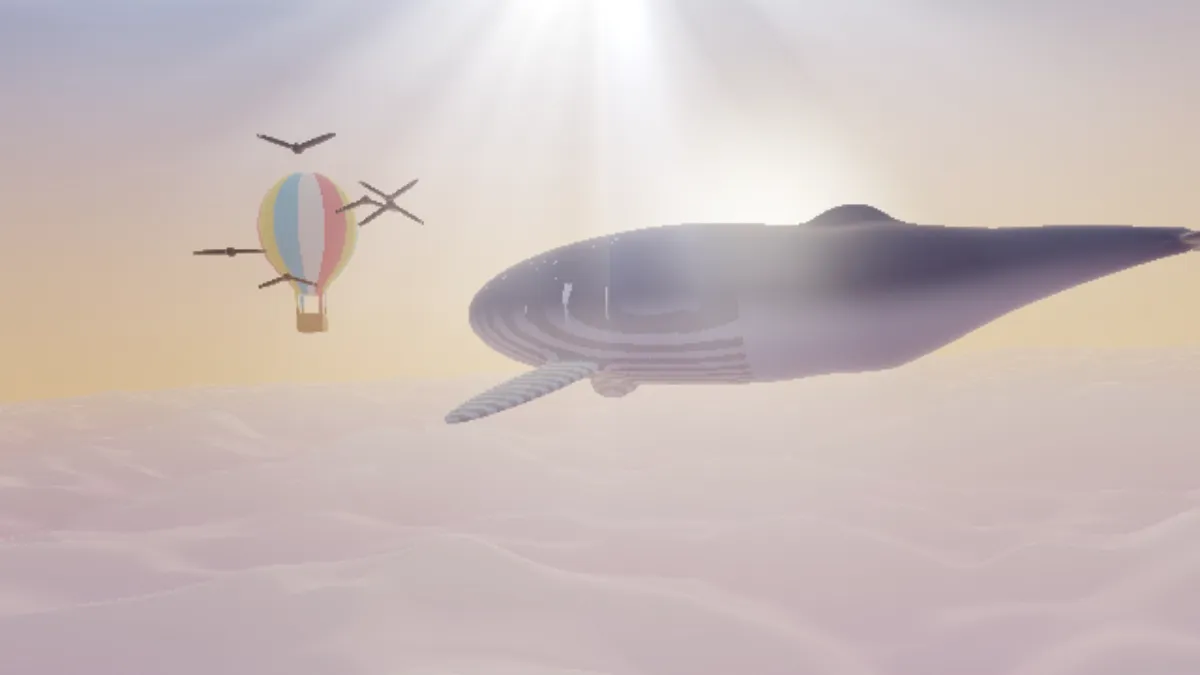
What are god rays?
God rays, or crepuscular rays, are shafts of sunlight that show up when the sun is behind a cloud or a ridge. You only see them when haze or dust in the air scatters the light toward you, which makes the lit columns stand out against the shaded air between them.
The shafts are almost parallel. They seem to fan out from the sun for the same reason railway tracks seem to meet at the horizon. Rays that cross the whole sky can even appear to meet again opposite the sun, and then they're called anticrepuscular rays.
How to add god rays to a photo
The page opens on the Stage light preset: white and pale blue shafts falling from just above the top of the frame, laid over your picture with the Screen blend, which can only brighten.
Move Source X and Source Y onto the sun, a window or a lamp. Both reach past the edges, so the light can come from outside the frame. Rays sets how many shafts circle the source and Spotty breaks long shafts into spots. Intensity is their brightness, Glow the light at the source, and Reach how far they travel.
Ray colours takes up to five colors, and Sky is the color behind them. Dawn, Forest sun, Underwater and Neon fan come with colors of their own.
Settings for sun through trees, a stage in haze and light underwater
Sun through trees: Forest sun, with Source X 0.8, Source Y 0.1, 24 Rays and Spotty 0.6, which breaks the shafts into dapples the way leaves would. If the preset's dark green tints your photo more than you'd like, set Sky to black.
Stage in haze: Stage light as the page opens, with 8 Rays, Spotty 0.1 and Glow 0.8 from just above the frame. A few clean shafts read as a spotlight.
Underwater: the Underwater preset, with Source Y at -0.3 so the light comes from above the surface, 18 blue Rays and Speed 0.6 for a slow shimmer. Neon fan flips the source around to Source Y 1.1, for a poster lit from below.
How this tool draws the rays
Each pixel is measured by its angle and distance from the light source. Two layers of fractal noise run around that angle, so some directions are lit and others are dark. The light fades out at Reach, and each ray takes one of your colors.
Game engines usually compute godrays by sampling from each pixel toward the light and letting dark objects block it, a method Kenny Mitchell described in GPU Gems 3. This tool draws its rays from noise, so they won't follow the clouds or branches in your photo. They look best when the source sits where light would really come from.
Why did my photo disappear behind the rays?
The rays are drawn on their own Sky, which fills the frame. The page lays them over your picture with the Screen blend, set under Mix. Switch Blend back to Normal and the Sky covers the photo.
Under Screen, a black Sky leaves the photo untouched, and any other color lifts it toward that color. Add, in the same Blend menu, gives brighter and harder shafts. For glare at the source itself, with ghosts and a streak, pair it with Lens Flare.
Saving moving rays as a loop
Speed sets how fast the shafts shimmer and drift, and 0 holds them still. The same Seed gives the same rays on every export. Drifting rays don't return to where they started on their own, so a looping file can jump at the seam.
In the video export settings, tick Loop drift for MP4 or WebM, and the drift follows a circle that closes exactly at the end of the export. For a GIF, set Seamless loop to ½ s to fade the end into the start. Thin rays over a dark Sky band easily, so give an MP4 High quality.