Liquid Light Show
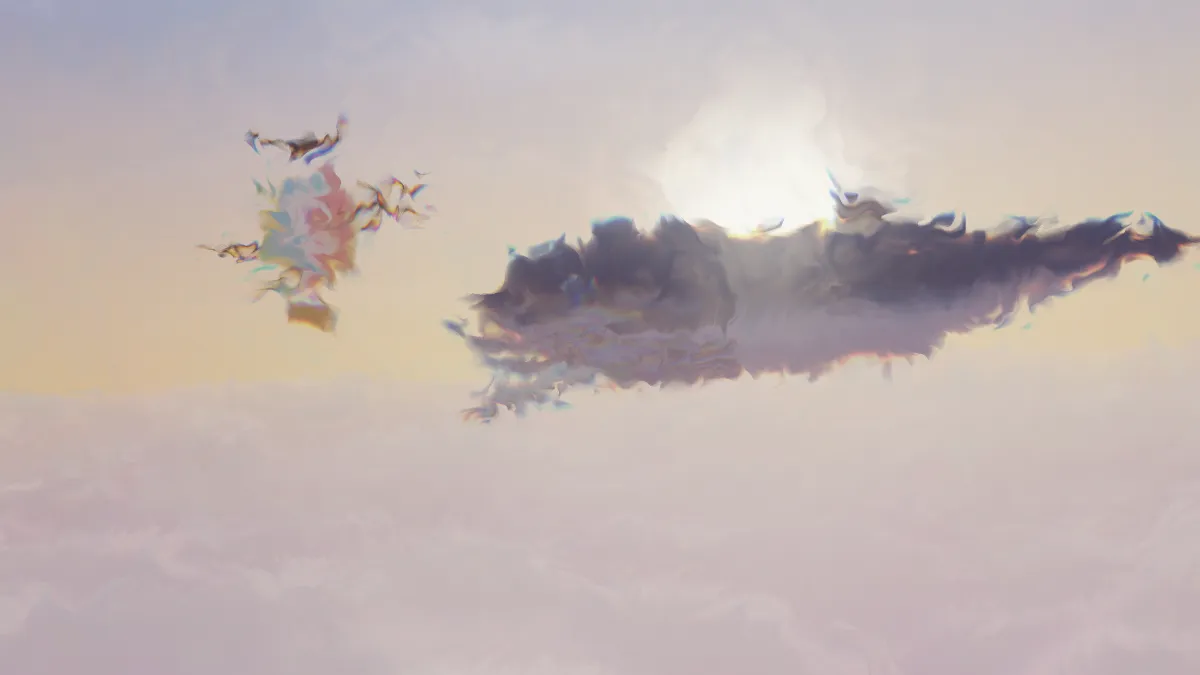
Liquid light show effect: oil-and-water blobs of colored light swirl over a photo or video, like a 1960s concert projection. Seeded, so exports flow alike.
What is a liquid light show?
In the late 1960s, light artists projected dishes of oil, water and colored dye onto the walls of concert halls while bands played. They squeezed, tilted and heated the glass by hand, and the colored blobs split and merged on the screen behind the stage. The Joshua Light Show at New York's Fillmore East was one of the best known.
This effect animates the same thing over your picture. Blobs creep and merge, bend the picture behind them like lenses, and shimmer with thin-film color at their rims, the way an oil slick does.
How to use it
Cell size sets how big the blobs are, and Flow how fast they move. Refraction is how much each blob bends the picture under it, and Dispersion how much color fringing shows around their edges. Seed gives you a different flow with the same settings.
Light show is the default. Big blobs raises Cell size to 0.9, for a few large shapes rather than many small ones. Rainbow turns Dispersion up to 0.9 for strong color, and Slow drops Flow to 0.15 for a dreamy drift that suits a slow song.
Does the picture stay visible?
Yes. The dye drifts along the blobs and then fades back to the picture underneath, so the wash never buries it. A portrait stays a portrait with color moving across it. For more of the picture, lower Refraction, since that's what pulls it out of shape.
For music videos, it pairs well with Light Leaks on top, for warm glows drifting in from the edges, or with a slow Bloom Effect, so the brightest colors spill a little.