Motion Blur
Add a motion blur effect to a photo or video at any angle, as if it moved with the shutter open. Mixed in linear light, so highlights streak like real light.
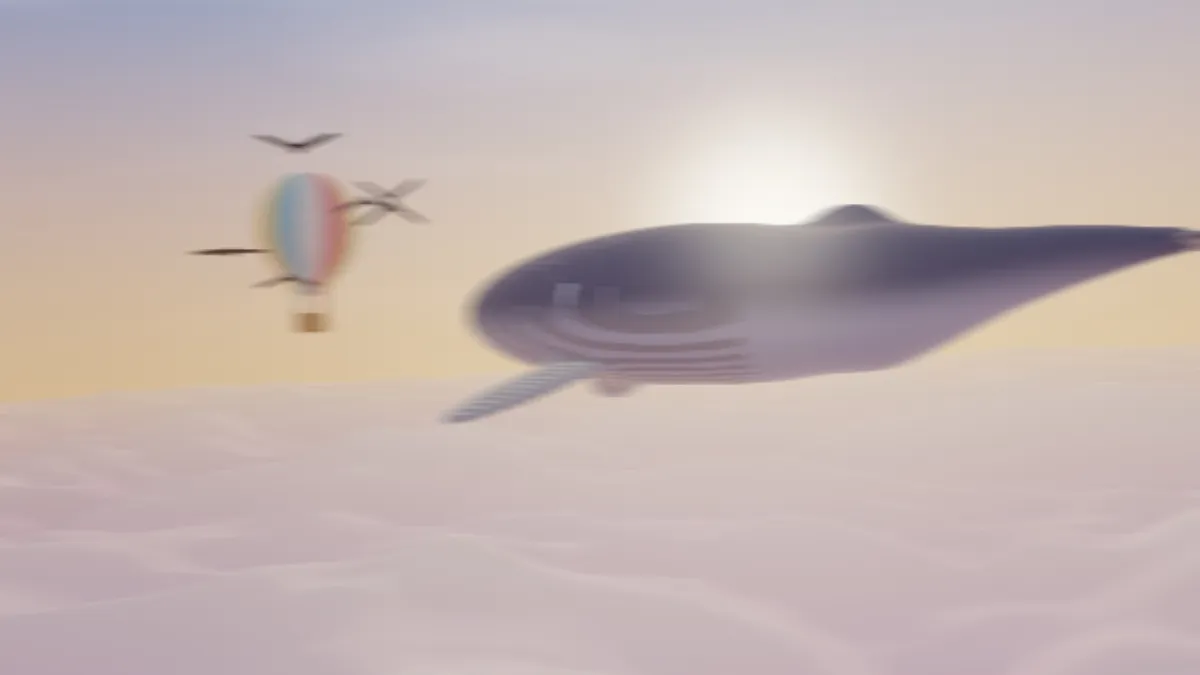
What is motion blur?
Motion blur is the streaking you get from anything that moves while a single exposure is recorded. Use a slow shutter speed and a passing car, or the background behind a panning camera, spreads across the frame.
Photographers use it on purpose to show speed. Film and animation depend on it so that movement between frames looks smooth.
How to add motion blur to a photo or video
Pick a preset: Pan, Fast pan, Vertical drop, Diagonal or Shake. Angle sets the direction in degrees, with 0 horizontal and 90 vertical. Distance sets how long the streak is, up to 200 pixels of a 1080p frame.
The streak runs both ways from each pixel, so Angle 180 looks the same as 0 and the range you'll actually use is 0 to 179. To keep a subject sharp, open Mix, set Mask to Ellipse over it and tick Invert. For streaks that rush out from the center, use Radial Zoom Blur.
Settings for a panning shot, light trails and a falling object
Panning shot of a cyclist or a car: Angle 0, Distance 60 and an inverted Ellipse mask over the rider at Feather 0.2. The background streaks as if the camera had tracked the subject at a slow shutter speed.
Light trails at night: Distance 150, with Angle set along the road. Since the samples are mixed as light, headlights smear into bright lines.
A falling object: the Vertical drop preset, Angle 90 and Distance 60, with a Rectangle mask over the object and Invert left off. That way only the object moves.
What shutter speed does each Distance match?
A streak is as long as the distance the subject covers across the frame while the shutter's open, so Distance is speed times exposure. Count speed in pixels of a 1080p frame. A car that crosses the full 1920-pixel width in two seconds is moving 960 pixels a second.
At 1/60 s that car leaves a 16-pixel streak. At 1/30 s it's 32, at 1/15 s 64, and at 1/8 s 120, which is the Fast pan preset. A cyclist who takes four seconds to cross the frame streaks half as far at each of those speeds.
Video is usually shot with a 180-degree shutter, which exposes each frame for half the time between frames: 1/60 s at 30 frames a second. So the streak is half of what the subject moves from one frame to the next, and a pan that shifts the picture 40 pixels a frame matches Distance 20.
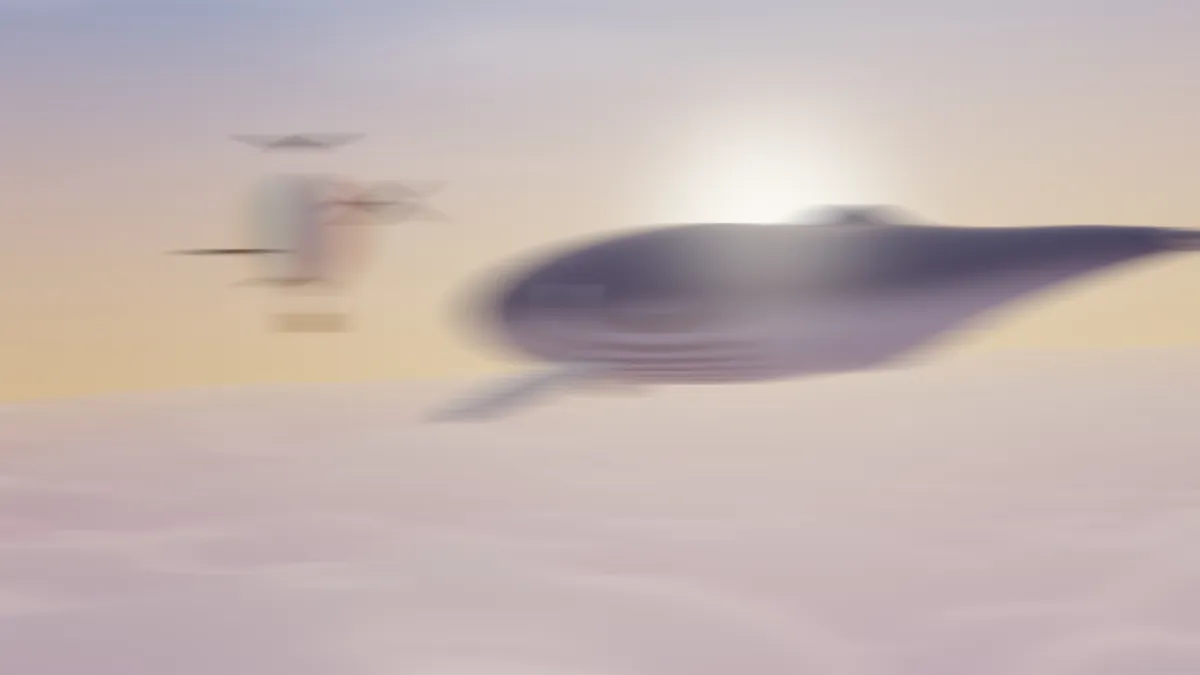
How this motion blur is calculated
Each pixel averages 32 samples spaced along a line centered on it. The samples are mixed in linear light and weighted by their transparency. That's why a lamp or a reflection smears into a bright streak and not a dull gray smudge, and why the edge of a cut-out subject doesn't drag a dark fringe.
The samples sit Distance divided by 32 pixels apart, and that decides when a long streak turns into a row of dots. A single bright pixel streaked at Distance 100 came out as 32 separate dots about three pixels apart, where you'd expect a line.
A highlight holds together as one line up to 32 times its own width. A 3-pixel glint stays solid at Distance 96 and breaks into dashes at 100. For stars and sparkles, stay under that limit, or run the result through Blur Image at Radius 2 to soften the gaps.
Using motion blur on video
The effect doesn't measure movement in the footage. Every frame gets the same streak at the same angle, whether anything moves or not, which suits a clip that already pans in that direction, or a still recorded as a short clip.
Streaks hold little fine detail, so a JPG of a blurred photo stays small. For a clip, MP4 or WebM keep a streak's long gradients smooth, where a GIF would band them.