Lens Flare
Add a lens flare to a photo or video: glow, anamorphic streak, rainbow-edged ghosts and a halo, with the light placed anywhere in the frame. Free, no upload.
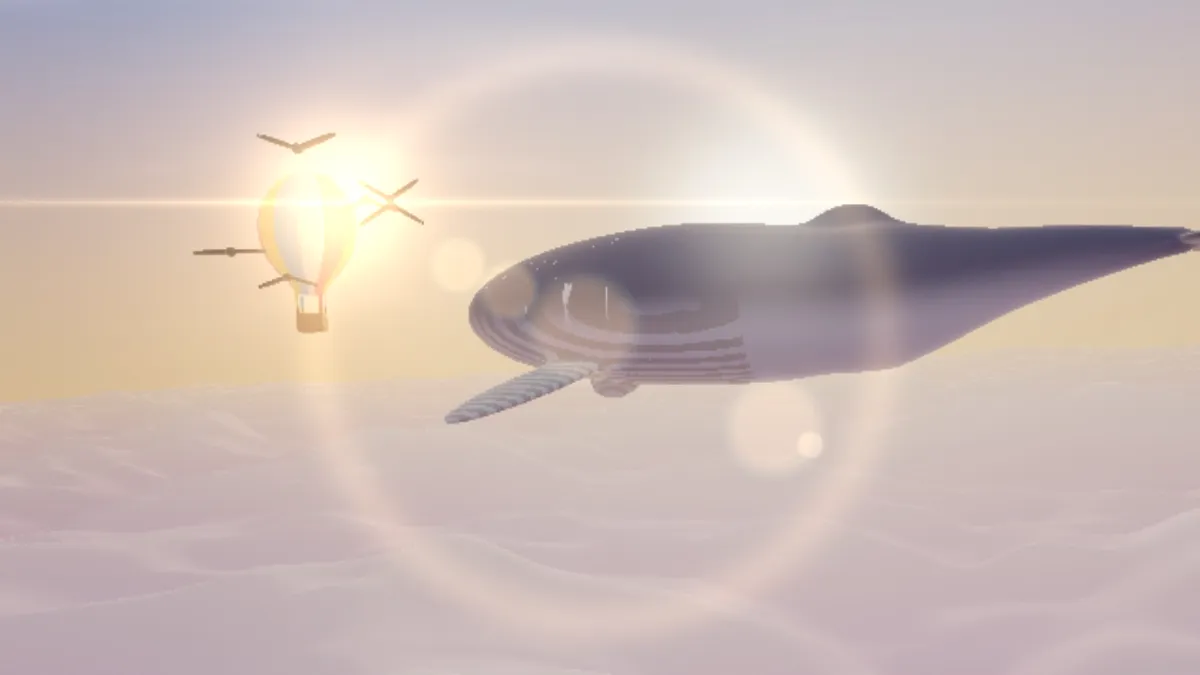
What causes lens flare?
Lens flare is stray light inside a camera lens. A bright source like the sun reflects between the glass surfaces of the lens elements and lands on the image as a glow, rings and a chain of ghosts.
The ghosts line up from the light through the center of the frame. Anamorphic cinema lenses add a long horizontal streak, and anti-reflective coatings are there to keep all of it down.
How to add a lens flare to a photo
Start from a preset: Sunlight, Anamorphic, Subtle, Stage light or Clean. Put Light X and Light Y on the brightest spot in your picture, such as the sun or a lamp, then use Intensity for the overall brightness.
Ghosts sets how many reflections show up, up to 8. Streak controls the horizontal anamorphic streak, and Halo a faint ring around the middle of the frame. Rainbow sets the color separation at the ghosts' edges, Tint the light's color, and Seed gives you a different set of ghosts.
Settings for a backlit sunset, a sci-fi streak and a concert light
Backlit sunset: Sunlight, with Light X and Light Y on the sun and Intensity 0.8. Put the sun near a corner and the ghosts string out across the frame toward the opposite side.
Sci-fi streak: Anamorphic, which sets Streak to 1, three Ghosts and a blue Tint of #9cc8ff, with Halo down at 0. That long horizontal line is the signature of widescreen anamorphic lenses.
Concert spotlight: Stage light, with the light at the top middle, Intensity 1.4 and seven Ghosts falling down the frame. For a product shot where the flare should just hint at a window, Subtle at Intensity 0.45 is plenty.
How this lens flare is built
The ghosts are strung along the line from the light through the middle of the frame, and the seed sets their sizes and spacing. Each ghost's red, green and blue rings are drawn at slightly different sizes, which gives the rainbow edge. The Halo is a fixed-size ring around the middle of the frame, and it doesn't follow the light.
The flare gets added in linear light, the way light adds up in a real lens. So it brightens what's underneath, where a pasted overlay would just cover it.
Why are all the ghosts piled up in the middle?
Each ghost's distance along the line is proportional to how far the light is from the center. With the light near the middle, the line is short and all the ghosts land in one clump.
Move Light X and Light Y toward an edge or a corner to spread them out, or try another Seed. On a video the flare stays put for the whole clip, so choose a spot that works for every frame.
Saving a flare with clean rainbow edges
JPG stores color at a lower resolution than brightness, and that smears the thin colored fringes Rainbow draws on each ghost. PNG keeps them sharp, though a JPG is fine when Rainbow is low.
If the scene is lit by lots of lamps at once, Bloom Effect is a better match than a single flare.