Sunburst Background Generator
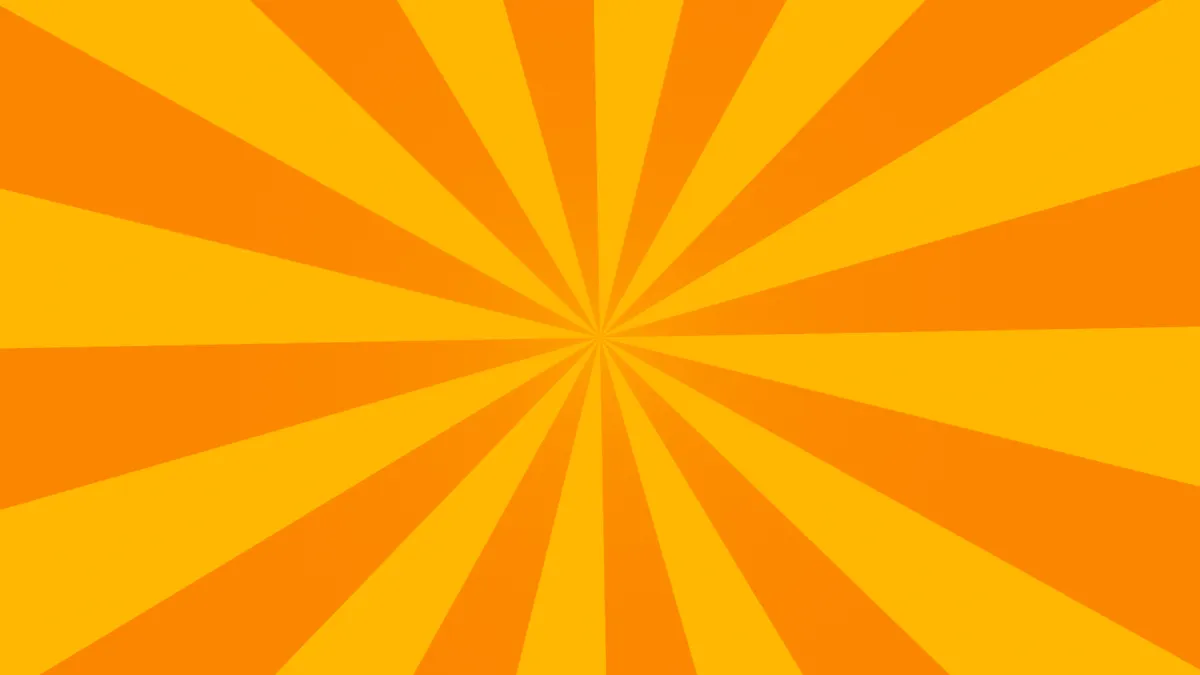
Make a sunburst background: two-color rays fanning from any point, straight or twisted into a spiral, turning slowly. Free to export as PNG, MP4 or GIF.
What is a sunburst background?
A sunburst is a set of rays fanning out from one central point, like sunbeams. It's an old ornament. You'll find it in Baroque church metalwork and in Art Deco design, and it's still a go-to backdrop for retro posters and titles.
On this page the rays are wedges of equal angle in two colors, with the edges smoothed along the arc so even 48 thin rays stay clean. Twist adds rotation that grows with distance from the center, bending every ray into an Archimedean spiral.
How to make a sunburst background
Set how many Rays you want, from 2 to 48, and use Twist to curl them one way or the other into a pinwheel or spiral. Speed spins them, negative values go the other direction, and 0 holds them still.
Centre X and Centre Y move the point the rays come from, all the way to a corner or the bottom edge as in the Corner and Rising sun presets. Sun adds a glow in the middle. The two colors are called Rays and Between.
Settings for a retro title card, a pop-art burst and a looping spin
Retro title card: the Rising sun preset sets the center on the bottom edge (Centre Y 1), with 16 red rays on cream and Sun at 1, so a half sun rises behind your words. Twist 0.3 bends the rays a little as they climb.
Pop-art burst behind a product or a price: Rays 24, Speed 0 and Sun 0.4, using #ffd60a rays between #ff7b00. Narrow rays in two warm colors come across as a burst of energy.
Looping spin: the rays look the same again after turning by one ray plus one gap, which takes 10 ÷ (Rays × Speed) seconds. Rays 20 at Speed 0.1 works out to 5 seconds, so a clip of 5, 10 or 30 seconds loops exactly. Rays 12 at Speed 0.5 repeats every 1.67 seconds, and that fits into 5 too.
Why do the rays blur together at the center?
Close to the center every ray gets thinner than a pixel, and the shader blends the two colors there into an even mix. The middle ends up reading as a color halfway between Rays and Between. Sun exists to hide that: it's a glow in the ray color that fades out over about a fifth of the frame's height.
So raise Sun, use fewer Rays, or move the center out to an edge or a corner with Centre X and Centre Y.
Saving a sunburst
With no glow, a sunburst is two flat colors and saves as a sharp GIF with Dither unticked. Once Sun is above 0, keep Dither ticked or the glow will break into rings.
For a poster, PNG keeps the ray edges exact. Mandala Maker fills the same sort of center with rings of petals where this one has rays.