Blob Background Generator
Make a blob background: shapes that drift and merge like a lava lamp, from a gentle glow to hard edges. Nothing to install or upload; save as PNG, MP4 or GIF.
How do the blobs merge?
They're metaballs, a technique Jim Blinn came up with in the early 1980s to draw atoms for Carl Sagan's Cosmos. Each blob adds to a shared field that's strongest at its center and fades with distance. The shape gets drawn wherever that field crosses one set value.
When two blobs get close, their fields add up past that value in the gap between them. So they join with a smooth neck, where two circles would simply overlap. It's the lava lamp look, named after Edward Craven Walker's 1963 lamp of rising wax.
How to make a blob background
Start with a preset like Lava lamp, Soft pastel, Ink, Aurora, Big drops or Fizz, or set Colours as a ramp running from the space between the blobs to their centers. Blobs is how many float around, from 2 to 12, and Size is how big they are as a share of the frame's height.
Edge goes from a soft glow at 0 to hard-edged shapes at 1. Speed controls the drift. Seed sends a different set of blobs along other paths, and each path crosses the full width of the frame.
For soft color with no shapes at all, Mesh Gradient Generator blends fixed points instead.
Settings for a lava lamp, a soft glow behind an app and a two-ink poster
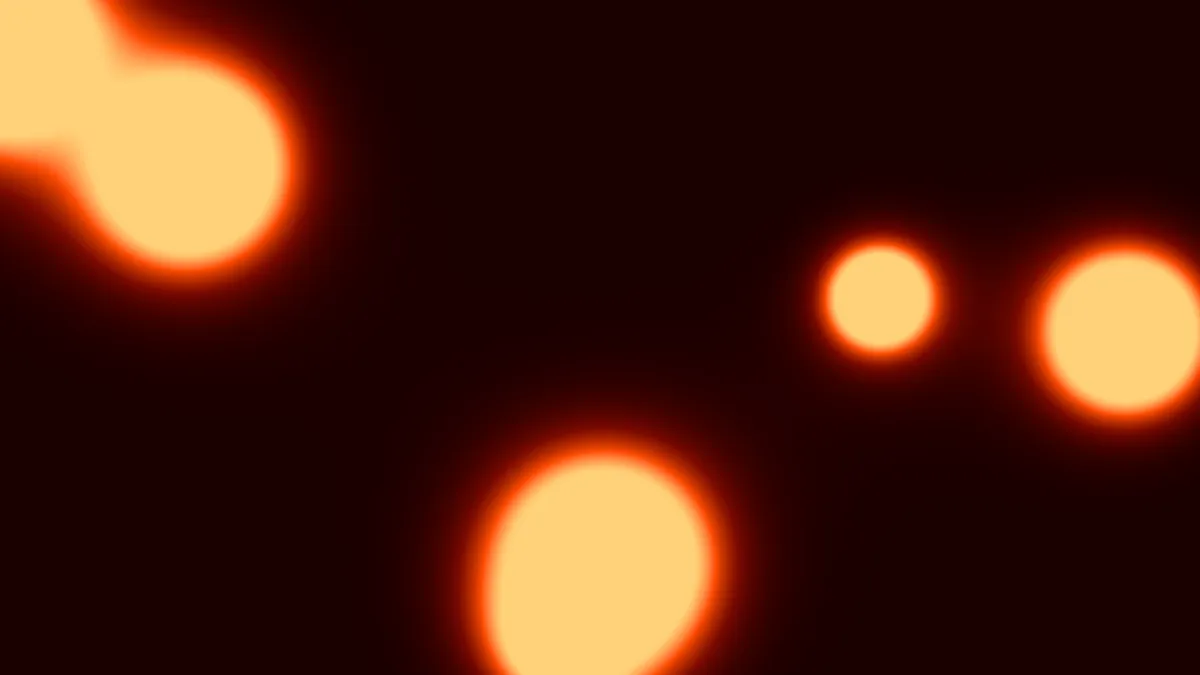
Lava lamp: the Lava lamp preset (six blobs, Size 0.12, Edge 0.3) on a ramp from black-red to pale yellow. For a lamp-shaped frame, pick 9:16 under Settings and bring Speed down to 0.3, since real wax rises slowly.
Soft glow behind a product screenshot: the Soft pastel preset sets Edge to 0. Add Blobs 4, Size 0.2 and Speed 0.2 and you'll have a few big, slow pools of color moving behind whatever you put in front later.
Two-ink poster: the Ink preset uses #f5f5f5 and #111111 at Edge 1, with five blobs at Size 0.14, for a screen-print look. Big drops gives you three large, almost hard blobs in the lava colors.
Why do I see only two of my colors?
It's down to Edge, which decides how much of the ramp you see. Close to 1, the field jumps past its threshold in a pixel or two, so all that shows is the ramp's first color between the blobs and its last color inside them.
Bring Edge down to 0.3 or lower and the middle colors show up as rings of glow around each blob, widest at 0. The Ink preset counts on this. At Edge 1 it only needs a two-color ramp.
Saving blobs
Soft blobs are gradients, and gradients want MP4 or WebM. GIF bands them unless you keep Dither ticked. Hard-edged settings like Ink are close to flat color, so those make a small, clean GIF.
Every blob follows a path of a different length, and they never settle back into the same arrangement. Let Seamless loop fade the end of the clip into the start.