Checkerboard Pattern Generator
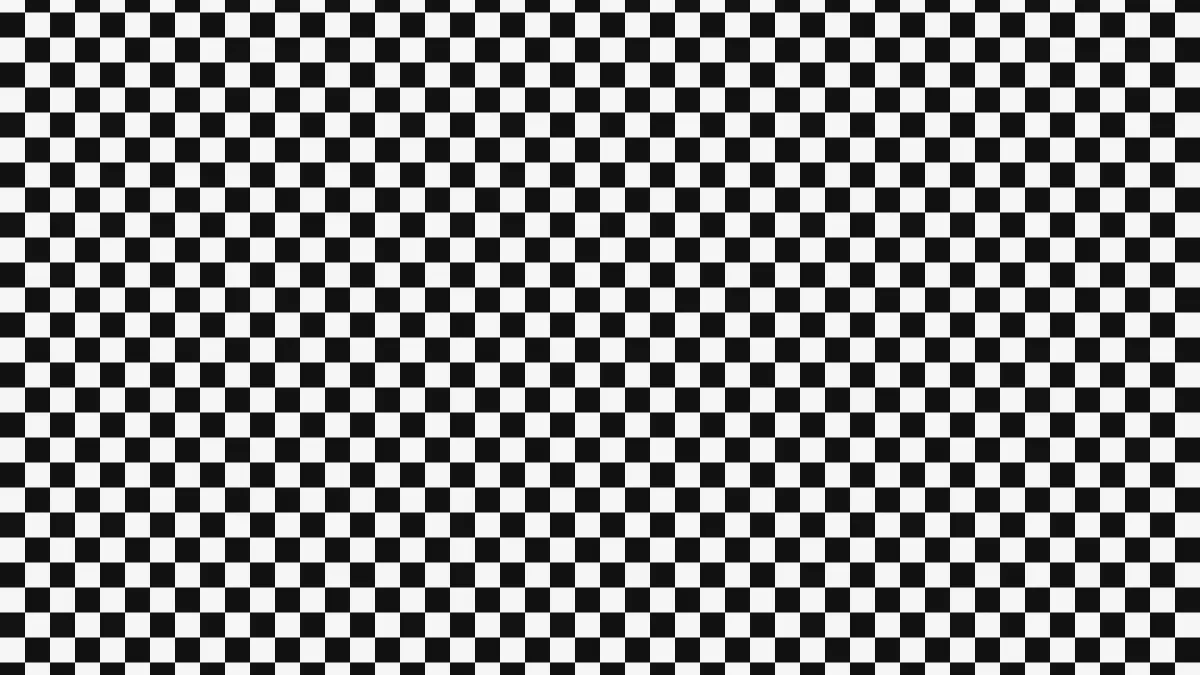
Checkerboard pattern generator: two-color checks at any square size and angle, from a chessboard to diagonal harlequin diamonds. Save as PNG, MP4 or GIF.
What is a checkerboard pattern?
A checkerboard is a grid of squares in two alternating colors, arranged so no two squares of the same color share an edge. You know it from checkers and chess, and it's one of the oldest check patterns around, on cloth, tiled floors and racing flags.
Rotate it 45 degrees and the same squares stand on their points as diamonds. That's the harlequin costume look, or a tile floor laid on the diagonal.
How to make a checkerboard background
Size is one repeat, two squares across, from 6 to 600 pixels of a 1080p frame, so each square is half of that. Thickness doesn't do anything on this pattern. Angle rotates the board between 0 and 180 degrees.
You pick the two colors under Colours. Scroll slides the board along its rows, and the Checker preset starts out still. The board is anchored with a corner where four squares meet sitting on the center of the frame, which keeps it symmetric around the middle.
Pattern Generator includes the board as one of seven repeats, next to grids and dots in the same two colors.
Settings for a chessboard, a transparency grid and a finish-line flag
Chessboard: pick 1:1 under Settings and set Size to 270. On a square frame you'll get exactly eight squares each way at any pixel size, because the squares scale with the frame's height. Use #f0d9b5 and #b58863 for light and dark wood, or black on white for a printed board.
Transparency grid (the gray-and-white checks image editors put behind empty pixels): #ffffff and #cccccc at Size 32. On the 1080-pixel-tall blank canvas that draws 16-pixel squares.
Finish-line flag: black and white, Size 160, Angle 0, which gives you squares of 80 pixels. For a jester's harlequin, turn Angle to 45 and go with two strong colors, like #c1121f and #111111.
Why does a small checkerboard shimmer in a video?
Once the squares are only a few pixels wide, their edges land between pixels. As the board scrolls, each frame rounds those edges a little differently, and the squares seem to pulse. Video compression then softens edges that small even more. Keep in mind that Sizes are given in pixels of a 1080p frame and this page records video at 720p, so everything comes out two thirds as large.
Keep every square at least 8 pixels wide in the video, which means Size 24 or more. Or set Scroll to 0 and the board holds still.
Saving a checkerboard
A still board is just two flat colors, so a PNG stores it in a tiny file with exact edges. Same for a scrolling board saved as GIF. Untick Dither there, since there aren't any gradients for it to smooth.
If you need a texture for a 3D app, a board on the 1920 by 1080 blank canvas tiles when Size is 120 or any number that divides 120. That's the largest repeat that fits both edges a whole number of times.