Light Trails Generator
Make light trails: glowing neon ribbons that weave across the frame like traffic in a long exposure, over black or your own photo. Export MP4 or GIF for free.
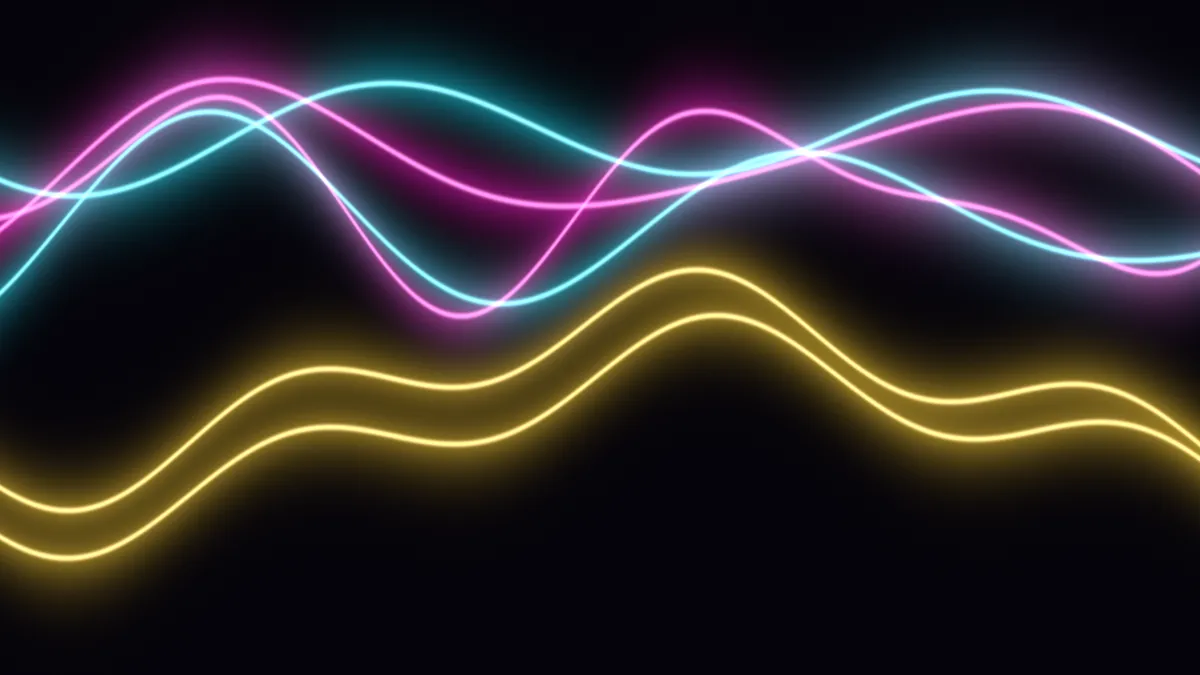
What are light trails?
Light trails are the streaks that moving lights leave in a long-exposure photo. Picture headlights and taillights stretched into lines along a road at night, with the dark parts of the scene barely showing up. Light painting is the same principle used on purpose: you move a light around in front of an open shutter.
This generator skips the camera and draws the streaks directly, as ribbons that swing across the frame. Each has a bright core with a softer glow around it. Their light adds up in linear light, so trails get brighter where they cross, the way real light does.
How to make a light trail effect
Start from a preset (Neon, Traffic, Ice, Over image or Single gold), or set Trails, which is 1 to 12 ribbons, and their Width in pixels of a 1080p frame. Glow sets the halo around each ribbon, and Wave sets how far they swing, up to 0.4 of the frame's height.
Speed is how fast they move. Colours gives the ribbons up to six colors in turn, and Seed draws a new set of paths across the middle 80 percent of the frame. Background is the dark color behind them, and Backdrop brings in a photo or video you've loaded.
Settings for a night-drive intro, an ice-blue backdrop and a gold ribbon
Night-drive intro: the Traffic preset runs ten almost-straight trails (Wave 0.04, Width 3) in the Fire colors, which are the red and amber of taillights. Turn Speed up to 1.5 for a quicker pass under a title.
Ice-blue tech backdrop: the Ice preset (cyan, white and blue at Glow 1.4) with Trails 4 and Wave 0.2. You get slow, wide arcs that leave room for text.
Gold ribbon behind a name or a logo: Single gold draws one trail at Width 10 and Glow 1.6, in a warm gold. Set Wave to 0.25 and it sweeps across the frame in broad curves.
Why do the trails wash out to white over my photo?
The trails add their light, in linear light, to whatever is under them, and their cores contribute a bit of white on top. Over a bright daytime photo the total goes past full brightness and clips to white.
Use a night shot or a dark photo instead. You can also lower Backdrop to somewhere between 0.3 and 0.5 so the picture is dimmed under the trails, or turn Glow down. The Over image preset starts at Backdrop 0.6 with four trails.
Saving light trails
Glow on black is a dark gradient, and that's the hardest thing there is for a video codec. At Low quality the halos break into bands, so pick High or Maximum for MP4. GIF needs its Dither box ticked for the same reason.
Since the ribbons swing at their own rates and never repeat, a looping file needs Seamless loop set to 1 or 2 seconds. Particle Background Generator gives you embers or bokeh where this one has ribbons, and the Blur, Light & Glow Effects hub has flares and glows to put on a photo.