Polka Dot Pattern Maker
Polka dot generator: pick two colors, set the spacing and how big each dot is, and save the pattern as a PNG, or let it scroll and save an MP4 or GIF. Free.
What is a polka dot pattern?
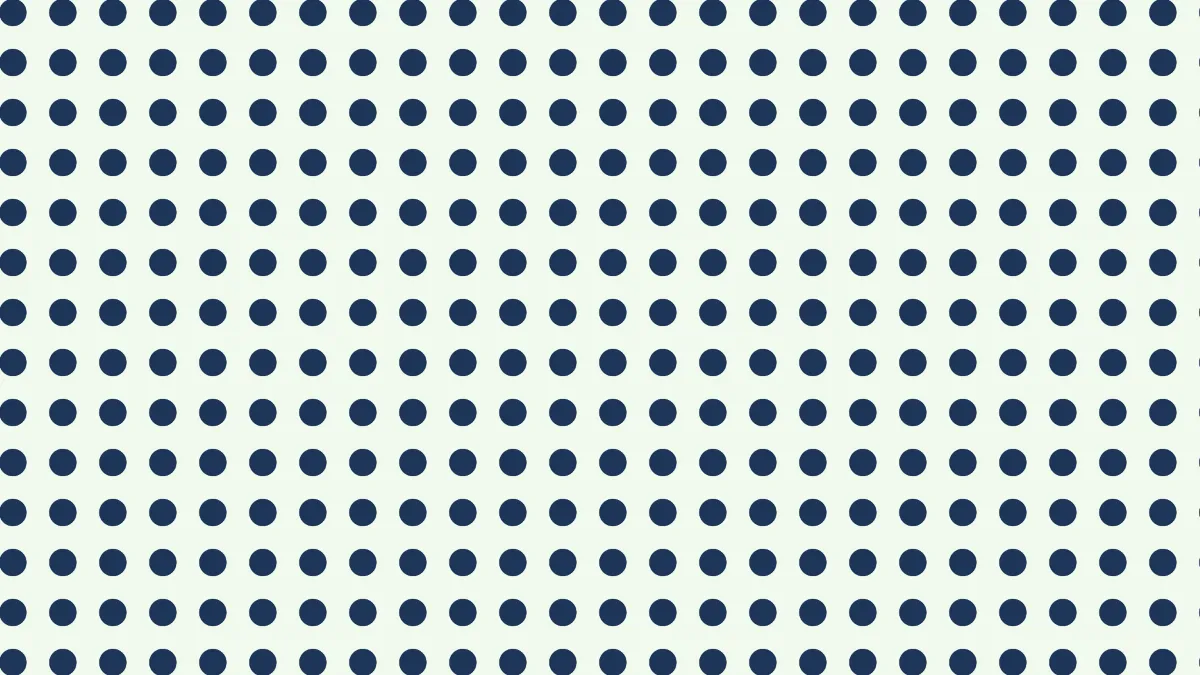
Polka dots are filled circles, all one size, spaced out evenly on a plain ground. They're named after the polka, a dance that was a huge craze in the mid-19th century, when all kinds of goods got sold under its name.
On this page each dot sits in the center of a square repeat, so the dots line up in neat rows and columns.
How to make a polka dot background
Size is the spacing, from one dot's center to the next, anywhere from 6 to 600 pixels of a 1080p frame. Thickness sizes each dot against that spacing. At 0.5 a dot is half as wide as the distance from center to center, at 1 neighbors just touch, and past 1 they start running into each other.
Under Colours, Foreground is the dots and Background is the ground. Angle rotates the grid. If you switch Pattern, the dots turn into stripes, checks, grids, zigzags, waves or rings in the same colors, which is the full set Pattern Generator opens on.
Settings for a classic dress print, pin dots and coin dots
Classic dress print: the Polka preset puts navy #1d3557 dots on #f1faee at Size 80 and Thickness 0.55, so each dot is a bit over half the spacing across. Set Scroll to 0 if you want a still print.
Pin dots: Size 24 with Thickness 0.25 gives you dots 6 pixels across and wide gaps between them, the fine spotting you'd see on a tie or a shirt. Below roughly 4 pixels at the size you save, they blur into a flat tint.
Coin dots: Size 300 and Thickness 0.7 makes spots 210 pixels across, big enough for a poster or a slide. Take Thickness past 1 and the dots merge, leaving the ground as small four-pointed stars in the gaps.
How do I get staggered polka dots?
Set Angle to 45. A square grid rotated 45 degrees reads as rows where every row is shifted half a step from the one above it. That's the half-drop layout most dotted fabric uses. After the turn the rows sit closer together, at Size divided by 1.41, while dots within a row spread further apart.
A rotated grid won't tile as a PNG, because the repeat doesn't meet the frame's edges anymore. For a print-on-demand repeat, leave Angle at 0 on the blank canvas and pick a Size that divides 1920 and 1080, such as 60 or 120.
Saving polka dots
Scroll moves the dots at that many repeats per second. At Scroll 0.5 the pattern matches itself every 2 seconds, so a GIF of 2, 4 or 6 seconds loops cleanly. Round dots only have a few blended shades along their edges, and GIF keeps them sharp if you leave Dither unticked.
For fabric or wrapping paper, save a PNG. A JPG puts faint halos of off-color pixels around every dot, and you'll see them once the print gets enlarged.