Gradient Map
Apply a gradient map to an image or video: its tones run through up to 16 colors you choose, blended in OKLab so the steps between them stay clean. Free.
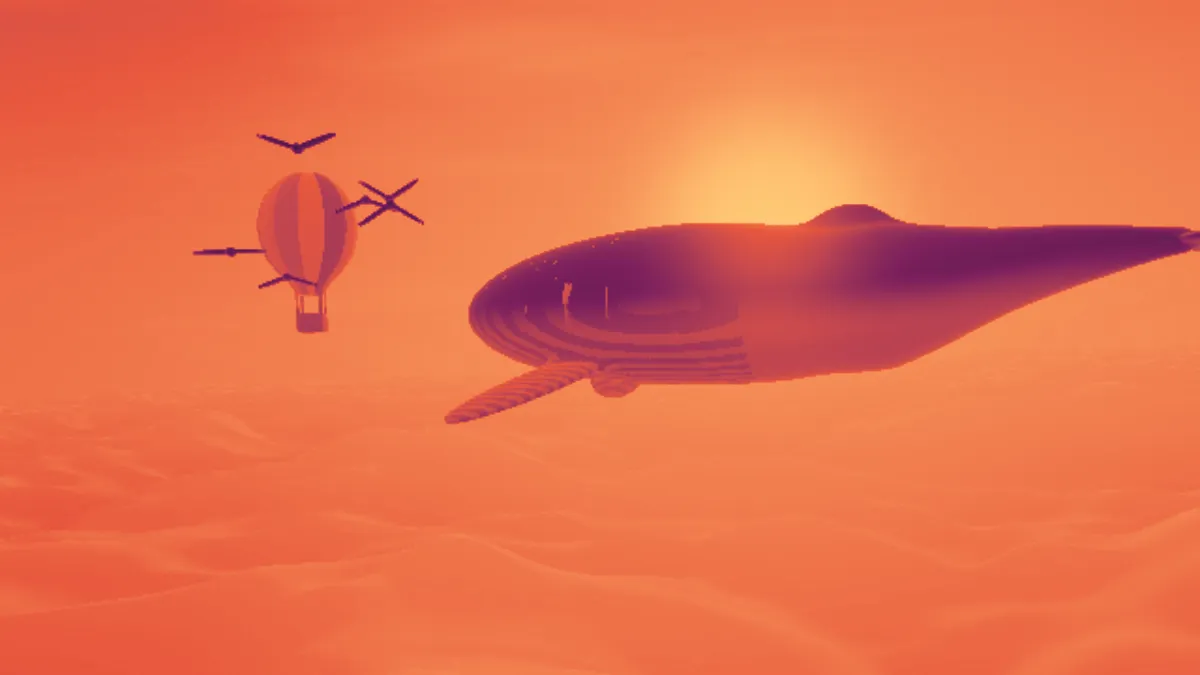
What is a gradient map?
A gradient map recolors a picture based on brightness alone. Each pixel's luminance becomes a position along a gradient, so shadows take the first color, highlights the last and midtones whatever falls in between.
False color images from thermal cameras and telescopes work on the same idea. One channel of brightness gets shown through a palette so small differences are easier to see.
How does this gradient map blend its colors?
Between stops, colors get mixed in OKLab, the perceptual color space Björn Ottosson published in 2020. Blending there stops the in-between hues from turning muddy, and lightness spreads evenly along the gradient.
The gradient gets baked into a 256-entry lookup table first, so a 16-color gradient renders just as fast as a two-color one. Brightness is measured with the Rec. 709 weights, which give green the most weight.
How to apply a gradient map to a photo
Pick a gradient from the Gradient list: Sunset, Mono, Infrared, Ocean, Gold, Vapor or Forest. Click a swatch to change its color, and add colors up to 16 or remove them down to two. The stops are always spaced evenly from dark to light.
Reverse runs the gradient from light to dark. With Mono that gives you a negative, which is what the Negative mono preset does. Amount blends the mapped colors with the original.
If you just need two colors mixed in a straight line, Duotone Generator is the simpler tool.
Settings for a printed duotone, a teal and orange grade, a heat map and flat bands
For a printed duotone, use three stops: #000000, an ink color such as #1d4e89, then #ffffff. Shadows go black, highlights stay white and the ink fills the midtones, like a black-plus-one-color print. For a teal and orange grade, try #0b1d26, #1f6f78, #e9a15b, #fff1dc. You get cool shadows under warm highlights, and skin lands in the warm half.
For a heat map, use the Infrared preset. Its five colors come from magma, one of Matplotlib's perceptually uniform colormaps, whose lightness climbs steadily from dark to light. For flat bands, enter each color twice in a row, like #1a1a2e, #1a1a2e, #e94560, #e94560, #f5f5f5, #f5f5f5. A repeated color holds steady across its stretch, and the picture breaks into three flat bands joined by blends of equal width.
Why does only part of my gradient show up?
The map follows the photo's tones. A picture with no deep shadows never reaches the first color, and one with no bright highlights never gets to the last. A hazy landscape might only use the middle third of the gradient.
Stretch the tones first with Contrast in Brighten Image and load the result here. Or move the colors you care about toward the middle of the list, where the photo's tones really fall.
Why a gradient map makes a good GIF
At Amount 1 every pixel's color comes out of the 256-entry table. The picture can't hold more than 256 colors, which is exactly the size of a GIF palette, so a gradient-mapped clip is one of the best cases for GIF. Below Amount 1 the photo's own colors come back and that limit no longer holds.
For stills, PNG keeps every mapped color exact, which matters if your stops are brand colors.