Duotone Generator
Make a duotone from any photo or video: shadows in one color, highlights in another, with presets like Cyanotype and Acid. Free, and nothing gets uploaded.
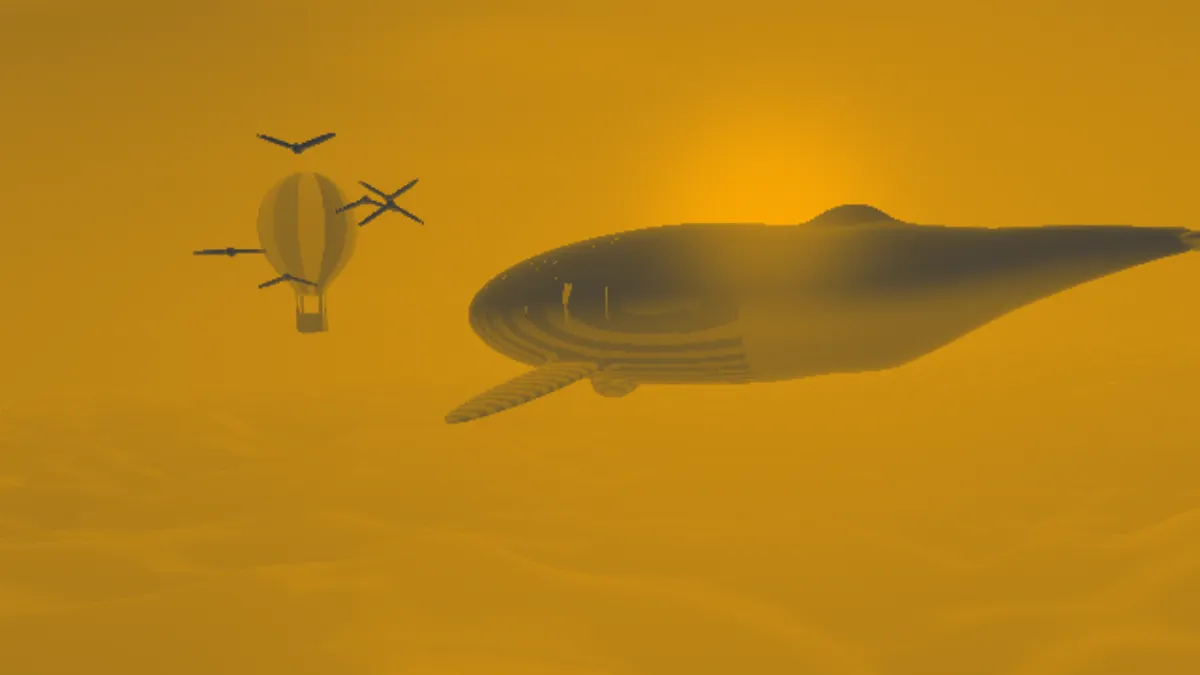
What is a duotone?
A duotone is a picture printed in two inks, traditionally black plus one color like blue, brown or red, with one halftone laid over the other to bring out the midtones and highlights. Designers now use the word for any image whose darks are one color and whose lights are another.
This generator measures each pixel's brightness with the Rec. 601 luma weights and puts it on a straight line between your two colors. Black lands on the shadow color and white on the highlight color, and every gray gets a mix of the two.
How to make a duotone image
Pick a preset to start: Navy and amber, Pink and teal, Cyanotype, Sepia or Acid. Cyanotype borrows the Prussian blue of the photographic process John Herschel found in 1842. Sepia is the same pair Sepia Filter opens with.
Set Shadow to the color you want for the darkest tones and Highlight to the color for the brightest. A dark Shadow with a light Highlight keeps the picture readable, and if you swap them you get a two-color negative.
Intensity blends the two-color version with the original, so lower values let some of the photo's own color back in. The Half tint preset sets it halfway.
Settings for brand photos, a text background, a cyanotype and a loud poster
For a set of brand photos, take Shadow and Highlight from your brand colors (the darker one goes in Shadow) and use that same pair on every picture. At full Intensity each photo's own colors get replaced, so pictures shot in different light end up matching. For a text background, try Shadow #2b2d5c and Highlight #6b6fb0. Two colors this close in lightness flatten the photo's contrast, and white type on top stays readable.
For a cyanotype, use the preset at full Intensity: deep Prussian blue in the shadows and a pale blue-white in the lights, like a sun print. For a loud poster, go with Pink and teal or Acid after raising Contrast in Brighten Image. A duotone only reaches as far along the line between its colors as the photo's tones go, so a flat photo makes a flat duotone.
Why do the midtones of my duotone look muddy?
The two colors are mixed along a straight line through RGB values. When they come from opposite sides of the color wheel, like the default navy and amber, that line runs through grayish browns, and the halfway point is a dull olive brown.
Gradient Map blends the same two colors in OKLab, a color space built around how we perceive differences, and its midtones stay cleaner. It also lets you put black in the shadows and white in the highlights with your color in between, which is what a printed two-ink duotone really looks like.
Saving a duotone
At full Intensity a duotone only holds one line of colors from Shadow to Highlight. A GIF palette covers that much better than a full-color photo, so duotone GIFs stay small and clean.
For print, save a PNG and match the colors in your layout program. Two screen colors aren't the same as two real inks, and a printer will want them as spot or process colors.