Moiré Pattern
A moiré pattern is the wavy interference where two fine grids overlap. Where the word comes from, how big the fringes get, and why striped shirts crawl on TV.
What is a moiré pattern?
A moiré pattern is a large, wavy pattern that appears when two fine, regular patterns overlap at a slight angle or with slightly different spacing. Neither layer contains the waves. They come from the places where the lines of one layer fall in and out of step with the lines of the other.
You have seen it in two layers of window screen, in the folds of a sheer curtain, on a computer monitor photographed with a phone, and on a TV presenter's finely striped shirt that seems to crawl as they move.
Where does the word moiré come from?
Moiré is French for watered silk, a ribbed fabric with a shimmering pattern like the surface of water. It was made by pressing two layers of the cloth together, so the ribs of one flattened parts of the other and left bands that catch the light differently. The French word itself came from the English mohair.
How big are moiré fringes?
The size follows from simple geometry. Lay two identical line gratings with spacing d over each other and turn one by a small angle θ, and the fringes come out d ÷ (2 sin(θ/2)) apart. Lines 1 mm apart, turned by just 1°, make bands about 57 mm apart, so a tiny rotation produces a huge pattern.
Two gratings with slightly different spacings act like two musical notes a little out of tune. The beat repeats wherever the difference adds up to one whole line, so lines 1 mm apart over lines 1.1 mm apart fall back into step every 11 mm.
That magnification makes moiré useful as well as annoying. Engineers bond fine gratings onto parts and read strain from the fringes, since a stretch far too small to see moves the bands a visible distance.
Why does moiré show up in photos and scans?
A camera sensor is itself a grid. When a scene holds detail finer than the pixel spacing, like a fabric weave or a distant brick wall, the two grids beat and false bands of color appear. Most cameras put a slightly blurring filter over the sensor to stop it. Nikon's D800E in 2012 cancelled the effect of that filter for extra sharpness, and photographers took more moiré in exchange.
Scanning a printed magazine runs into the same thing, because the halftone dots beat against the scanner's own samples. Scanner software offers a descreen setting that blurs the dots away before they can interfere, and the 30° spacing between color printing screens is there to keep the plates from making moiré with each other.
Making a moiré on purpose
Screening a picture that is already screened is the classic way to cause moiré. Save a photo from Line Halftone, which prints lines at Size 8 and an angle of 45, then open that PNG in Halftone Generator and set Size to 8 and Angle to 50. The new screen samples the old lines at nearly their own spacing and a slight angle, and broad wavy bands spread over the image. Move Angle a degree at a time and the bands swing and stretch, as the formula above predicts.
Try it
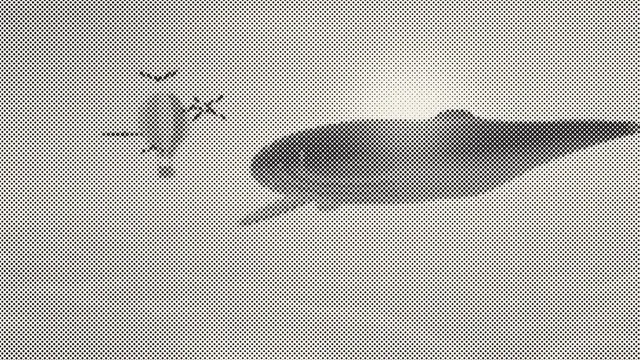
Halftone Generator
Halftone generator for images and video: dots, lines, crosses or diamonds that grow with the tone, for a printed halftone effect. Free, and nothing is uploaded.
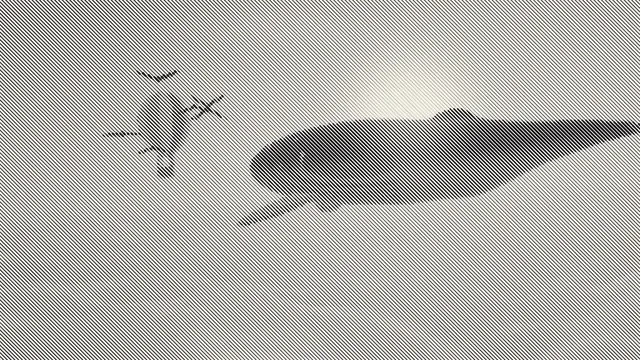
Line Halftone
Line halftone for photos and video: parallel lines that thicken in the shadows and thin out in the highlights, like an engraved print. Exports PNG, MP4 or GIF.