Glitch Art
Glitch art turns digital errors into images: corrupted files, broken video codecs and sorted pixels. Where it came from, how each kind is made, how to spot it.
What is glitch art?
Glitch art is art made from digital errors, either caught by accident or caused on purpose by corrupting a file, misusing software or tampering with hardware. The errors are the subject: blocks in the wrong place, colors smeared along rows, one video's motion pasted onto another's picture.
Rosa Menkman, the Dutch artist and theorist who wrote the Glitch Studies Manifesto in 2010, argues that a glitch exposes the medium it happens in. That's why glitches differ from format to format. A JPEG breaks into 8 by 8 pixel squares, a compressed video into sliding macroblocks, an analog TV into rolling bars and color noise, each according to how it stores the picture.
Databending, datamoshing and pixel sorting: what's the difference?
Databending means opening a file in a program built for something else and editing it there, such as importing a BMP into an audio editor as raw sound, adding echo and saving it back. The bytes still make a valid image, so it opens, but rows shift and colors repeat in ways that follow the file's internal layout.
Datamoshing works on compressed video. Most frames in an H.264 or MPEG-4 file aren't stored whole; they only describe how blocks moved since the last full keyframe. Delete a keyframe and the motion of the next shot gets applied to the pixels of the last one, so a face smears into whatever comes after it. Takeshi Murata built his 2005 video Monster Movie this way, and in February 2009 two music videos released about a week apart, Ray Tintori's for Chairlift's Evident Utensil and Nabil's for Kanye West's Welcome to Heartbreak, took it to a mass audience.
Pixel sorting involves no error at all. In 2010 Kim Asendorf released a Processing script that takes runs of pixels in each row or column and puts them in order by brightness, leaving the darkest or brightest parts alone. The result is the waterfall streak that now gets filed under glitch.
Before it had a name
Artists were breaking images long before files existed. Nam June Paik held magnets to television sets in the 1960s to bend the broadcast picture into loops. The net art duo JODI made web pages in the 1990s that looked like the browser had crashed, and by the end of the 2000s glitch had its own festivals, essays and arguments.
One of those arguments is still going. Once a glitch can be picked from a preset menu, its look no longer proves that anything broke, and Menkman and others have written about how quickly the style turned into decoration for ads and album covers.
How to tell real corruption from a filter
Genuine file damage follows the format's grid and its reading order. A JPEG decodes block by block from the top, so one bad byte ruins everything after it, and the image goes wrong from a point down to the bottom edge, often with a color cast. A real datamosh smear moves with the motion in the footage.
Filters usually scatter rectangles evenly over the frame, split red and blue in ways no decoder would, and repeat the same tear on a loop.
Making glitch art from a picture or clip
Glitch Effect breaks the frame into sliding blocks, and its Hard glitch preset (Amount 0.6, Shift 0.2, Colour split 30, Rate 14) gives the loud version. Datamosh Effect fakes the missing keyframe: Melt sets I-frame every to 0 and Persistence to 0.97, so the picture is never refreshed and keeps dissolving into the motion. Pixel Sorting's Classic preset sorts every run between brightness 0.25 and 0.85, and Waterfall turns the streaks vertical. Databending Effect imitates the corrupt-file kind, from Light damage up to Wrecked at Corruption 0.8.
Try it
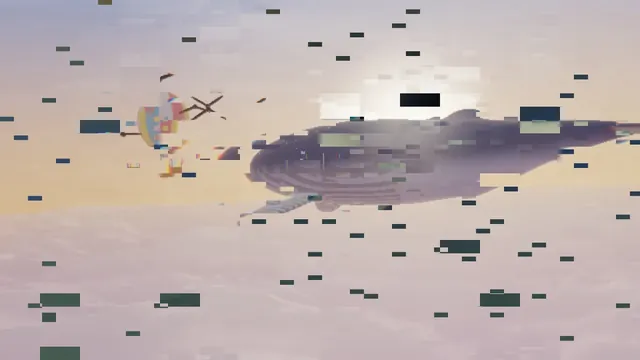
Glitch Effect
Glitch effect for images and video: glitch an image so blocks jump sideways, split into red and blue and turn negative. Seeded, so exports match the preview.
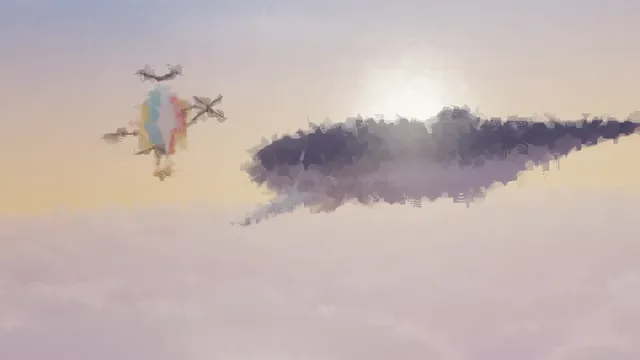
Datamosh Effect
Datamoshing online, for a video or even a still photo: old pixels smear along blocky motion until an I-frame clears them. No codec tricks or file hacking.
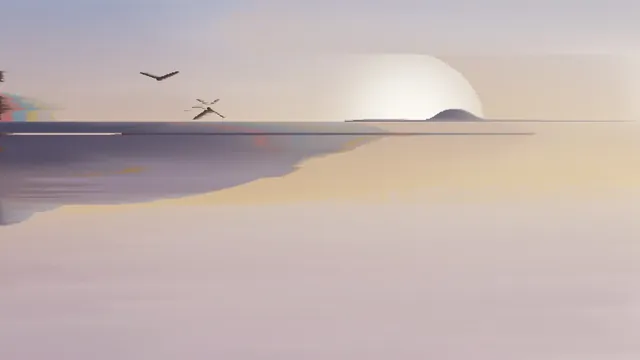
Pixel Sorting
Pixel sorting that really sorts: runs of pixels in an image or video ordered by brightness, hue or saturation into long glitch streaks. Free, with no upload.
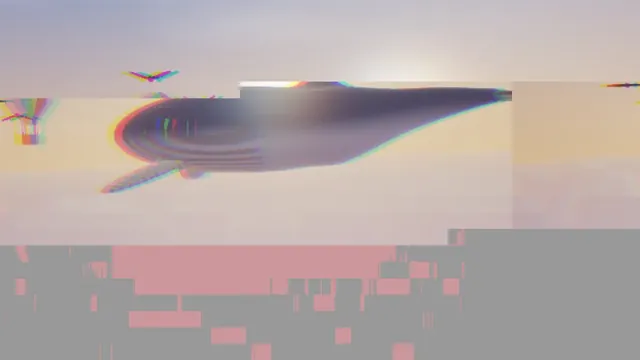
Databending Effect
Databending effect for images and video: blocks shift, smear and change color as if the file's bytes were corrupt, with no hex editor. Free, nothing uploaded.