Color Palette from Image
Get a color palette from any image: the 4 to 10 main colors, largest share first, as hex codes to copy. The picture is read in your browser and never uploaded.
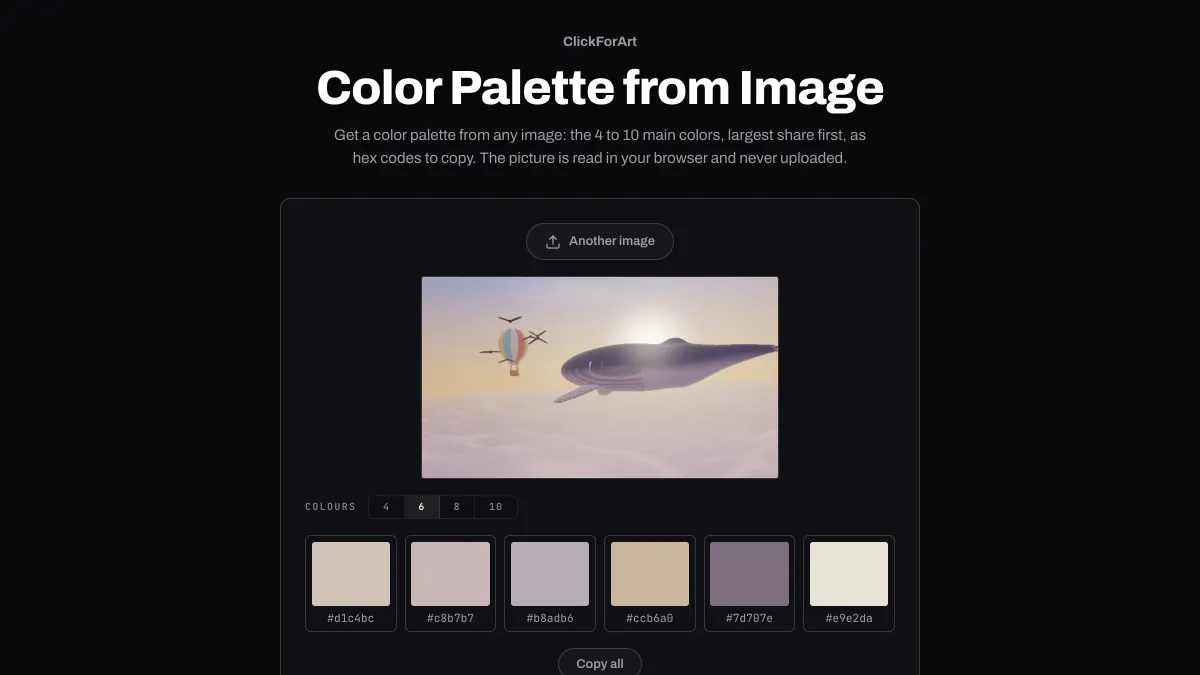
How do you get a color palette from an image?
Pulling a palette out of a picture is called color quantization, which means boiling its thousands of colors down to the few that represent it. This tool uses a version of median cut, the method Paul Heckbert published in 1982.
Every pixel starts out in one box in RGB space. Whichever box has its widest channel spread furthest, weighted by how many pixels it holds, gets cut in two, and that repeats until there are as many boxes as colors you asked for. Heckbert split at the median pixel; this one cuts at the middle of the channel's range. Each box's average color becomes one swatch.
How to extract colors from a photo
Open a photo with Load an image or drop the file onto the panel. You'll see a palette of six colors right away, and Colours switches between 4, 6, 8 and 10.
Swatches are ordered from the color covering the most of the picture to the one covering the least. Click a swatch to copy its hex code, or use Copy all to get every code on one comma-separated line.
Settings for a logo's inks, a theme from a photo and a small accent
A logo's inks: load the logo as a PNG with a transparent background and set Colours to 4. Pixels that are less than half opaque get skipped, so the swatches are only the inks. On flat artwork each one lands within a few values of the exact ink, because a box full of identical pixels averages to itself.
A website theme from a hero photo: Colours 6. The first swatch covers the most of the picture and works as a page background. The last covers the least, and it often makes a good accent. Before you commit, test your planned text color against that first swatch in Color Contrast Checker.
A small accent, like a red umbrella in a gray street: raise Colours to 10. At 4, the umbrella's pixels can end up in a box with light grays and average out to a pinkish gray. More boxes give it room of its own.
Why doesn't a swatch match one exact pixel?
Every swatch is the average of a group of similar pixels, so it represents an area of the picture and not a single dot. If you need the code for one exact pixel, Color Picker from Image reads it through a loupe.
The picture is also read at 160 px on its long side. That's plenty for its colors and keeps things quick, but it means fine detail like thin type has already blended into its surroundings before any boxes get cut.