Animated Device Mockup
Animated device mockup: your screenshot or recording on a phone that sways and turns in 3D, on a loop that closes exactly. Save it as MP4, WebM or GIF for free.
What is an animated device mockup?
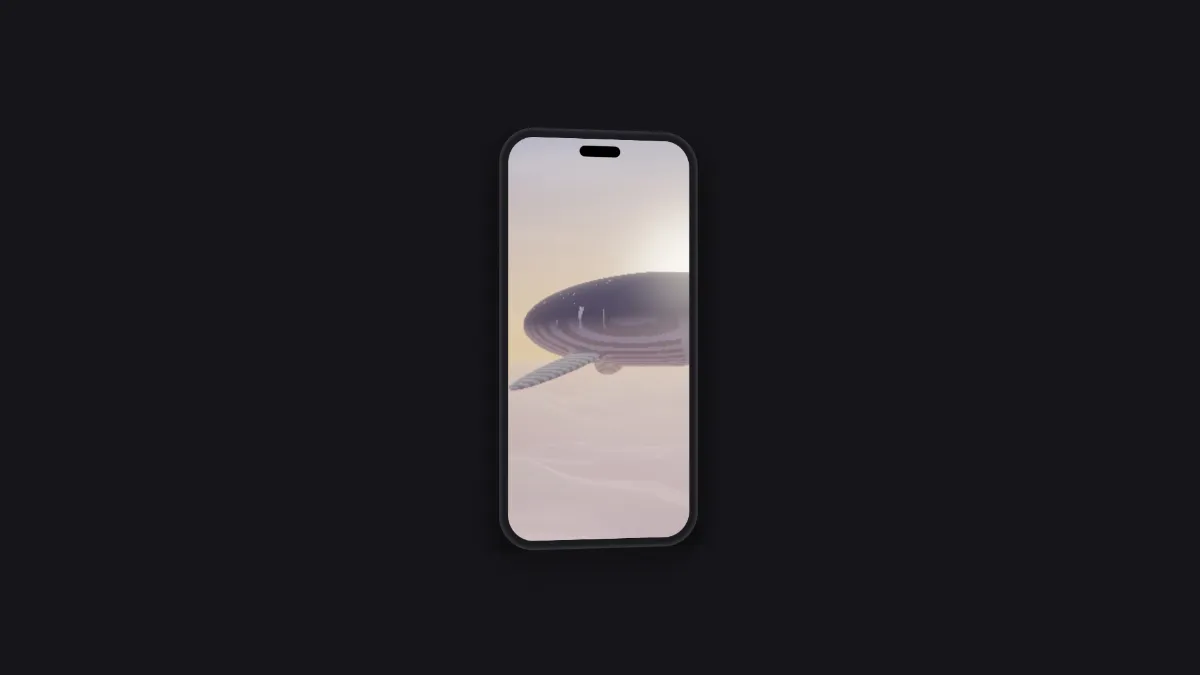
An animated device mockup is a short looping clip of a phone with an app on its screen, moving gently in 3D. It's a bit of motion graphics for a launch post, a store preview or a landing page, and you make it without filming a real phone.
It's two effects in a row. Device Mockup draws the phone on a transparent background, then Motion Template floats the result as a card in perspective and moves it, so the shadow follows the phone's outline and not a rectangle.
How to make an animated phone mockup
Open a screenshot, or a screen recording so the app keeps moving on the screen while the phone moves. The Showcase template sways the phone side to side, leans it back and forth and bobs it up and down twice per loop.
Speed sets the pace, Tilt how many degrees the phone turns, and Size how tall it stands in the frame. Shadow, Shine and Thickness add depth, and Backdrop sets the color behind it.
In the Device Mockup controls, Device swaps the phone for a tablet, a laptop or one of the others, and the motion keeps going. To turn a picture all the way around, use 3D Image Spin.
Settings for a five-second store loop, a launch teaser and three screens
Five-second loop for a store listing or a post: Speed 1.2, which makes one sway last exactly five seconds, with Tilt 10 and Shadow 0.6, recorded with the 5s Duration button.
Launch teaser: Tilt 24, Shine 0.5 and Thickness 0.04 on a Backdrop in your brand's darkest color, at Speed 0.6 for a slow, ten-second sway.
Three screens at once: in the Device Mockup controls, set Devices to 3, add a Second screen and a Third screen, and lower that effect's Size to about 0.75 so all three phones fit. They sway together as a single group.
Why does my mockup jump when the GIF loops?
A loop lasts six seconds divided by Speed, and the file only closes cleanly when its Duration holds a whole number of loops. At Speed 1, the 5s and 10s buttons cut a loop short, while a typed Duration of 6 or 12 seconds, or the 30s button, closes it.
So either type in a Duration that fits, or change Speed to match the length you need: 1.2 for five seconds, 0.6 for ten and 2 for three.
Which screenshot fits the phone's screen best?
The phone's screen is about 1 to 2.14, close to a current phone screenshot like 1170 by 2532 pixels. With Fit set to Fill the screen, a screenshot that shape fills it edge to edge with almost nothing cropped.
A 9:16 screen recording is wider than that, so Fill the screen trims a sliver off each side. Fit inside shows all of it, with black bands above and below.
Saving an animated mockup
For a store preview or a social post, MP4 plays everywhere. A GIF tops out at 960 px on its long side, which softens small interface text, so save GIFs for chats and documentation.
With No backdrop ticked in the Motion Template controls, pick WebM with transparency to lay the phone over other footage in an editor. If you want a device frame that holds still, the Mockup Generator hub has phones, laptops and watches.