3D Image Spin
3D image spin: an image or video turns a full circle like a card on a string, its back mirrored and in shade, and loops cleanly as GIF or MP4. Free, no upload.
What is a 3D image spin?
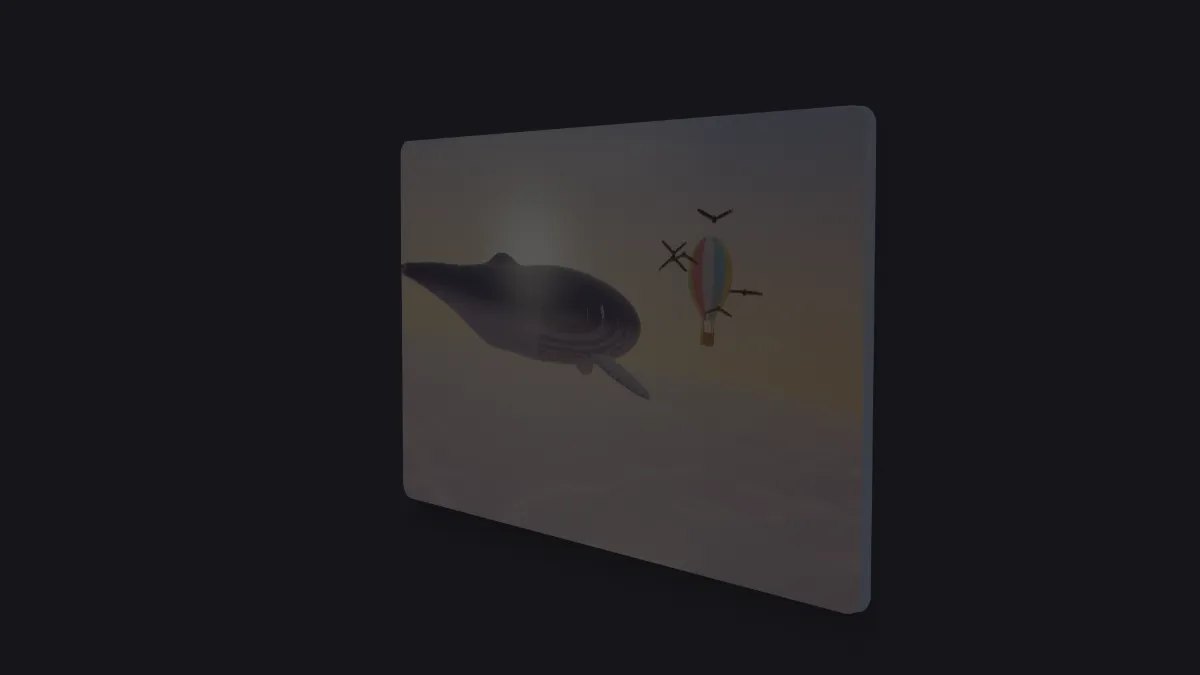
A 3D image spin turns a flat picture all the way around its vertical axis, the rotation pilots call yaw. In perspective, the card narrows toward an edge, shows its back and comes around to face the camera again.
The back shows the same picture mirrored and shaded, like a print on glass seen from behind. With the Orbit preset's small Thickness the card has a side, so when it's side-on you see a thin edge and it doesn't just vanish.
How to spin an image in 3D
Open an image or a video; a clip keeps playing on the card while it turns. The Orbit preset does one full turn per loop.
Speed changes the pace and Size the card's height in the frame. Tilt leans the card as it spins, by half the degrees you set, so a little of its top or bottom edge shows.
Thickness sets the edge, Corners rounds the card, and Shine adds a sheen that sweeps across it as it faces the light. No backdrop leaves the space around the card see-through. For several copies at once, Image Carousel Maker puts them in a sliding row.
Settings for a coin, a trading card and a loading spinner
Coin or badge: a round logo saved as a PNG with a transparent background, Thickness 0.08 and Shine 0.6, with No backdrop ticked. The edge follows the logo's own outline, so it turns like a solid disc.
Trading card: Corners 0.05, Thickness 0.01 and Shine 0.5 at Speed 0.5. That's one slow turn every twelve seconds, slow enough for viewers to read the front as it passes.
Loading spinner: Size 0.4 at Speed 3, a full turn every two seconds. It's a good fit for a short GIF that loops for as long as a page is waiting.
Will a 3D image spin loop as a GIF without a jump?
Yes, as long as the export holds whole turns. The angle depends only on the time, and a turn takes six seconds divided by Speed. So Speed 1 closes on 6, 12 or 30 seconds, and Speed 3 on any even number of seconds.
Why does my logo spin with a box around it?
The card takes the shape of the whole picture, so a logo on a white or colored background spins as a rectangle. Give the logo a transparent background first, and then the card, its edge and its shadow follow the logo's outline.
The Image Tools hub can key out a solid backdrop. The back always shows the front mirrored and darkened, so you can't make a card with two different faces here.
Saving a spin for a website or an editor
For an overlay, keep No backdrop ticked and save WebM with transparency, or Animated PNG, which is lossless and also keeps transparency, though the file gets large.
A GIF is capped at 960 px on its long side, which is plenty for a spinner or a badge.