Audio Visualizer
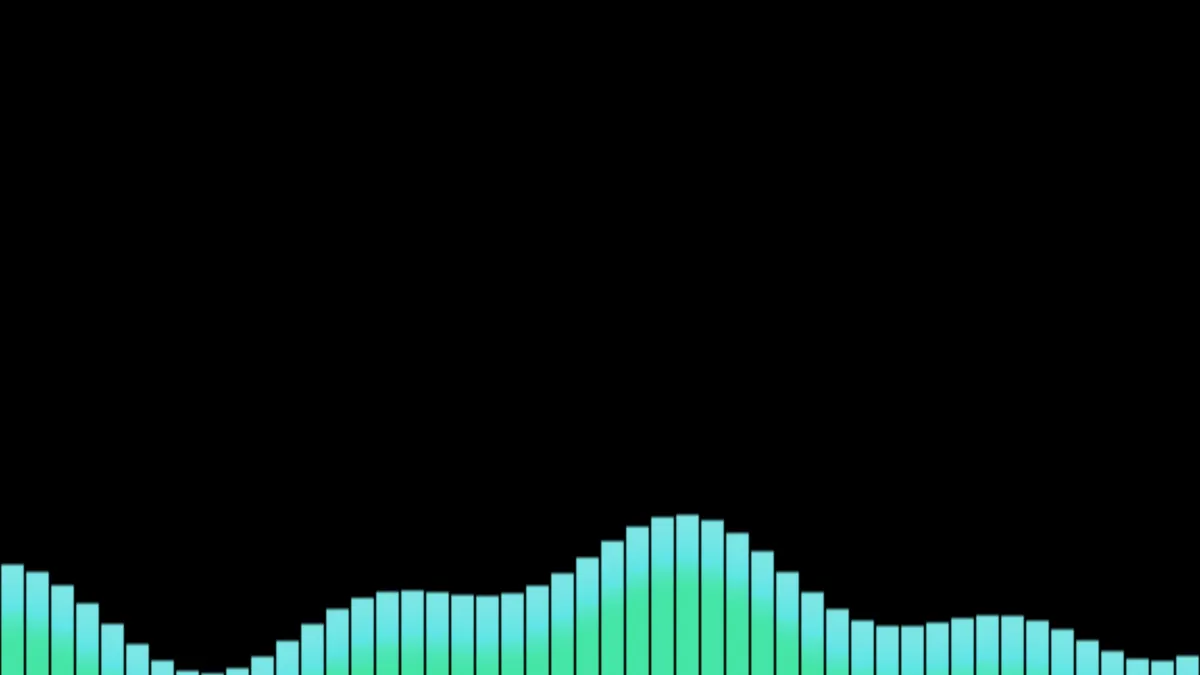
Audio visualizer: add a song and spectrum bars dance to it over black or your own picture or clip, in any color. Export an MP4 or WebM with the music inside.
What does an audio visualizer show?
It splits the sound into its frequencies, many times a second, and draws how loud each one is. Here every bar is a band of frequencies, with the bass on the left and the treble on the right, so a kick drum lifts the first few bars and a hi-hat flickers at the far end.
A plain split would give the bass almost no room, because the low notes all crowd into the first sliver of the range. The bars spread the low end wider so the beat gets space you can see. Each bar takes the loudest frequency in its band rather than the average, which keeps them sharp instead of mushy.
How to make a music visualizer video
Start on a blank canvas for bars on black, or load a picture or a clip to put them over, like cover art or a live shot. Then add the song with Add a song, or with Add audio track once the editor is open. On a computer, Live sound feeds in your microphone instead.
Until there's sound, the bars sway slowly on their own, so you can pick a color and a layout first. Once a song is in, they follow it. Save as MP4 or WebM to keep the music in the file; a GIF can't hold sound.
The presets and what the sliders do
Bars is the classic: 48 solid mint bars rising from the bottom. Segments cuts 32 bars into LED blocks like an old hi-fi meter. Top hangs them from the top edge, and Centre mirror grows them both ways from the middle, at Height 0.6.
Bars sets the count, from 8 to 128, and Height how far up the frame the loudest one reaches. Opacity at its 0.9 default lets a little of the picture show through. Color is any color you like, and the tops of the bars glow brighter than their bases.
Why do the bars barely move, or never stop?
The levels are rescaled as the song plays, so a quietly mastered track fills the bars as well as a loud one does. When they still look flat, raise Gain above 1, or lower Punch, which lifts quiet detail into motion.
If they jitter too much, raise Smoothing from its 0.45, and they'll glide instead of twitching. Raise Punch toward 1 and only the hits come through, which suits a track with a hard kick. Bars that pin at the top on every beat mean Gain is too high.
Ideas for the picture underneath
Cover art with the bars along the bottom is the standard for a song upload. Keep the busy part of the picture in the top half so the bars don't hide it, or anchor them to the top if the subject sits low.
The picture can move too. Make a turning cover in 3D Image Spin, save it as a clip, then load that clip here and add the song. The bars draw over every frame.