Monochrome
Monochrome means one color: a single hue in many lights and darks, of which black and white is just one case. From Rodchenko's red canvas to a blue cyanotype.
What does monochrome mean?
Monochrome means made in one color. A monochrome image uses a single hue in different lights and darks, from a black and white photo to a blueprint to a drawing in brown ink.
The word comes from the Greek monos, one, and khroma, color. Before the twentieth century, monochrome mostly meant working out form in one medium: brown or black ink on paper, or grisaille, painting in grays, used for studies and for imitating carved stone.
Is monochrome the same as black and white?
Black and white is the most common monochrome, but a monochrome image can be any hue. A sepia print is monochrome brown, a cyanotype is monochrome Prussian blue, and the text on an old green-screen computer terminal was monochrome green. What they share is that every pixel or patch of ink differs from the others only in lightness, never in hue.
The word grayscale is narrower still. It means monochrome with neutral grays, so a sepia photo is monochrome but not grayscale.
Why did painters make monochrome canvases?
In September 1921, at the Moscow exhibition 5x5=25, Alexander Rodchenko showed three canvases each painted in one flat color: Pure Red Color, Pure Yellow Color and Pure Blue Color. He presented them as the end of painting, and afterward turned to photography and design.
Others saw a monochrome as a beginning. Kazimir Malevich had already painted white on white around 1917 and 1918. Yves Klein made blue his signature in the late 1950s, and on 19 May 1960 he registered the formula for his International Klein Blue with a Soleau envelope, a sealed French deposit that records a date of invention. It's often described as a patent, but it gave him no exclusive rights to the color, and under French law a color can't be owned.
Why does monochrome make a photo look stronger?
Color is a strong signal, and it often pulls attention away from shape. Remove it, or reduce it to one hue, and the eye goes to what's left: light and shadow, texture, line and the arrangement of the frame. That's why monochrome suits portraits with dramatic lighting, architecture and street scenes, and why it does little for a picture whose whole point is a bright color.
It also unifies. Photos from different cameras or lighting conditions look like a set once they're all converted to the same single hue.
How to make an image monochrome
For classic black and white, open Black and White Converter. It drains all color and adds Contrast 0.1, and the Gamma slider lets you lighten or darken the midtones without touching black or white.
For a monochrome in any other hue, use Duotone Generator and choose a dark and a light version of the same color for Shadow and Highlight. The Cyanotype preset does this in blue, with a deep navy #06204a in the shadows and a pale #d8ecff in the highlights. For green-screen terminal text, try Shadow #001a00 with Highlight #33ff66. Sepia Filter is the same idea in brown, set up for an old photographic print.
Try it
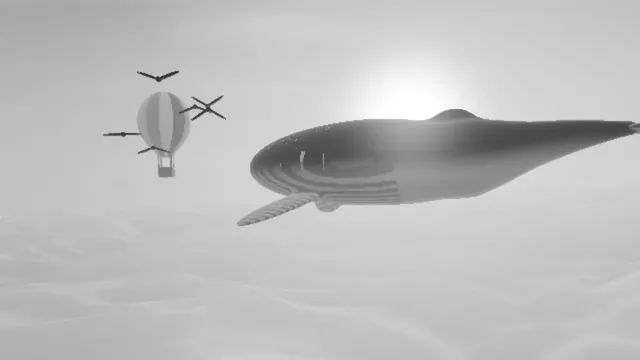
Black and White Converter
Make an image grayscale: turn a photo or video black and white, then tune brightness, contrast and gamma until the grays look right. Files stay on your device.
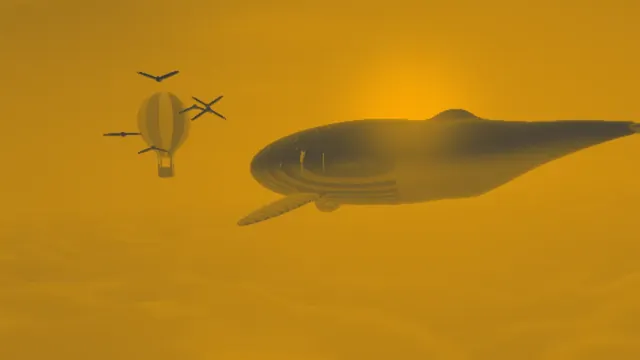
Duotone Generator
Make a duotone from any photo or video: shadows in one color, highlights in another, with presets like Cyanotype and Acid. Free, and nothing gets uploaded.
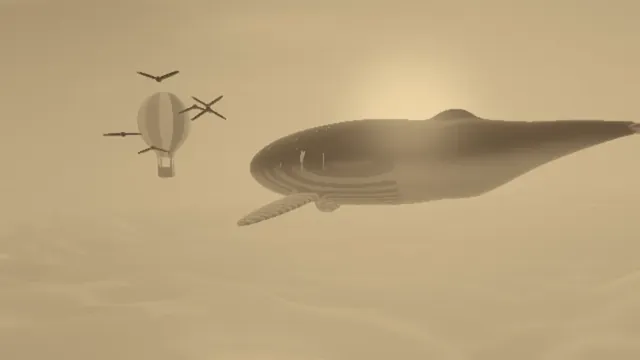
Sepia Filter
Sepia filter for photos and video: the warm brown sepia tone of an old print, with shadow and highlight colors yours to change. Save a still, MP4 or GIF.