Posterization
Posterization is the flattening of smooth tones into a few hard-edged bands of color. Why the eye exaggerates every step, and how few colors a poster needs.
What is posterization?
Posterization is what happens when a smooth range of tones is reduced to a few flat bands, with a visible jump from one to the next. It can be a flaw, as in a banded sky in a compressed photo, or a deliberate graphic style borrowed from screen-printed posters.
Digitally it's simple arithmetic. Each color channel is rounded to a small number of levels, and every pixel snaps to the nearest one.
How many colors does a posterized image have?
With N levels per channel you get at most N cubed colors. Two levels give 8, three give 27 and four give 64. Those numbers are surprisingly small next to the 16.7 million an ordinary 8-bit image can hold, which is why the effect is so obvious even at what sound like generous settings.
Printed posters work with even fewer. A screen print adds one ink per pass, so every extra color costs another stencil and another run through the press. That cost is why so many screen-printed gig and protest posters get by on a handful of inks, with the photo behind them reduced to a few flat shapes. Andy Warhol's silkscreen portraits from the 1960s, with their flat patches of lipstick red and eyeshadow blue, are the best-known example.
Why do the bands look like they have edges?
Look closely at a posterized gradient and each band seems lighter along the edge next to a darker neighbor, and darker along the edge next to a lighter one, even though every band is perfectly flat. Your visual system is exaggerating the change at each border. The same edge enhancement makes Mach bands appear, the bright and dark stripes Ernst Mach described in 1865 at the ends of a smooth ramp.
That's why banding is so hard to ignore once you notice it, and why a step that measures only one level out of 256 can still be visible across a large, smooth sky. It's also why dithering works: scattering the edge into a pattern of dots gives the eye nothing straight to sharpen.
Where you'll see posterization on purpose
Cel shading in video games posterizes the lighting instead of the colors, so a character gets two or three flat tones of shade in place of a smooth gradient, like a cartoon. Comic colorists, vector illustrators and screen printers all work the same way, building a picture out of a handful of flat values.
How to posterize an image
Posterize Image cuts each channel into 2 to 20 Levels. For a gig-poster look, try 3 or 4, then check which colors actually show up: a photo rarely uses all 27 or 64. Because each channel steps on its own, expect some tints the original never had, especially in skin and sky.
For a strict two-color print, use Threshold Image. Its Newsprint preset sets a dark brown-black ink #2a2622 on a cream paper #efe6d2 with a slight Softness of 0.06, and the Level slider decides where shadow ends and paper begins. With the default black and white colors, switching Mode to Per channel thresholds red, green and blue separately and gives eight flat colors.
Try it
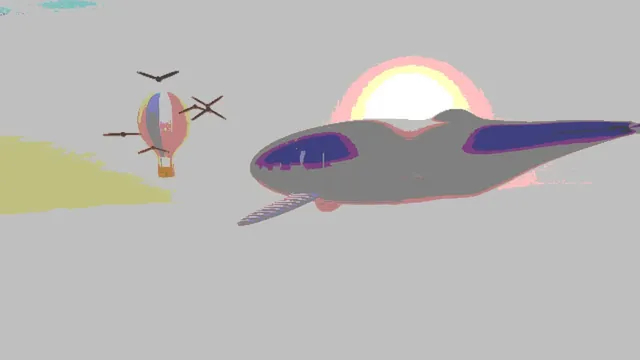
Posterize Image
Posterize photos and video into flat bands of color, from 2 to 20 steps per channel, for bold poster-style posterization. Free; save as PNG, MP4 or GIF.
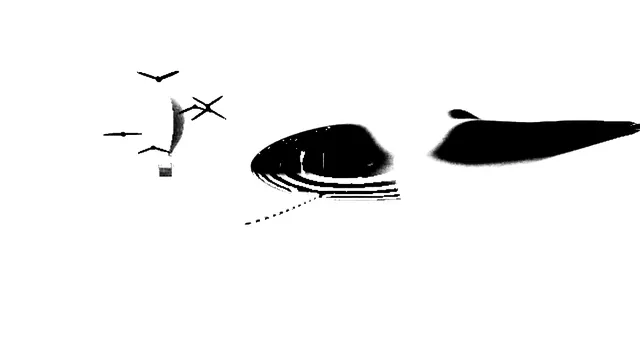
Threshold Image
Threshold an image or video into two flat colors at the brightness you choose, with a hard or soft edge. It all runs in your browser, so nothing is uploaded.