Matrix Rain Effect
Matrix rain effect on your own image or video: falling streams of code that glow where the picture is bright. Seeded, so every export rains the same way.
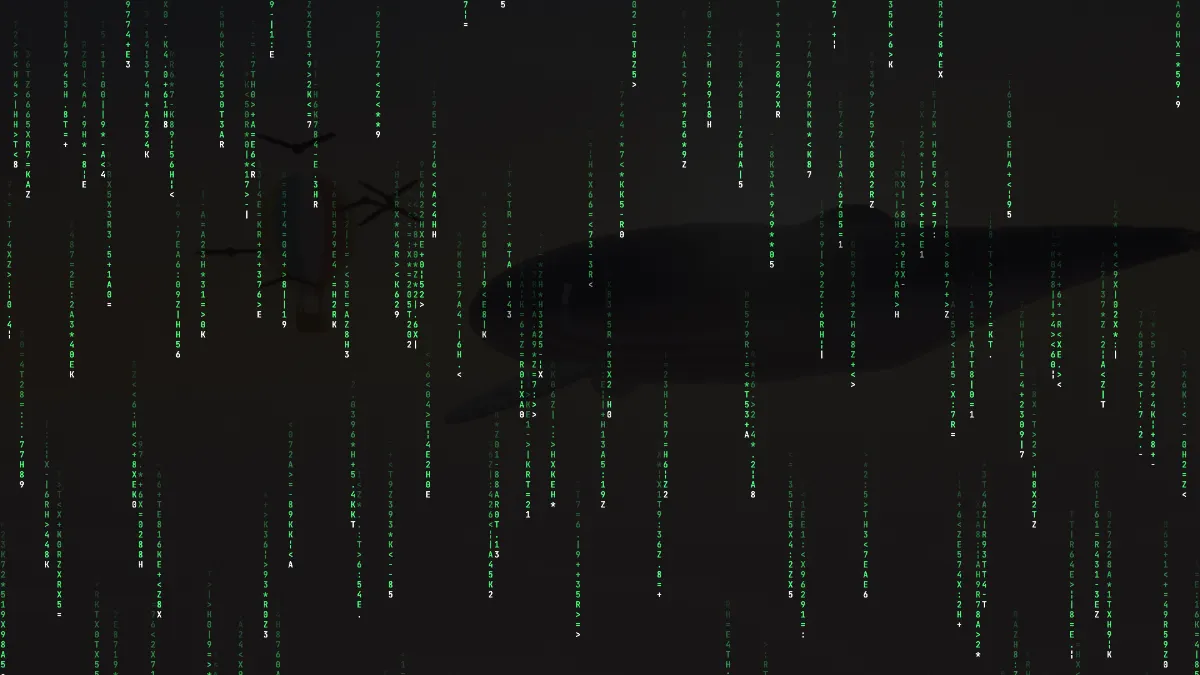
What is the Matrix rain effect?
Matrix rain (you'll also see digital rain or Matrix code) is the falling green code from the 1999 film The Matrix. Columns of glyphs drop down the screen, bright at the head and fading along the tail. In the film it's a typeface by Simon Whiteley, with mirrored half-width kana, Latin letters and numerals.
This version rains digits, a few capital letters and some symbols, and every glyph flickers to a new one eight times a second.
How to add Matrix code rain to a photo or video
Upload an image or video and choose a Preset: Classic, Downpour, Drizzle, Portrait, Amber or Ice. Size is the glyph height and Speed is how fast the streams fall. Density is the share of columns that get a stream, and Trail is how many glyphs each tail runs, from 2 to 40.
Image decides how much the picture's brightness shapes the rain, and Backdrop how much of the picture you see behind it. Colour sets the tail and Head sets the leading glyph, so you can swap the green for amber, blue or anything else.
How does your picture shape the rain?
Each stream is lit by the image underneath it. The code burns brighter where the picture is bright and dims over dark areas. At Image 1, any cell darker than about 5% brightness gets no glyph, and the rain alone draws the subject.
Columns fall at their own pace, somewhere between 0.6 and 1.4 times the Speed you set; at Speed 1 an average stream drops ten cells a second. Seed locks those paces and starting points, and glyph changes run off the timeline clock. So a frame at a given time looks the same in the preview as in the export.
Settings for a readable face, a quiet title backdrop and a GIF
If you want a face to read through the rain, start from Portrait (Image 1, Backdrop 0, Size 10) and then push Density to 1 and Trail to 40. Only cells inside a tail light up, so every column needs a stream and every tail needs its full length. Even so, only about a quarter of each column is lit at any moment at Size 10. A Backdrop of 0.1 fills the gaps in faintly.
For a title backdrop, use Drizzle (Density 0.35, Speed 0.6) and set Backdrop to 0. With fewer, slower streams there are dark gaps for the words, and nothing from the source picture gets in their way.
For a GIF, go with Size 24 or more and Backdrop 0. The glyphs stay readable after the shrink to the GIF's 960-pixel limit. The frame then holds only black and shades of your two colors, and a GIF palette handles that without banding.
Why doesn't the Matrix rain loop seamlessly?
No two columns fall at the same pace, so the rain never comes back to an earlier frame, and on top of that the glyphs reshuffle eight times a second. Cut a recording at any length and it'll jump at the loop point.
The fix is in the record settings: set Seamless loop to ½ s or 1 s. The end crossfades into the start, and with falling code you'll have a hard time spotting the blend. The export ends up that much shorter.
Saving Matrix rain
The rain fills the whole frame with black, so you won't get a transparent version to lay over footage afterwards. Load the footage here and turn up Backdrop to show it.
When a photo or clip shows through, record MP4. A GIF repaints that background from 256 colors every frame and bands the gradients. If you'd like characters you can copy as text, ASCII Art Generator draws the same sort of glyph grid from a still picture.