Braille Art Generator
Braille art generator: redraw an image or video in Unicode braille dots, eight per character, and copy it as text for a chat or README, or save it as an image.
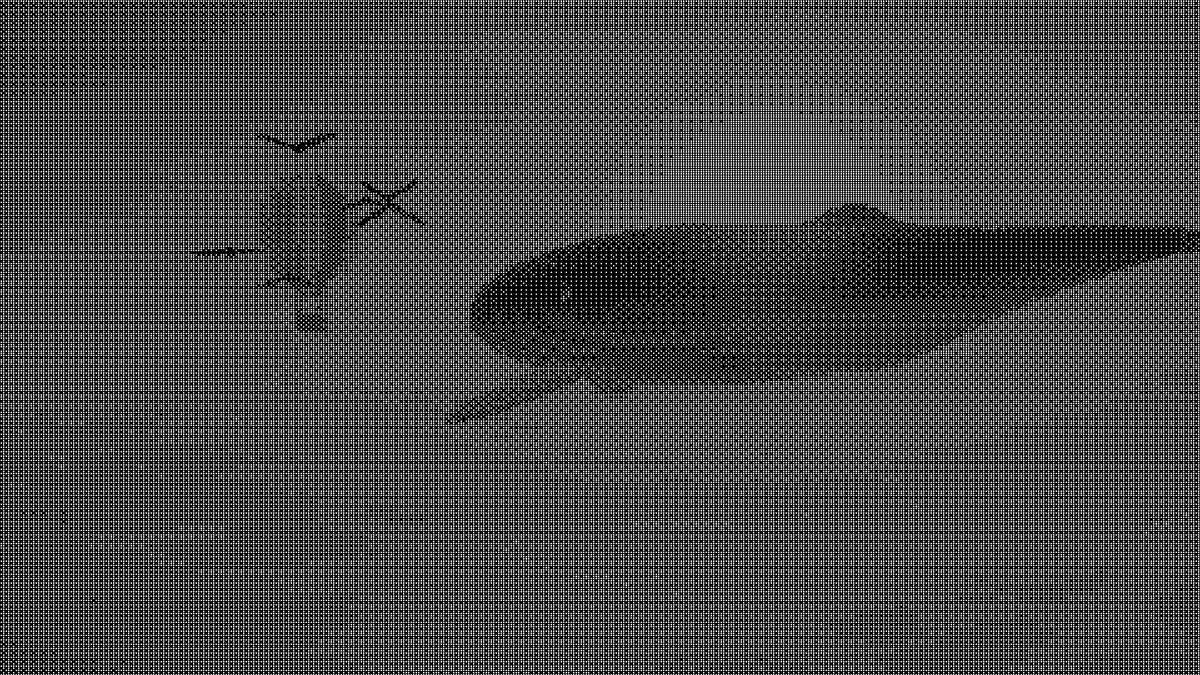
What is braille art?
Braille art draws with the Unicode Braille Patterns block, U+2800 to U+28FF, where each character is a two-by-four grid of dots. The block has all 256 on and off combinations of those eight dots, so whatever pattern the picture calls for, there's a character for it that you can paste.
Because one cell holds eight points, braille art keeps a lot more detail than ASCII art at the same character size. And it's still plain text, so it'll paste into a chat, a README or a terminal.
How does the generator decide which dots to fill?
Each of the eight dots samples the picture at its own spot, and it's filled if that spot is brighter than a 4x4 Bayer threshold. That ordered dither turns mid-grays into an even mix of filled and empty dots. A single cutoff would just leave flat patches.
Cells are the same size as characters in the ASCII style. So at one Size, a braille copy and an ASCII copy of the same picture have matching rows and columns.
How to make braille art from a picture
Upload an image or video. The Braille preset starts you off with white dots on black. Size is the cell height, from 6 to 64 pixels of a 1080p frame. Contrast spreads the picture's tones over more of the dot patterns, and Invert swaps which areas come out dense.
Colour either stays on Two colours, set with Ink and Paper, or tints each cell from the picture with Image colours or Inverse. If you switch Style back to Characters you're using the controls of ASCII Art Generator, which picks one character per cell where this picks eight dots.
Copy as Text for plain braille, ANSI to keep the colors in a terminal, or Markdown to fence the rows in a code block.
Settings for a Discord message, a crisp logo and a light chat theme
Discord: a square picture at Size 36 gives you about 50 cells by 30 rows, around 1,500 characters, which fits under the 2,000 a standard message allows. The empty cells hold their place even as plain text. That's because the blank pattern U+2800 is a printing character, and chats don't collapse it like they collapse spaces.
Logo or line drawing: put Contrast at 3. Tones get pushed to full or empty before any dots are picked, so flat areas end up solid or blank without the dither's regular speckle.
Light chat theme: tick Invert so the dots land on the dark parts of the picture, which is how dark text on white ought to read. For a dark theme leave it off and the dots show up light.
Why does my braille art look grainy?
Any mid-gray area is built from a fixed 4x4 pattern of filled and empty dots, so a smooth sky or a cheek becomes an even crosshatch. With nothing but on and off to work with, that pattern is the only way to draw a gray.
You can raise Contrast so fewer areas sit in the mid-tones, or drop Size until the pattern's finer than your eye picks up. A sharp subject against a soft, plain background comes out cleanest.
Saving braille art
Every dot is a round spot nearly three-quarters the width of its slot, so the dots shrink quickly as the file gets smaller. GIFs max out at 960 pixels on the long side, and a landscape clip at Size 14 leaves dots barely a pixel wide. Go with Size 28 or more for a GIF; that keeps them two to three pixels across.
A PNG still keeps each dot a clean round mark. Copied text doesn't have this problem at all, since the reader's font draws the dots at whatever size it wants.