ASCII Art Generator
ASCII art generator: convert an image or video to ASCII in your own characters and colors, then copy it as text, ANSI or Markdown, or save a PNG, GIF or MP4.
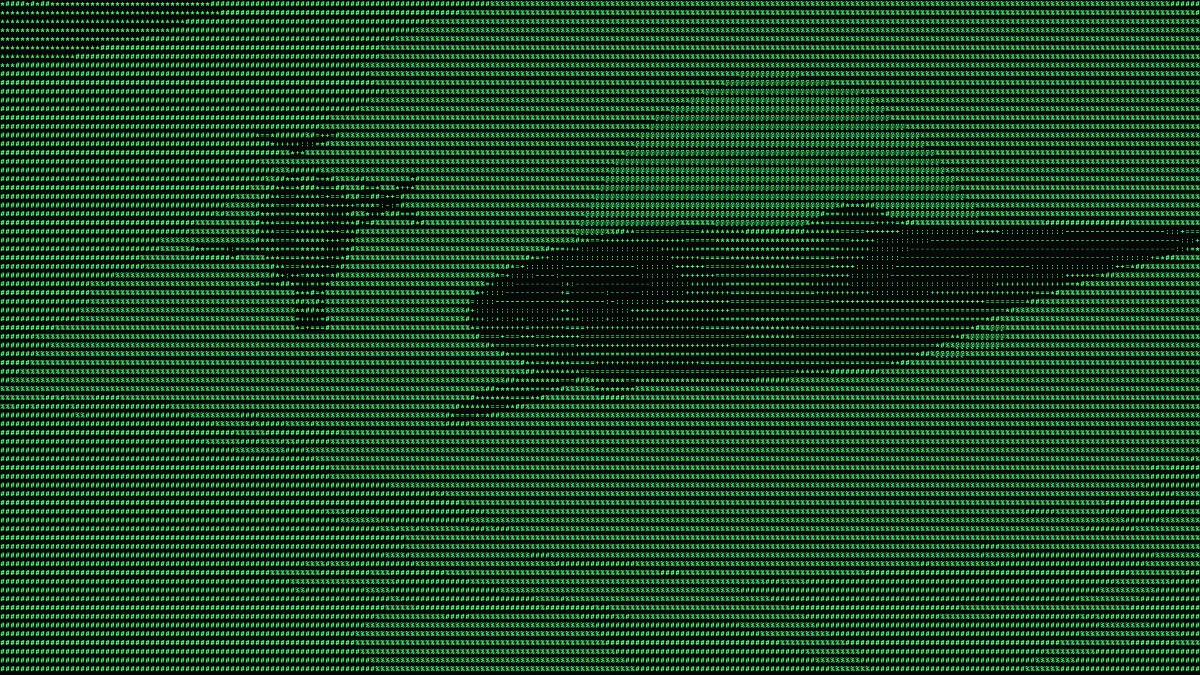
What is ASCII art?
ASCII art makes a picture out of printable characters, treating the amount of ink in each one as a shade of gray. Kenneth Knowlton and Leon Harmon were already making it at Bell Labs around 1966. From there it spread through early email, Usenet and terminal screens.
You need a fixed-width font for it, one where every character takes the same space, so the rows line up into a grid. People drawing by hand use slashes, pipes and underscores for outlines and dense characters like # and @ for shadows. This generator works from a photo and does the shading for you.
How does the generator pick each character?
It cuts the picture into a grid of cells, and the average brightness of each cell picks one character from your set. The set gets sorted by how much ink each glyph covers when it's drawn, so you can type any characters you like, in any order.
Only Size decides the grid. A picture comes out about 1080 divided by Size rows tall, whatever its resolution, and each cell is 0.6 times as wide as it is tall, which is close to the shape of a character in a fixed-width font.
That sorting is also why you can't spell a message across the picture with a set. Repeats get dropped and what's left is ordered by ink. Type HELLO WORLD and you get eight shades (H, E, L, O, W, R, D and the space), placed by brightness and not in reading order.
How to turn an image into ASCII art
Upload an image or video and choose a Preset: Terminal, Colour, Paper, Blocks, Binary, Braille or Inverse. Size is the character height, anywhere from 6 to 64 pixels of a 1080p frame. Characters swaps in a different set: Classic, Detailed (a 70-character ramp), Blocks, Binary, Dots, Letters or one you type yourself.
Colour has three modes. Two colours draws in Ink on Paper, Image colours tints each character from the picture, and Inverse colors the background from the picture while the characters take the Paper color. Contrast runs from 0.5 to 3 and spreads the tones over more of the characters. Invert puts the dense characters in the dark areas.
The Copy as buttons copy whatever frame is on screen. Text gives you plain lines, ANSI puts a 24-bit color code in front of every character, and Markdown wraps it all in a fenced code block.
Settings for a README, a Discord message and a light-mode page
For a README or an 80-column terminal, use Size 40 on a 16:9 picture. That's about 80 columns by 27 rows. On a square picture, Size 22 does the same job. Copy as Markdown for the README, and Copy as ANSI for the terminal, which keeps the picture's own colors no matter what Colour says.
Discord caps a standard message at 2,000 characters. At Size 36 a square picture works out to about 50 columns by 30 rows, roughly 1,550 characters once you count the line breaks and the code fence, and Discord shows a code block in a fixed-width font. If you want more detail in the same count, Braille Art Generator puts eight dots in every character.
If it's going onto a light page, like GitHub in light mode, an email or a document, start from the Paper preset. It turns on Invert, so the dense characters fall in the shadows and the pasted text reads as dark ink on white. On a dark terminal or a dark chat theme you'll want Invert off.
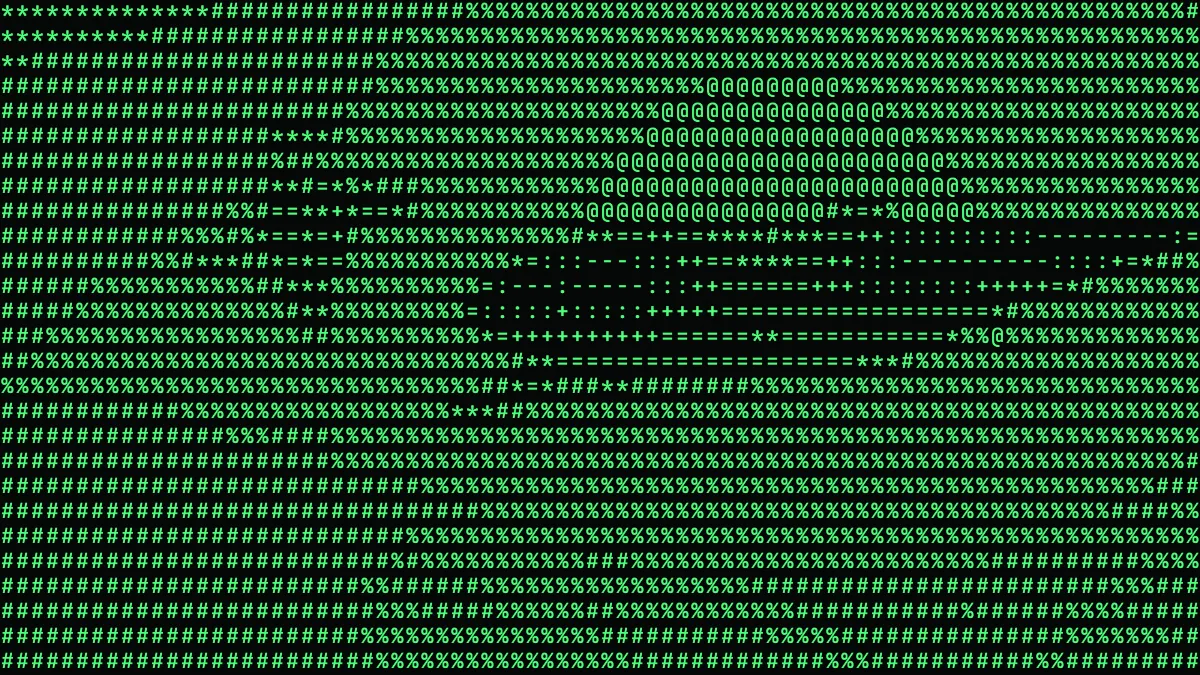
Can it make an ASCII banner from typed text?
Not by typing, no. Those big-letter banners made of characters come from FIGlet, a program that sets text in fonts drawn out of characters. This generator reads pictures, so hand it a picture of the word: white letters on black, made in any editor or saved as a still from a Text Effects tool.
We tried it. HELLO in white Arial Black on a black 1080p frame, capitals 240 pixels tall, run through the generator's own text code. At Size 40 the word came out 7 rows tall and about 50 columns wide, and it read clearly. Size 24 made it 11 rows by 84 columns, which is too wide for an 80-column terminal.
Why does pasted ASCII art look like a negative?
Terminal draws light characters on dark paper, so the densest ones, @ and # and so on, land in the brightest parts of the picture. Paste that onto a white page and they print dark, and your highlights turn into shadows. For anything with a light background, tick Invert before you copy.
The other usual culprit is spaces. Classic and Detailed use a space for the emptiest cell, and outside a code block most web pages and chats squash runs of spaces together, which knocks the rest of the row out of place. Use a set with no space in it, like .:-=+*#%@, and the empty cells turn into dots.
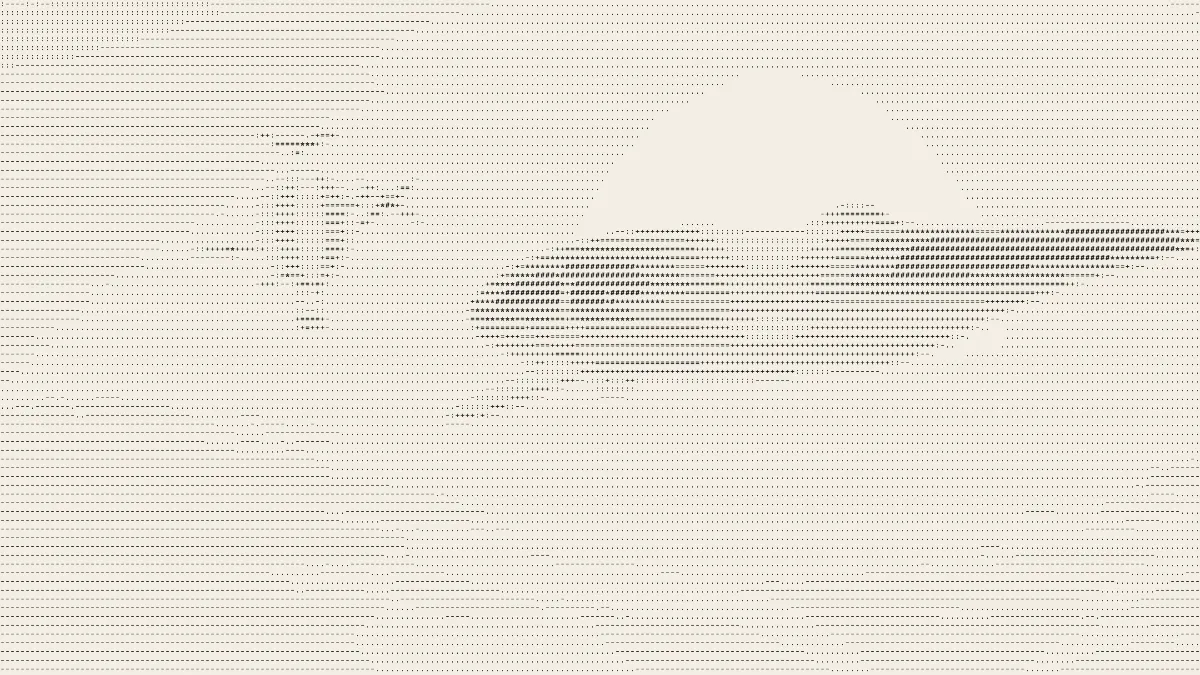
Saving ASCII art as an image or a clip
For a still, save a PNG. Character strokes are only a pixel or two wide. JPG compression blurs them and leaves a haze of noise round each one on a dark background, while a two-color PNG stays small because there's hardly anything in it besides two colors and their edges.
For a GIF, keep Size at 24 or above. GIFs top out at 960 pixels on the long side, so a landscape clip shrinks to 540 pixels tall and a Size 14 character ends up 7 pixels high, too small to read. Two colours is the best fit for GIF. Image colours over busy video looks better as MP4.