Glassmorphism
Glassmorphism is the UI style of see-through, blurred panels over color, named in 2020. It traces back to Windows Vista, and it lives or dies on text contrast.
What is glassmorphism?
Glassmorphism is an interface style built from panels that look like frosted glass: semi-transparent, blurring whatever sits behind them, with a thin light border and soft shadow. It works best over a colorful background, often bright gradient blobs, so the blur has something to show.
The designer Michał Malewicz gave it the name in a November 2020 article, a few months after Apple's macOS Big Sur made translucent sidebars and menus central to the desktop. Putting a name on it made the scattered examples easy to search for and copy.
Where did glassmorphism come from?
The idea is much older than the name. Windows Vista shipped in 2007 with Aero Glass, which blurred the desktop through window borders. Apple's iOS 7 in 2013 put a heavy blur behind control panels and notifications. Microsoft's Fluent Design in 2017 called its version acrylic and added a fine noise grain so the surface read as a material.
Apple went further in 2025 with Liquid Glass, whose panels also bend and refract the content at their edges as thick glass would.
Why does glassmorphism fail?
Because the background shows through, nobody controls what sits behind the text. White type on frosted glass can pass contrast checks over a dark part of the photo and fail over a bright one a few pixels away. WCAG asks for at least 4.5:1 for normal text, and glass panels that look great in a mockup often miss that once real content scrolls behind them.
The usual fixes are a stronger blur, a more opaque fill or a slight dark tint. Many teams keep glass for toolbars and decorative cards and put long text on solid surfaces.
The CSS behind the look
On the web the effect comes from backdrop-filter: blur(), which blurs everything rendered behind an element. Pair it with a background around 10 to 30 percent opaque white, a 1 px white border at low opacity and rounded corners. A blur of 10 to 20 px is typical for a card. Below that, shapes behind the panel stay readable and fight with the text, and much above it the panel turns into a flat wash of color. The blur also costs real work for the graphics chip on every frame that scrolls, so a page full of glass panels can stutter on older phones. Firefox was the last major browser to turn backdrop-filter on by default, in 2022, so older tutorials include fallbacks for it.
Glass panels on photos and video
To put the look on a still or a clip, Frosted Glass Effect gives you an etched pane, and its Mask setting under Mix limits the frost to a rectangle where a caption will go. For the newer thick-glass style, Liquid Glass Effect draws a single shape that bends the picture at its rim; its Thin plate preset is the closest to a classic glass card.
Try it
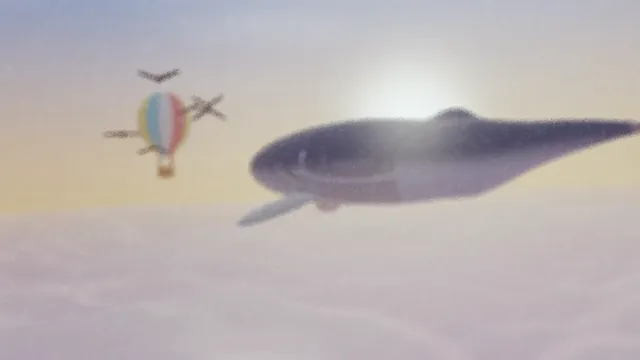
Frosted Glass Effect
Frosted glass effect for photos and video: colors stay, detail melts into a fine, grainy haze, like etched glass. Seeded frost keeps every export identical.
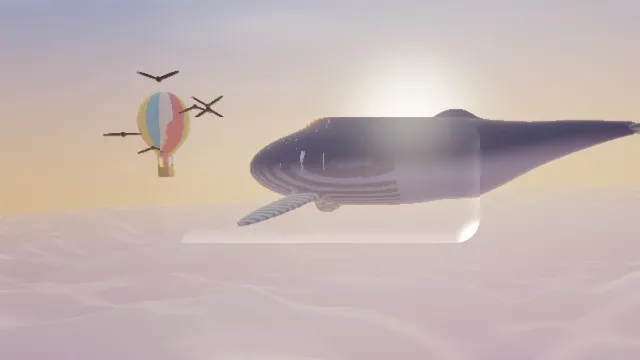
Liquid Glass Effect
Liquid glass effect: lay a lens of thick glass over a photo or video, as a rounded button, disc or pill that bends the picture at its edge and catches a sheen.