Animated Background Generator
Animated background generator for noise clouds, warped marble, Voronoi cells or Truchet tiles in your colors. Export MP4, WebM or GIF, free, in the browser.
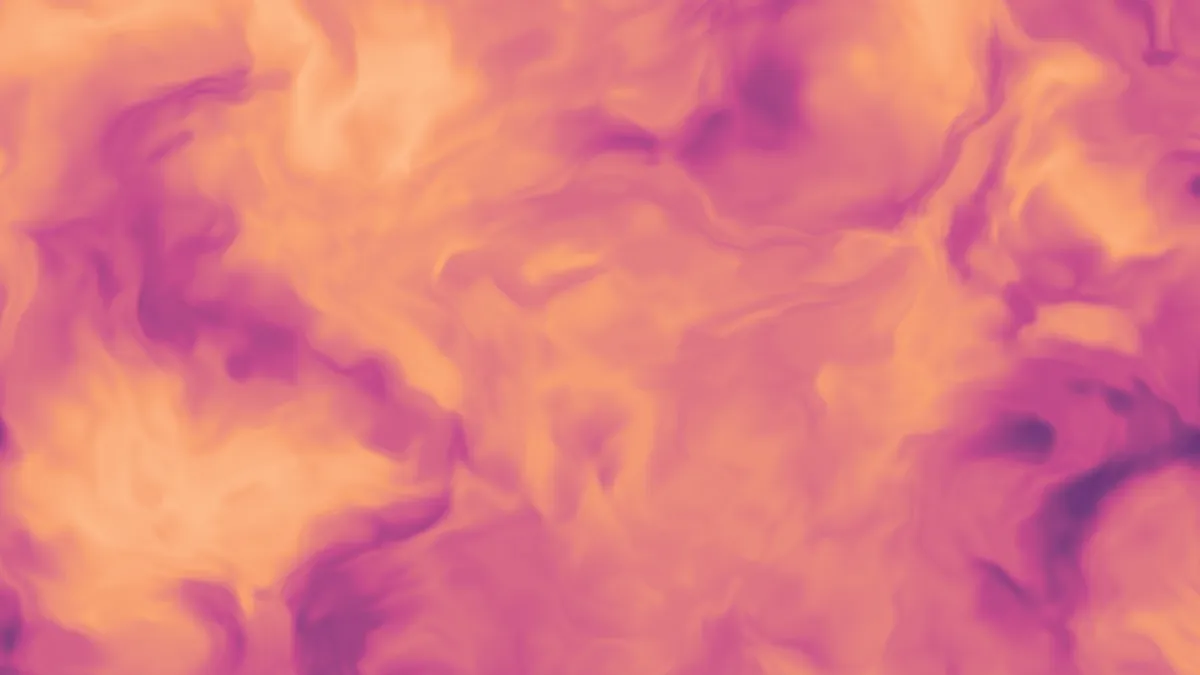
What is a procedural animated background?
A procedural background is calculated from a formula for every pixel of every frame. There's no source footage behind it and no fixed length. This generator draws one of four fields as a GPU shader, then runs its values through a color ramp from the first color to the last.
Noise is value noise added up over four octaves, a fractal noise that looks like soft clouds. Domain warp feeds that noise back into its own coordinates twice, bending it into something closer to marble or smoke.
Voronoi divides the plane into cells around drifting points, the diagram named after Georgy Voronoy. Truchet lays down quarter-circle tiles that flip over time, an idea that goes back to Sébastien Truchet's 1704 memoir.
How to make an animated background
Choose a Pattern, or begin from one of the presets: Domain warp, Clouds, Cells, Truchet or Lava. Colours holds the ramp, which can have up to eight stops. Scale is the size of one pattern unit, measured in pixels of a 1080p frame.
Detail does something different for each pattern. In Domain warp it sets how far the noise bends. For Voronoi it switches between shading each cell out from its center (at 0) and drawing the borders between cells (at 1), and for Truchet it sets the line width. Plain Noise doesn't use it. Speed controls the pace, and Seed gives you a different pattern on the same settings.
If you want soft color without any texture, Mesh Gradient Generator blends a handful of points instead.
Settings for a calm hero, molten lava and a two-color maze
Calm hero section: take the Clouds preset and lower Speed to 0.15. At its Scale of 500, the clouds then drift less than 20 pixels a second across a 1080p frame. That's slow enough to sit behind text without tugging at it.
Molten lava: the Lava preset is Domain warp at Detail 0.9 and Speed 0.8, on a ramp that runs from near-black red to pale yellow. If you push Detail to 1 and Scale to 600 you'll get thicker, slower swirls, and they start to look more like marble than flowing rock.
Two-color maze: set Pattern to Truchet, cut Colours down to two (#111111 and #f5f5f5 work), and use Scale 60 with Detail 0.2 for thin lines. Two stops means there's no gray between the line and the ground. At Speed 1 each tile gets a new turn every two seconds, and Speed 0 freezes a single maze.
Why does the last color of my ramp barely show?
Noise and Domain warp both average four layers of noise, and averages bunch up around the middle. In a test frame at default settings, about 97 percent of pixels landed in the lower two thirds of the ramp. A fourth color at the top end only turns up as the odd speck.
Put the color you most want to see in second or third place, or repeat your highlight color at the end of the ramp. Truchet doesn't have this problem, since it jumps straight between the two ends of the ramp.
Saving an animated background as a loop
None of the four patterns comes back to its first frame on a regular beat. To get a file that repeats, use Seamless loop in the export settings. It fades the last ¼ to 2 seconds into the start, and the clip comes out shorter by that amount.
MP4 at High quality keeps the soft cloud and marble ramps clean. GIF cuts them down to 256 colors a frame and needs its Dither box ticked. The one case where GIF really works is a two-color Truchet, because there's barely more than two colors to store.